Best Scheduling Software for Small Business: 8 Tools Ranked (2026)
The best scheduling software for small business, ranked on free plans, how each tool charges, reminders and client forms, so you can pick one this week.

A small business books time in many shapes. A studio books classes, while an agency books sales calls. The right tool lets clients pick a time on their own and asks the questions you need before anyone shows up. Then it sends the reminders for you.
The biggest difference between these tools is how they charge. Most charge per person or per calendar. A few charge by the number of bookings each month. Before you compare features, count who on your team takes bookings and roughly how many you get in a month. That one step makes the prices below easy to compare.
How we picked
- How the price grows: what a team of three to five pays as you add people or bookings.
- Client details up front: forms or questions that collect what you need before the meeting.
- Reminders: email and text reminders that cut down on missed bookings.
- Calendar and video links: Google Calendar or Outlook, plus a meeting link on each booking.
- Ease for clients: a booking page that works on a phone in the client's time zone.
The quick comparison
| Tool | Best for | Free plan | Paid from | How you're charged |
|---|---|---|---|---|
| Claritia | Teams that book clients from website forms | Yes | $12 a seat a month billed yearly | Per bookable seat; form builders are free |
| Acuity Scheduling | Service businesses with intake forms | No, 7-day trial | $16 a month billed yearly | By number of calendars |
| Setmore | Small staff teams on a tight budget | Yes, up to 4 users | See their pricing page | Per user on paid plans |
| Microsoft Bookings | Businesses already on Microsoft 365 | Comes with some plans | See their pricing page | Part of a Microsoft 365 licence |
| Calendly | Sales calls and one-on-one meetings | Yes, 1 event type | $10 a seat a month billed yearly | Per seat |
| Zoho Bookings | Teams that use Zoho apps | Yes, 1 user | $6 a user a month billed yearly | Per user |
| SimplyBook.me | Low booking volume with many services | Yes, 50 bookings | $11.90 a month billed yearly | By bookings and providers |
| Koalendar | Very small teams that want low prices | Yes | $6.99 a seat a month billed yearly | Per seat; Business includes 3 seats |
1. Claritia
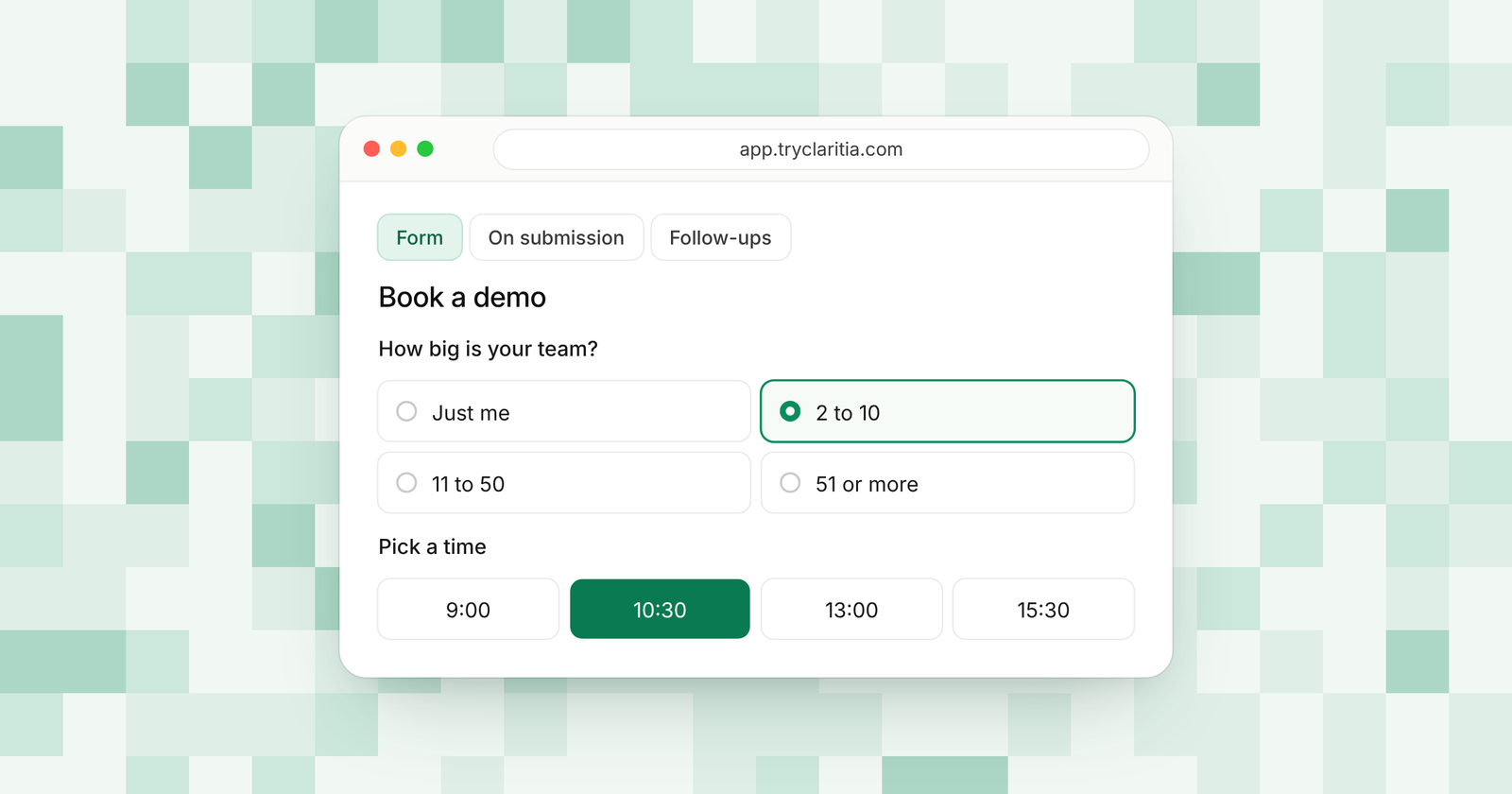
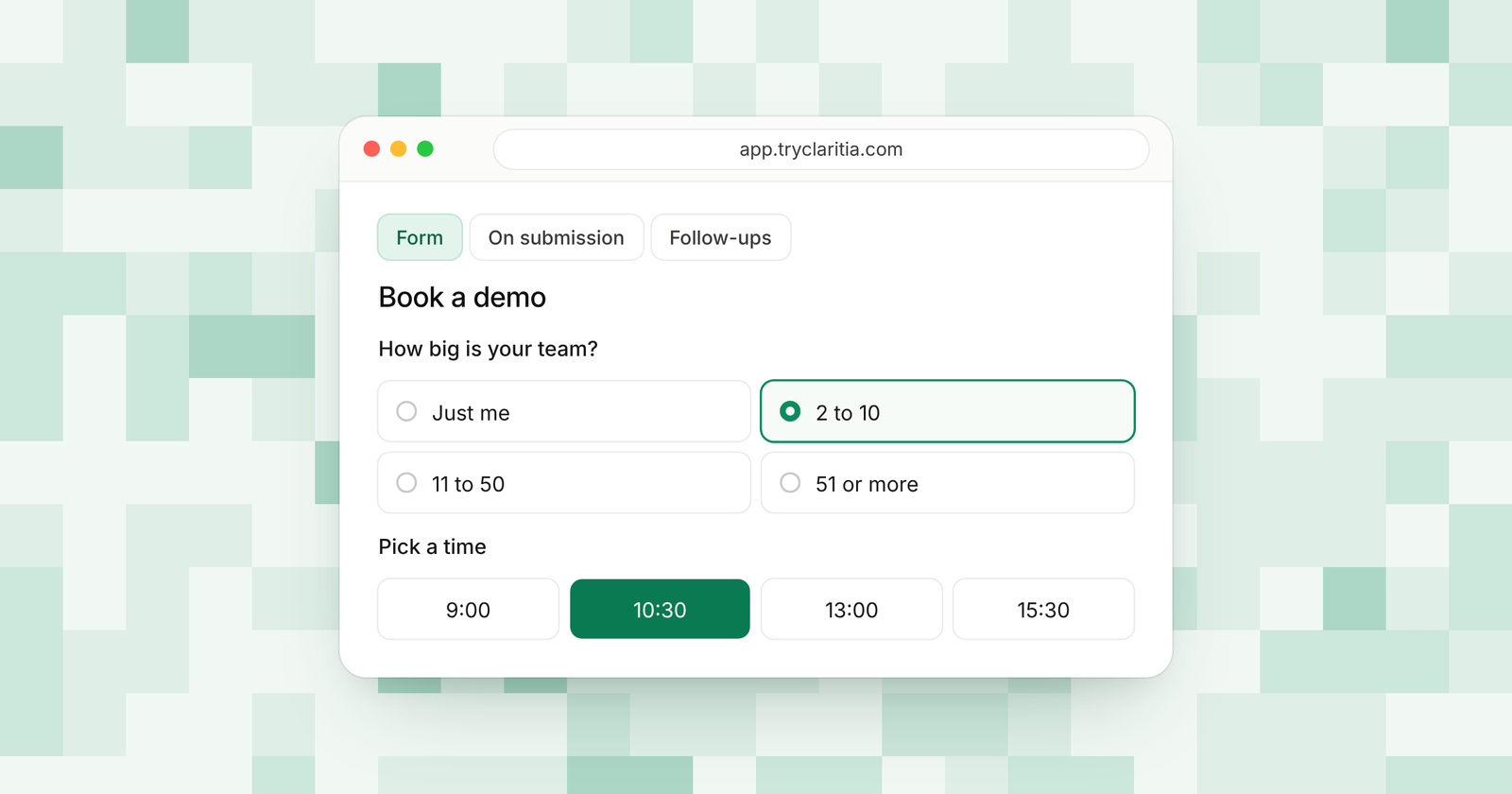
Claritia joins forms and meetings for small teams of every kind, with workflows that follow up after. A client fills in your form and books a time inside it, so you get their details and the meeting in one step. Answers can send each booking to the right person on your team.
Best for: small teams that win clients through a website and want the form to book the meeting.
What stands out:
- You pay only for teammates people can book. Anyone who just builds forms or reads answers is free.
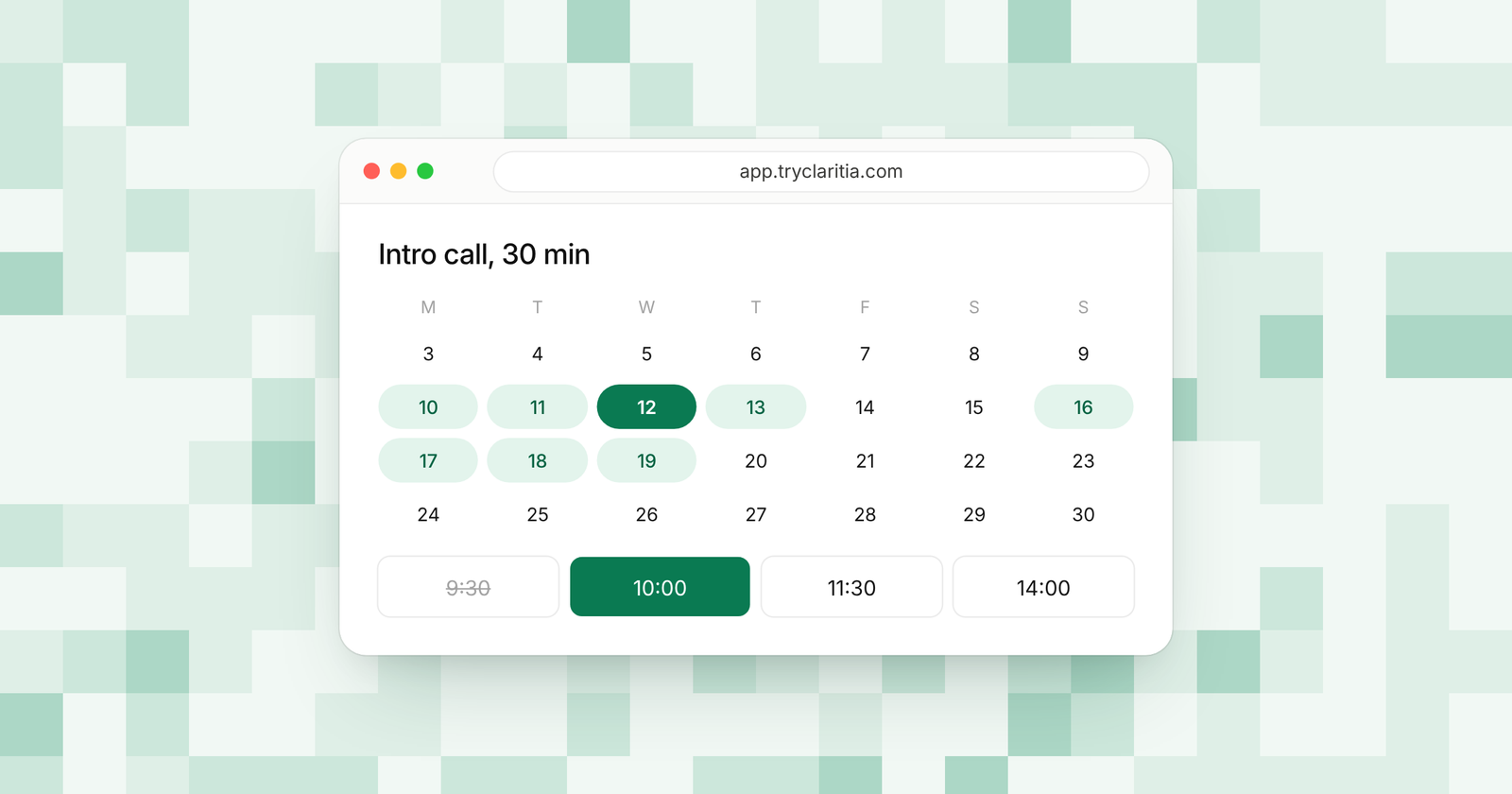
- Booking inside forms, working hours, buffers and daily caps on the free plan.
- Reminders a day and an hour before each meeting, with reschedule and cancel links.
- Starter adds paid meetings with Stripe or PayPal, plus booking pages for each person and the team.
Where it falls short:
- There's no native mobile app, so you manage bookings in the browser.
- Text reminders on Pro and Business are coming soon, so for now reminders go by email.
Pricing: Free at $0, Starter $15 a seat a month ($12 billed yearly), Pro $39 ($31) and Business $79 ($63).
The free plan has 250 form submissions a month and one meeting type on one calendar. That's enough to test the full flow on your own site. See Claritia Forms for the form side.
2. Acuity Scheduling
Acuity is a long-standing pick for service businesses. Every plan includes custom intake forms and online payments. You pay by the number of calendars, which suits a business where each staff member or room has one.
Best for: salons and clinics that take payment when clients book.
What stands out:
- Custom client intake forms on every plan.
- Payments through Stripe, Square, PayPal and Venmo.
- Standard adds packages, memberships, a waitlist and SMS reminders.
- Premium includes a signed HIPAA agreement for health businesses.
Where it falls short:
- There's no free plan, only a 7-day trial with no card needed.
- Starter has one calendar, so a second staff member means Standard.
Pricing: Starter $16 a month billed yearly ($20 monthly). Standard is $27 ($34) and Premium $55 ($69).
3. Setmore
Setmore gives a small staff team a lot at no cost. The free plan covers up to four users with unlimited appointments. It also has phone apps for iOS and Android.
Best for: shops and studios with a few staff and a small budget.
What stands out:
- Free for up to four users with unlimited appointments.
- Online and in-person payments on the free plan.
- Phone apps for iOS and Android.
- Round-the-clock support from real people, listed on the free plan.
Where it falls short:
- The free plan sends email reminders only. Text reminders need a paid plan.
- The pricing page shows different numbers in different places, so confirm the paid price before you buy.
Pricing: Free for up to four users. Pro: See their pricing page.
4. Microsoft Bookings
If your business already pays for Microsoft 365, you may already have Microsoft Bookings. It comes with Business Basic, Business Standard, Business Premium and Teams Essentials, among other plans. It ties into Outlook and creates a Teams meeting for each online booking.
Best for: offices that already run on Outlook and Teams.
What stands out:
- Included with many Microsoft 365 business plans.
- Personal booking pages and shared pages for the whole team.
- Email and text notifications to reduce no-shows.
- Booking data stays inside Microsoft 365.
Where it falls short:
- You need a Microsoft 365 plan that includes it.
- It works best inside the Microsoft world. Teams that live in Google Workspace will find less to like.
Pricing: Included with some Microsoft 365 plans. See their pricing page.
5. Calendly
Calendly is the name most people know for booking links. It's simple for clients and fits sales calls and one-on-one meetings well. Team features like round robin start on the Teams plan.
Best for: small sales and consulting teams that book calls.
What stands out:
- A free plan with one event type and a booking page.
- Standard adds unlimited event types and automated reminders.
- Stripe and PayPal payments on Standard.
- Teams adds round robin and lead routing.
Where it falls short:
- The free plan has one event type and no reminders.
- Round robin and routing need Teams at $16 a seat a month billed yearly.
Pricing: Free at $0, Standard $10 a seat a month billed yearly, Teams $16 billed yearly, Enterprise from $15,000 a year.
6. Zoho Bookings
Zoho Bookings fits businesses that already run on Zoho. It links to Zoho CRM and Bigin. Its per-user prices are among the lowest here.
Best for: small teams already using Zoho CRM or Bigin.
What stands out:
- A free plan for one person with two-way sync for Google and Outlook calendars.
- Low per-user prices billed yearly.
- Round robin with four ways to share bookings.
- Premium includes three workspaces for separate parts of the business.
Where it falls short:
- The free plan covers one person only.
- Rooms and equipment are paid add-ons on top of the plan price.
Pricing: Basic $6 a user a month billed yearly ($8 monthly), Premium $9 billed yearly ($12 monthly).
7. SimplyBook.me
SimplyBook.me prices by bookings and providers, which helps a business with a low or steady volume. It comes with a booking website and a widget for your own site. Higher plans raise both the booking cap and the number of staff.
Best for: small service businesses with a steady, modest number of bookings.
What stands out:
- A free plan with 50 bookings and one provider.
- A booking website and a WordPress widget.
- Basic covers 100 bookings and five providers.
- Premium raises that to 2,000 bookings and 30 providers.
Where it falls short:
- Booking caps mean a busy month can push you to the next plan.
- The free plan has one provider, so a team needs a paid plan.
Pricing: Basic $11.90 a month billed yearly ($13.90 monthly). Standard is $24.90 ($29.90) and Premium $49.90 ($59.90).
8. Koalendar
Koalendar keeps prices low for one or two people. Its free plan has unlimited booking pages and event types. Business bundles three seats with round robin.
Best for: very small teams that want a simple page at a low price.
What stands out:
- Unlimited bookings and event types on the free plan.
- Booking pages in more than 30 languages.
- Pro adds email reminders and custom booking questions.
- Business adds round robin and SMS credits.
Where it falls short:
- The free plan connects two calendars and keeps Koalendar branding.
- Reminders start on Pro, so the free plan sends none.
Pricing: Pro $6.99 a seat a month billed yearly ($9.99 monthly), Business $29 a month billed yearly for three seats ($36 monthly).
How to choose
- If clients find you through your website and you want their details and the booking in one step, pick Claritia.
- If you run sessions that need intake forms and payment up front, pick Acuity Scheduling.
- If you have up to four staff and want to spend nothing, start with Setmore's free plan.
- If your business already pays for Microsoft 365, try Microsoft Bookings before buying anything new.
- If you get a small, steady number of bookings each month, compare SimplyBook.me's booking caps with your volume.
Questions
What is the best scheduling software for a small business?
It depends on how you charge and book. Claritia fits teams that win clients from website forms. Acuity fits service businesses that need intake forms and payments. Setmore fits small staff teams on a budget.
Is there free scheduling software for a small team?
Yes. Setmore is free for up to four users. Claritia is free with unlimited forms and one meeting type, and its form builders never need a seat.
Can clients pay when they book?
Yes, in most of these tools. Claritia takes payment for meetings from Starter, through Stripe or PayPal. Acuity takes payment on every plan.
Do you need text reminders?
Email reminders cover most bookings. Text reminders help with walk-in style businesses where clients miss emails. Acuity adds them on Standard, and Microsoft Bookings sends text notifications.
How do you stop double bookings?
Connect every calendar your team uses, so the tool hides times that are already taken. Claritia adds buffers and daily caps on the free plan to keep each day manageable.
Get started
Build a booking form for your business in a few minutes. Start free, or compare plans on the pricing page.