9 Best Calendly Alternatives for Small Teams, Compared (2026)
Compare the best Calendly alternatives for small teams on free plans, round robin, lead routing and price, with honest strengths and limits for each.
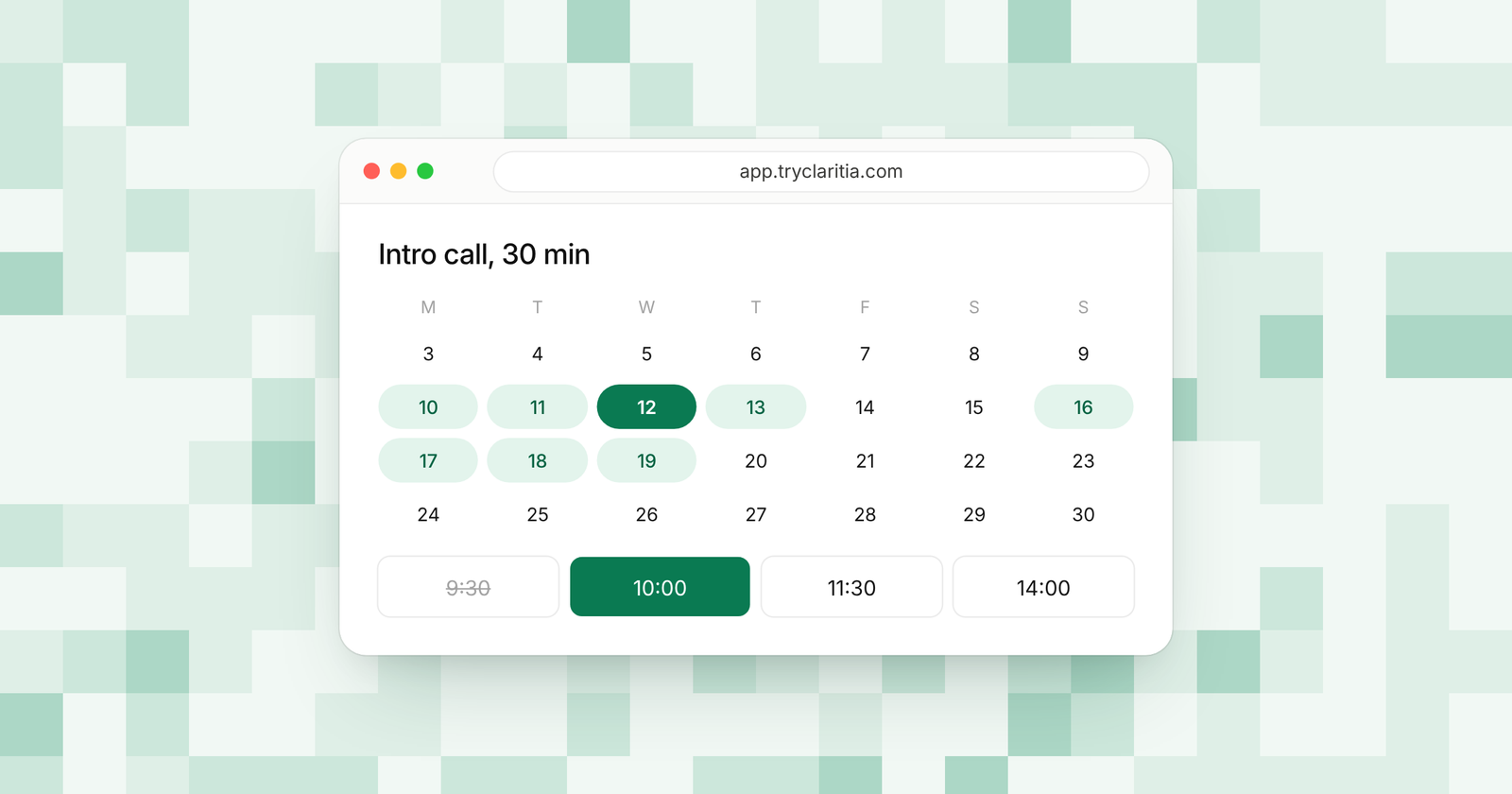
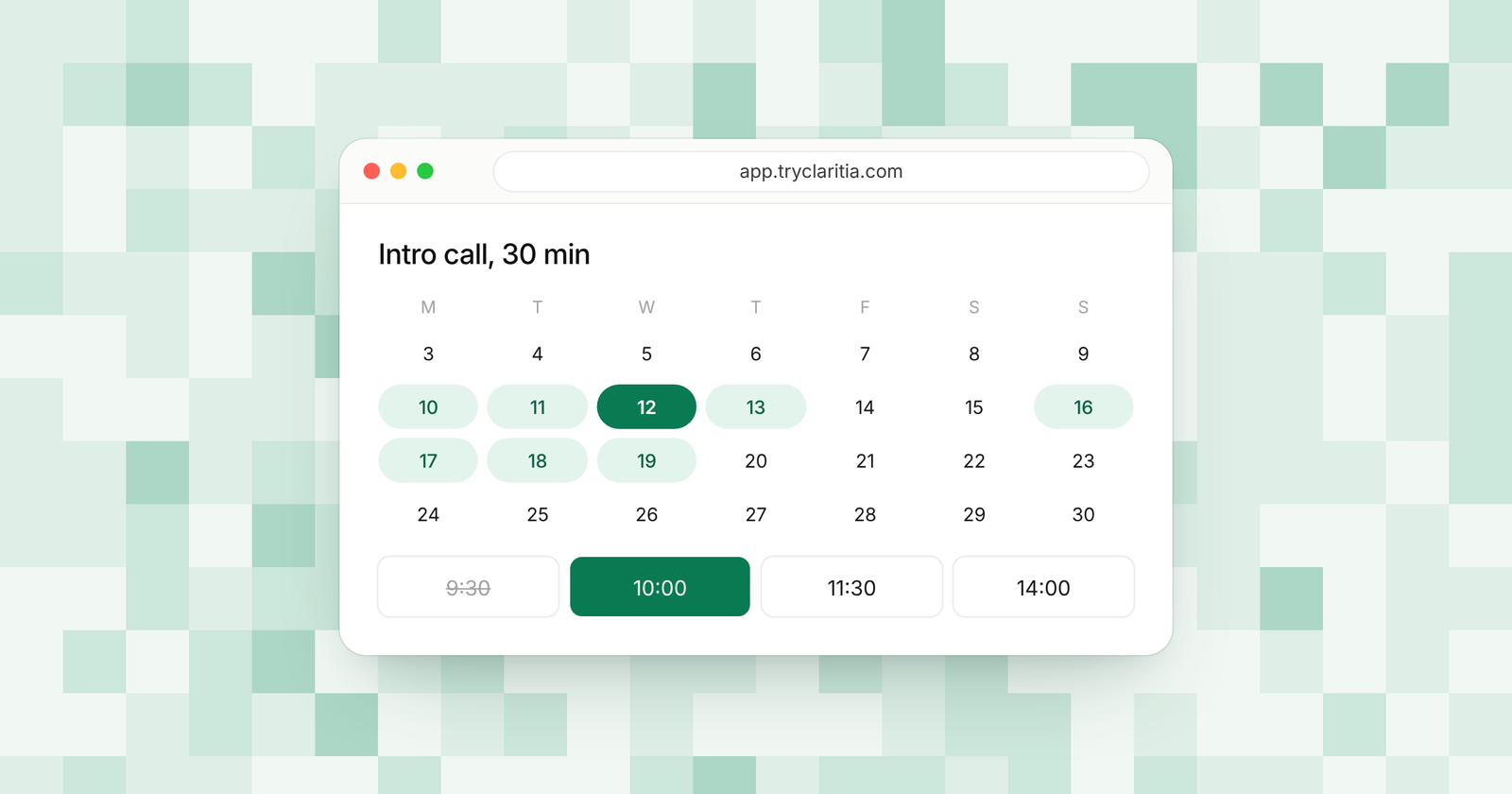
Calendly made the booking link normal, and it still does the basics well. Its free plan gives one person one event type and a clean booking page. The Standard plan adds unlimited event types for $10 a seat a month billed yearly. Teams usually start looking around when they need lead routing or a form in front of the calendar, since those sit on the Teams plan at $16 a seat.
This guide is for small teams choosing a replacement this week. Two questions matter most. How does the tool send each booking to the right person? And what will a team of five pay once the features you need are switched on?
How we picked
- Free plan: what one person can do before paying anything.
- Team booking: round robin and shared booking pages for the whole team.
- Routing: whether a form answer can send a lead to the right teammate.
- Questions before the calendar: a form that qualifies a visitor before they book.
- Price for a small team: the per-seat price on the plan you would really need.
The quick comparison
| Tool | Best for | Free plan | Paid from | Team routing |
|---|---|---|---|---|
| Claritia | Small teams that book leads from forms | Yes, 1 calendar and 1 meeting type | $12 a seat a month billed yearly | Route by any answer on Pro |
| Cal.com | Teams that want code they can host | Yes, 1 user | $12 a user a month | Routing forms on Teams |
| SavvyCal | Outside calls where the booking feel matters | No booking on free | $10 a user a month billed yearly | Round robin on Basic |
| OnceHub | Qualifying leads with forms and chat | Yes, 1 user | $10 a seat a month billed yearly | Routing forms on Route |
| Zcal | Solo users who want a lot for free | Yes | $7 a user a month | Round robin on Pro |
| Zoho Bookings | Teams already on Zoho apps | Yes, 1 user | $6 a user a month billed yearly | Round robin with four methods |
| TidyCal | Paying once instead of monthly | Yes, 1 calendar | $29 one time | Round robin on Agency Lifetime |
| HubSpot Meetings | Teams on HubSpot's CRM | Yes, 1 personal link | See their pricing page | Team links on paid plans |
| YouCanBookMe | Plain booking pages with a free start | Yes, 30 bookings a month | See their pricing page | Round robin on Team |
1. Claritia
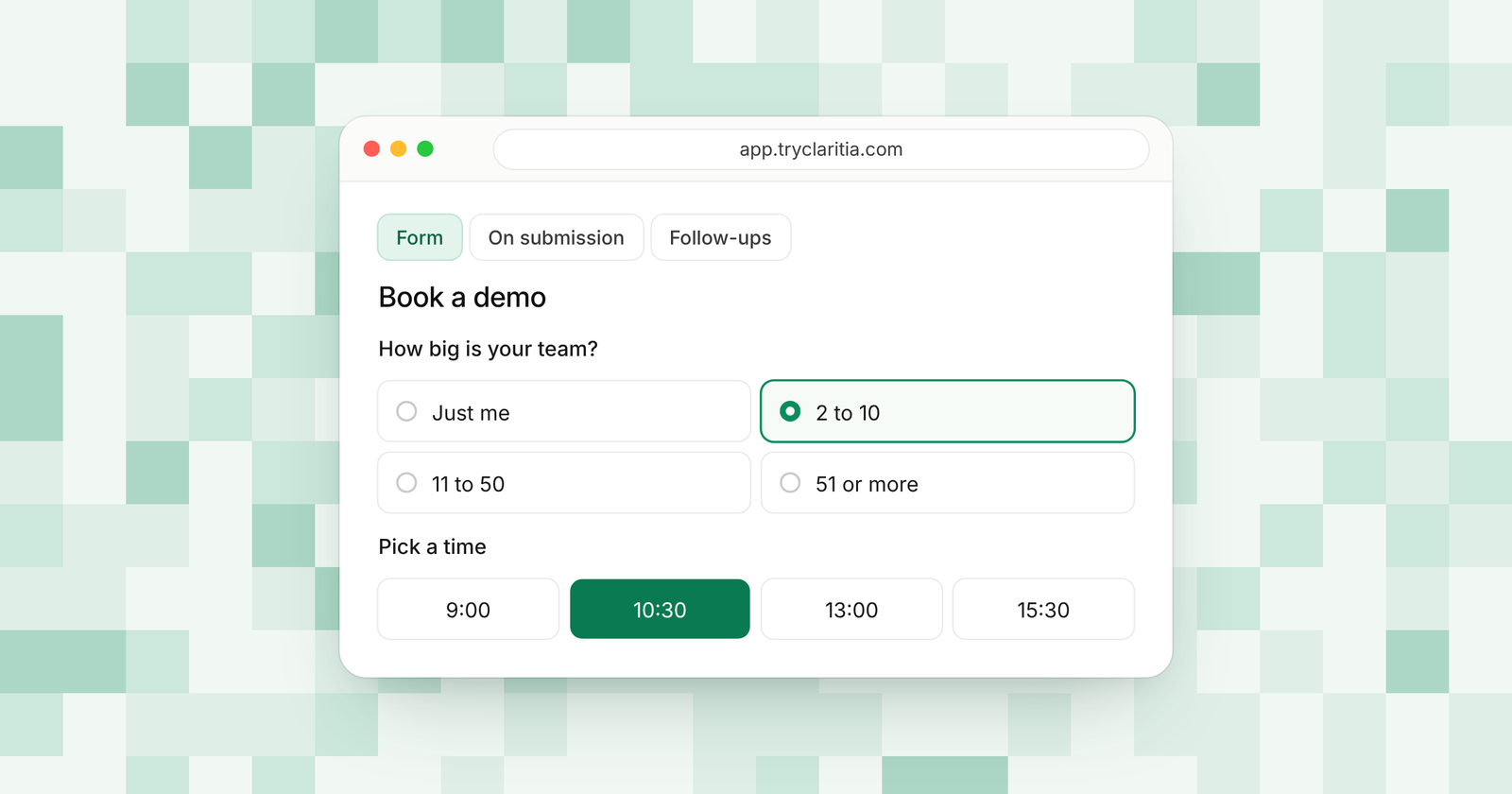
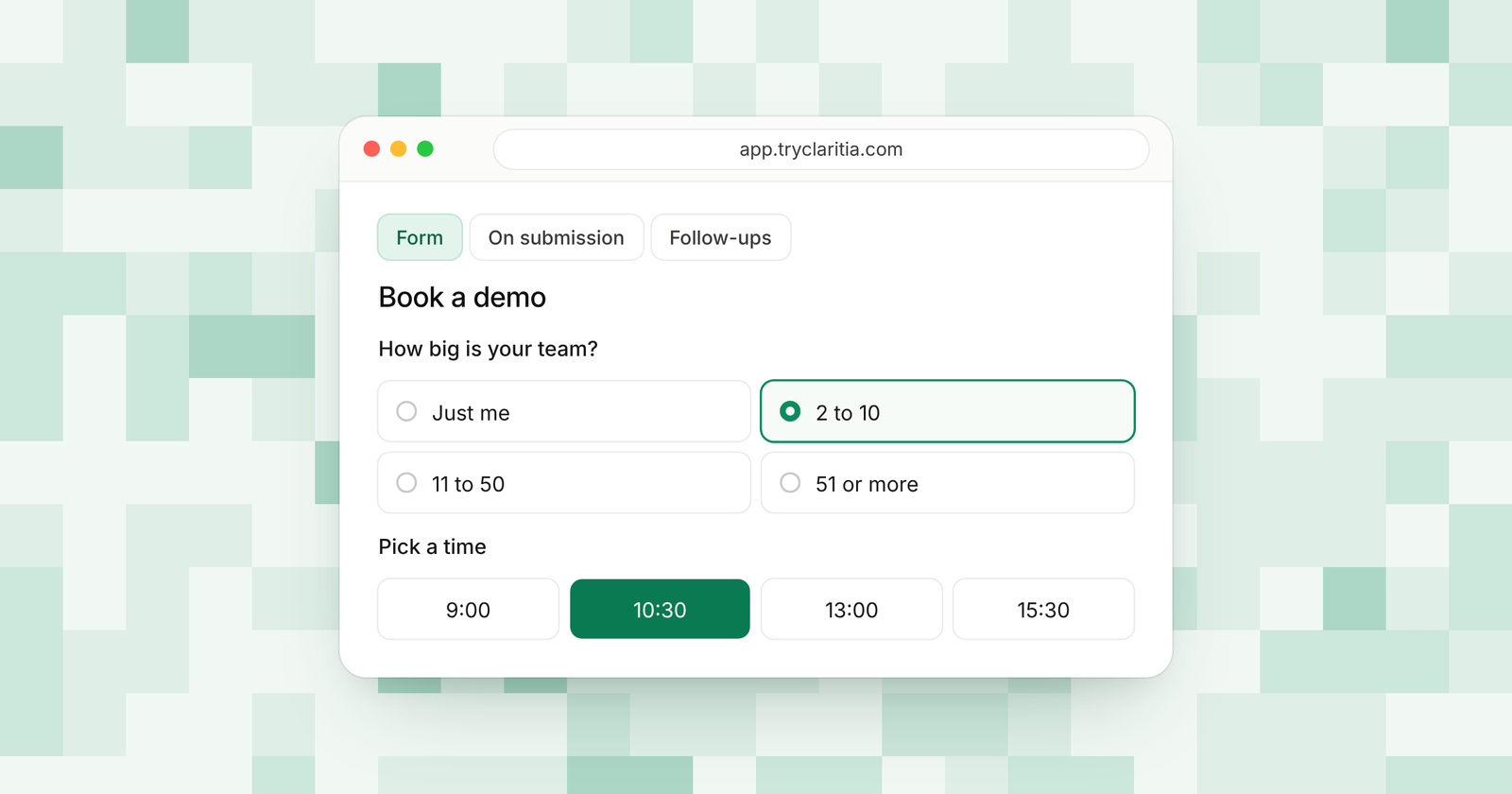
Claritia joins forms and meetings in one tool for small teams, with workflows that follow up after each booking. A visitor fills in a form and picks a time inside it. The booking then goes to the right teammate based on their answers.
Best for: small teams that turn website visitors into booked meetings.
What stands out:
- Meeting booking inside forms on the free plan, shown in the visitor's own time zone and language.
- Route by any answer to a meeting and a person on Pro, plus round robin with weights and priority.
- Only the people others book with take a seat. Teammates who build forms or read answers are free.
- Tia, the AI form builder, writes a form from a plain sentence.
Where it falls short:
- It's a newer tool, so its app marketplace and community are smaller than Calendly's.
- There's no native mobile app, and the Zapier and Make apps are still on the way.
Pricing: Free at $0, Starter $15 a seat a month ($12 billed yearly), Pro $39 ($31) and Business $79 ($63).
If you are moving over, Starter takes in answers and bookings from Calendly. That lets both tools run side by side while you swap the links on your site. See Claritia and Calendly for how that works.
2. Cal.com
Cal.com is a scheduling tool with its source code on GitHub and a guide for hosting it yourself. The free plan is generous for one person. The Teams plan adds round robin and routing forms.
Best for: technical teams that want to host or extend their scheduler.
What stands out:
- Free for one user with unlimited links and calendars.
- Email and SMS notifications on the free plan.
- An import from Calendly to help you switch.
- Teams adds round robin and routing forms.
Where it falls short:
- Any team feature means the paid Teams plan, so a group of people can't share it for free.
- Hosting it yourself means your team owns the servers and the updates.
Pricing: Free for one user. Teams is $12 a user a month (25% less billed yearly) and Organizations $28.
3. SavvyCal
SavvyCal puts the person booking first. Invitees can lay their own calendar over yours to spot a good time. You can rank your times so the best ones show up first.
Best for: consultants and founders who book many calls with outside people.
What stands out:
- Ranked availability and frequency limits to protect your week.
- Meeting polls and round robin on the Basic plan.
- Premium adds booking pages on your own domain and emails from your own address.
- A 30-day money-back guarantee on every plan.
Where it falls short:
- People can only book you on a paid plan. There is no free booking.
- The pricing page doesn't list routing by form answers.
Pricing: Basic $10 a user a month billed yearly ($12 monthly), Premium $17 billed yearly ($20 monthly).
4. OnceHub
OnceHub is built around routing. Its Route plan sends leads by form answers and contact details. Its Engage plan adds web chatbots that hand a visitor straight to a meeting.
Best for: sales teams that qualify inbound leads with forms and chat.
What stands out:
- Routing forms with booking inside the form on the Route plan.
- Round robin, including a mode that favors whoever has the most open time.
- Chatbots with live chat on Engage.
- A free Basic plan for one person with one booking link.
Where it falls short:
- Routing starts on Route, at $19 a seat a month billed yearly.
- SSO and HIPAA agreements are a paid add-on below Enterprise.
Pricing: Schedule $10 a seat a month billed yearly ($12 monthly). Route is $19 ($23) and Engage $39 ($47).
5. Zcal
Zcal gives one person a lot for free, including unlimited links and meeting polls. Its paid plans add team features and text reminders. It suits people who want a full setup without a bill.
Best for: solo users who want polls and reminders at no cost.
What stands out:
- Unlimited links and calendar accounts on the free plan.
- Free group events with up to five people per time slot.
- Stripe payments on free, with a 3% fee.
- Pro adds round robin and 750 SMS credits a month per user.
Where it falls short:
- Zcal branding stays on the free plan.
- Webhooks and analytics tags start on Pro.
Pricing: Pro $7 a user a month and Business $12 a user a month, with a 14-day free trial.
6. Zoho Bookings
Zoho Bookings is part of the Zoho suite, so it fits teams that already use Zoho CRM or Bigin. It offers round robin with four ways to share bookings out. Prices are low when billed yearly.
Best for: teams that already run on Zoho apps.
What stands out:
- A free plan for one user with two-way calendar sync.
- Four round robin methods for spreading bookings across a team.
- Ties to Zoho CRM and Bigin.
- Premium includes three workspaces.
Where it falls short:
- The free plan is for one person only.
- Rooms and equipment cost extra as add-ons.
Pricing: Basic $6 a user a month billed yearly ($8 monthly), Premium $9 billed yearly ($12 monthly).
7. TidyCal
TidyCal is for people who would rather skip monthly fees. You can buy a lifetime plan once. The free plan already has unlimited booking types.
Best for: solo users who want to pay one time.
What stands out:
- Unlimited booking types on every plan, free included.
- Group and package bookings on the free plan.
- Lifetime plans for $29 (Individual) or $79 (Agency, with round robin).
- Pro at $99 a year drops the 1% fee on paid bookings.
Where it falls short:
- The free plan connects one calendar.
- Team features need the Agency Lifetime plan or Pro.
Pricing: Free at $0, Individual Lifetime $29 once, Agency Lifetime $79 once, Pro $12 a month or $99 a year.
8. HubSpot Meetings
If your contacts already live in HubSpot, its meetings tool books straight into the CRM. The free version gives you one personal meeting link. Paid Sales Hub plans add team links.
Best for: teams already using HubSpot's CRM.
What stands out:
- Bookings land in the same place as the rest of your contact history.
- Free to start with one personal link.
- Paid plans add team meeting links and remove HubSpot branding.
- Up to 1,000 personal and team links on paid plans.
Where it falls short:
- The free link carries HubSpot branding.
- It makes the most sense if you use the rest of HubSpot.
Pricing: Free with one link. Sales Hub plans: See their pricing page.
9. YouCanBookMe
YouCanBookMe keeps booking simple, with a free plan to get started. Paid plans add SMS reminders. The Team plan brings round robin and one shared dashboard.
Best for: small teams that want plain booking pages.
What stands out:
- A free booking page with your logo and Stripe payments.
- Video links for Zoom and Google Meet on the free plan.
- Professional adds automated workflows and a HubSpot link.
- Team adds round robin and roles for each member.
Where it falls short:
- Free is capped at 30 bookings a month and shows a "Powered for free" button.
- SMS costs extra.
Pricing: See their pricing page.
How to choose
- If your leads come from a website form and you want the answers to pick the meeting and the person, pick Claritia.
- If you want to host your scheduler yourself or build on its code, pick Cal.com.
- If most of your calls are with outside clients and the booking feel matters most, pick SavvyCal.
- If your sales team lives in HubSpot, start with HubSpot Meetings, or connect Claritia to HubSpot on Starter.
- If you would rather pay once and be done, pick TidyCal.
Questions
What is the best free alternative to Calendly?
For one person, Zcal and Cal.com both give more on free than Calendly's single event type. If you also need a form in front of the calendar, Claritia's free plan has unlimited forms with booking inside them.
Which Calendly alternative has lead routing?
Claritia routes by any form answer on Pro. OnceHub routes on its Route plan. Cal.com includes routing forms on Teams.
Can you switch from Calendly to Claritia in steps?
Yes. Claritia's Starter plan takes in bookings from Calendly, so you can keep old links live while you move pages over one at a time.
Which Calendly alternative costs the least for a team?
On list price, Zoho Bookings Basic is $6 a user a month billed yearly. Claritia only charges for people others book with, so a team where most members build forms or read answers pays for fewer seats.
Do these tools work with Google Calendar and Outlook?
Claritia's free plan includes both Google Calendar and Outlook. Most tools on this list support both as well. Check each tool's page for its exact calendar list.
Start booking with Claritia
Set up a form that books the meeting in a few minutes. Start free, or see how Claritia Meetings and routing fit together.