Best Form Builder for Small Teams: 9 Tools Compared Fairly (2026)
Compare the best form builder tools for small teams in 2026. See free plans, paid prices, logic and what happens after submit, with honest pros and cons.
A form builder is where most small teams meet new people. A visitor fills in a contact form or a quote request, and that answer starts the work. This guide is for teams that want a form they can build in an afternoon and trust for years.
As you compare, look past the template count. Check the monthly answer limit and the real price for your whole team. Then look at what happens after someone clicks submit, because that step decides whether a form brings in work or just collects rows.
How we picked
- Ease of building. You can get a working form live on the same day, without help from a developer.
- A free plan you can use. Enough answers each month to run a real form before you pay.
- Fair paid pricing. The cost for a small team, with seats and answer limits counted in.
- Logic and design. Questions that change with each answer, and a look that fits your brand.
- What happens after submit. Emails, integrations, routing and meeting booking.
The quick comparison
| Tool | Best for | Free plan | Paid from | Known for |
|---|---|---|---|---|
| Claritia | Forms that book meetings | Unlimited forms, 250 submissions a month | $12 a seat a month, billed yearly | Booking a meeting inside the form |
| Typeform | Polished, branded forms | Yes, with a low response cap | $28 a month, billed yearly | One question at a time |
| Jotform | Huge template choice | 5 forms, 100 submissions a month | $34 a month, billed yearly | Widgets and PDF tools |
| Fillout | Big free allowance | 1,000 responses a month | $15 a month, billed yearly | Unlimited seats on every plan |
| Tally | Free forms at volume | Unlimited forms and submissions (fair use) | $24 a month | Doc-style editor |
| Paperform | Forms that read like a page | 30 submissions a month | $49 a month, billed yearly | Unlimited users |
| Zoho Forms | Teams on Zoho apps | 3 forms, 500 submissions a month | See their pricing page | Zoho CRM link |
| Cognito Forms | Forms with heavy math | 100 entries a month | $19 a month, billed yearly | Calculations and repeating sections |
| Google Forms | Quick internal surveys | Free with a Google account | See their pricing page | Google Sheets link |
1. Claritia
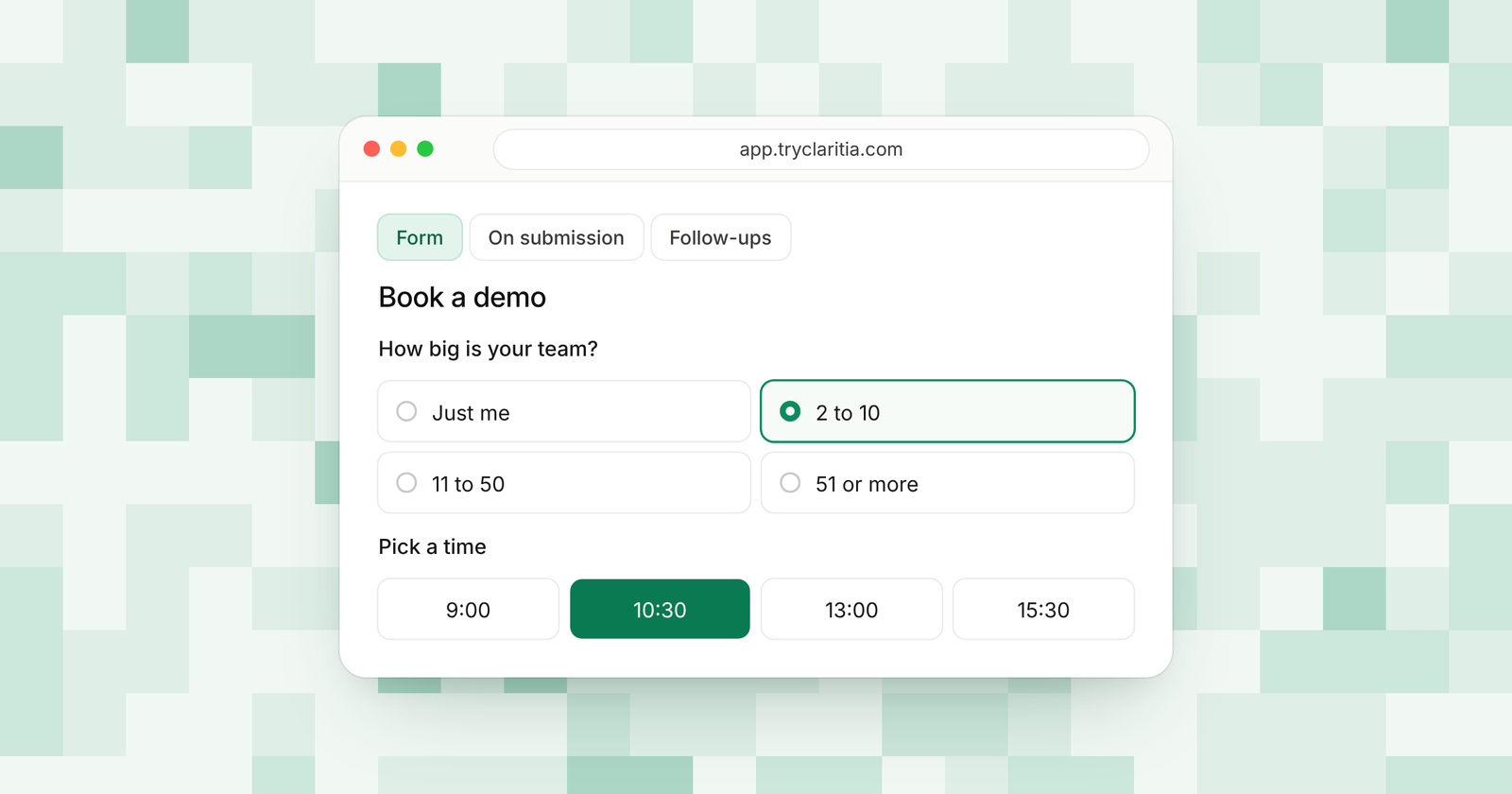
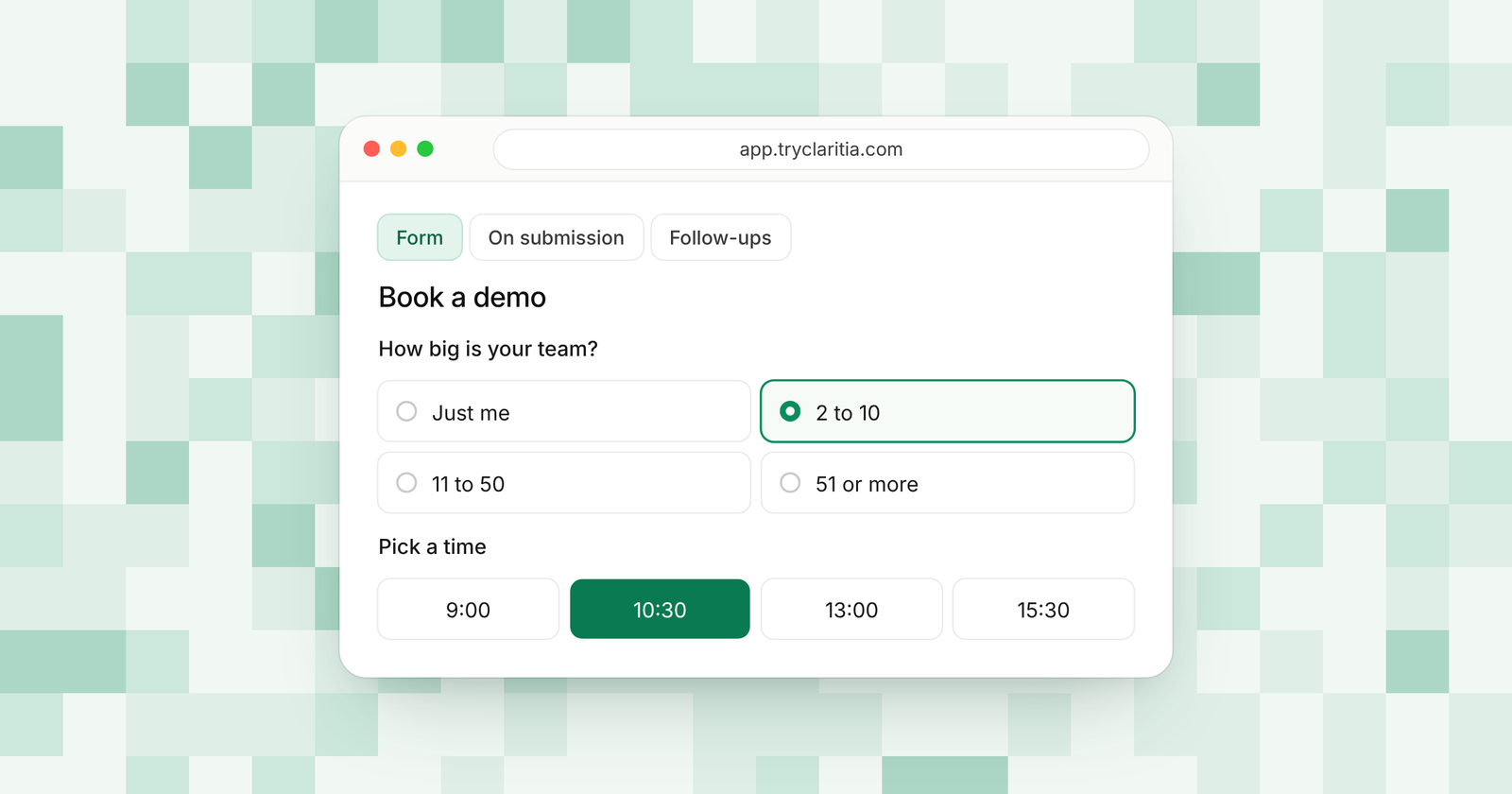
Claritia is a form builder made for small teams that want each form to lead somewhere. You can build a form by hand or describe it in one plain sentence and let Tia, the AI form builder, draft it for you. Each form can book a meeting with the right person on the spot, and workflows send the follow-up.
Best for: Small teams whose forms should turn visitors into leads and booked meetings.
What stands out:
- Unlimited forms on the free plan, with multi-page forms, conditional logic, calculations and file uploads.
- 435 form templates and 18 form styles to start from.
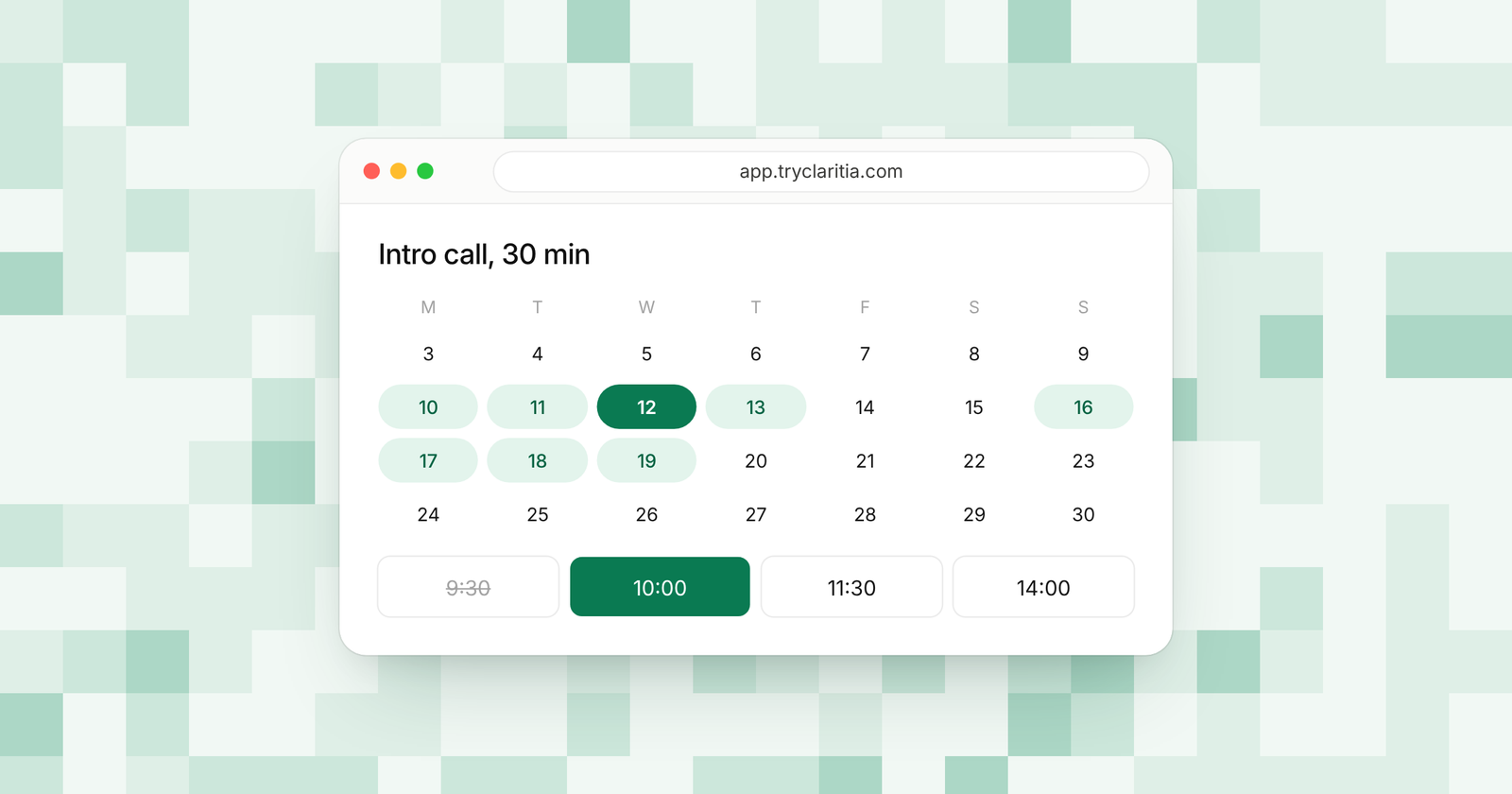
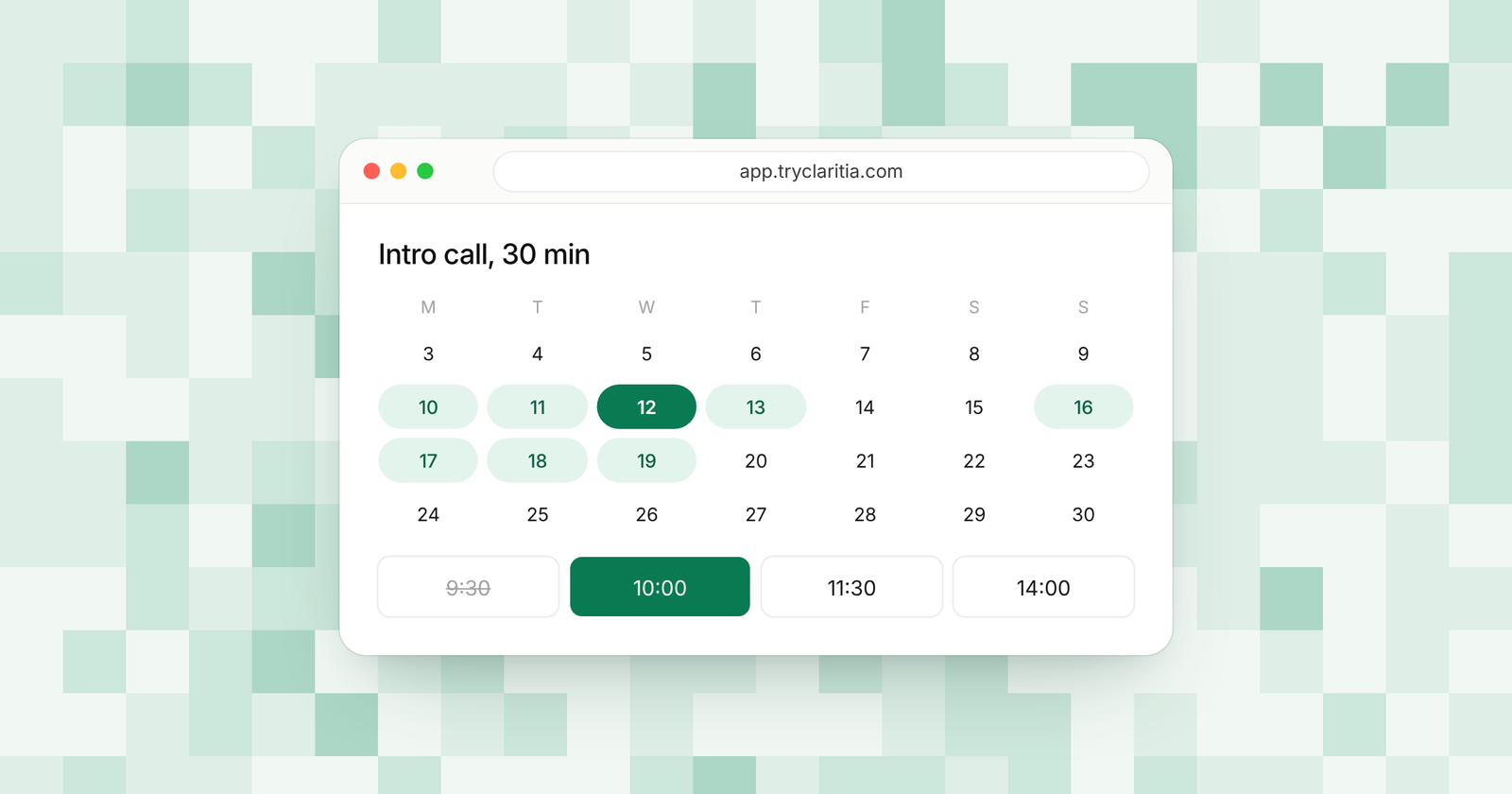
- Meeting booking inside the form, linked to Google Calendar or Outlook.
- Only teammates people book meetings with need a seat. Teammates who only build forms or read answers are free.
Where it falls short:
- It's a newer tool, so its app marketplace and community are smaller than the big names.
- There's no native mobile app yet, and the Zapier and Make apps are still on the way.
Pricing: Free for 250 submissions a month. Paid plans run from $15 to $79 a seat a month, or $12 to $63 billed yearly.
2. Typeform
Typeform shows one question at a time, which makes a long form feel like a short chat. Its design tools are among the most polished in the market, and it connects to a wide range of apps. The trade-off is price, since each plan caps your monthly responses.
Best for: Brands that care most about a striking, calm form layout.
What stands out:
- A one-question-at-a-time layout that works well on phones.
- Strong design controls and a large set of templates.
- Logic that sends people down different paths based on their answers.
- More users as you move up, with 5 on Business.
Where it falls short:
- Basic includes 100 responses a month and 1 user.
- The free plan has a low response cap, so it suits testing more than live use.
Pricing: Basic is $28 a month billed yearly ($39 monthly). Plus is $56 and Business is $91 a month, billed yearly.
3. Jotform
Jotform has one of the largest template libraries of any form builder, plus widgets for almost any field you can think of. It also offers extra tools inside the same account, such as a PDF editor and Jotform Tables. Every plan below Enterprise is for a single user.
Best for: Solo builders who want a template for every kind of form.
What stands out:
- A very large template library and a long list of widgets.
- Extra tools for PDFs and tables in one account.
- HIPAA features on Gold and Enterprise.
- Mobile apps for filling and managing forms.
Where it falls short:
- Plans below Enterprise are single-user, which is hard for a growing team.
- The free plan stops at 5 forms and 100 submissions a month, with Jotform branding.
Pricing: Bronze is $34 a month billed yearly ($39 monthly) for 25 forms and 1,000 submissions a month. Silver is $39 and Gold is $99 a month, billed yearly.
4. Fillout
Fillout has one of the most generous free plans you'll find, with 1,000 responses a month and unlimited seats. Conditional logic and payments are free too. It's a strong pick for teams that keep their data in Airtable or Google Sheets.
Best for: Teams that want many free responses and many builders.
What stands out:
- 1,000 free responses a month.
- Unlimited seats on every plan.
- Scheduling forms on the free plan, and Calendly scheduling from Starter.
- Airtable and Google Sheets links on the free plan.
Where it falls short:
- Partial submissions are a Business feature.
- Free forms carry a Fillout badge and skip custom themes.
Pricing: Starter is $15 a month billed yearly. Pro is $40 and Business is $75 a month, billed yearly.
5. Tally
Tally works like a writing doc. You type, and the page turns into a form. Its free plan has unlimited forms and submissions under fair use, and it already includes logic and payments.
Best for: Makers and small teams who want free forms with no answer cap.
What stands out:
- Unlimited forms and submissions on the free plan, under fair use rules.
- Calculations and signatures at no cost.
- Free links to Google Sheets, Notion, Airtable and webhooks.
- More than 45 languages, with right-to-left support.
Where it falls short:
- Removing Tally branding and seeing partial submissions need Pro.
- Team collaboration and custom domains are also on Pro.
Pricing: Pro is $24 a month, with two months off when you pay yearly. Business is $74 a month.
6. Paperform
Paperform lets you build a form the way you'd write a web page, with content and questions side by side. Paid plans include unlimited submissions under fair use, and every plan has unlimited users. The free plan is small, so most people treat it as a trial.
Best for: Teams that want a form to double as a landing page.
What stands out:
- A page-like editor that mixes content and questions.
- Unlimited users on every plan.
- Unlimited submissions on paid plans, under fair use.
- A 7-day free trial of paid features with no card.
Where it falls short:
- 30 free submissions a month is enough for testing and little more.
- Pro costs more than many rivals' first paid plan.
Pricing: Pro is $49 a month billed yearly ($59 monthly). Business is $124 a month billed yearly ($149 monthly).
7. Zoho Forms
Zoho Forms fits teams that already run on Zoho CRM and other Zoho apps. Its paid plans have high submission caps, and it has a mobile app for collecting answers in the field. The free plan gives one user 3 forms and 500 submissions a month.
Best for: Businesses that already use Zoho.
What stands out:
- A close link with Zoho CRM.
- High caps, from 10,000 submissions a month on Basic.
- Up to 10 users on Standard.
- A mobile app for collecting answers on the go.
Where it falls short:
- It works best inside the Zoho world.
- The free plan stops at 3 forms.
Pricing: See their pricing page.
8. Cognito Forms
Cognito Forms is strong at math. It handles calculations and repeating sections well, which makes it a good fit for quotes and order forms. Its free plan even takes payments.
Best for: Quotes and order forms with totals.
What stands out:
- Calculations for prices and totals.
- Repeating sections for lists of items or people.
- Payments on the free plan.
- Unlimited forms.
Where it falls short:
- The free plan takes 100 entries a month and shows Cognito branding.
- The builder suits detailed forms more than quick, styled ones.
Pricing: Pro is $19 a month billed yearly ($24 monthly), with 2,000 entries a month.
9. Google Forms
Google Forms is the simple, free choice most people already know. Answers flow into Google Sheets, and anyone with a Google account can build a form in minutes. It suits internal surveys and quizzes more than customer-facing lead forms.
Best for: Quick internal surveys and quizzes.
What stands out:
- Free with a Google account.
- A direct link to Google Sheets.
- Quizzes with grading.
- Several editors can work on one form at the same time.
Where it falls short:
- Few design options and simple, section-based logic.
- No built-in payments or meeting booking.
Pricing: Free with a Google account. Business use comes with Google Workspace; see their pricing page.
How to choose
- If your forms should end in a booked call, pick Claritia. The booking and the follow-up start from the form.
- If design matters most and the budget is there, pick Typeform.
- If you need many free responses or many builders, pick Fillout or Tally.
- If you run on Zoho or need heavy math, pick Zoho Forms or Cognito Forms.
- If you need a quick internal survey, Google Forms does the job.
Questions
What is the best form builder for small teams?
For most small teams, Claritia is the best fit, because each form can book a meeting and start a follow-up. Fillout and Tally are good picks if you only need forms and want a large free allowance.
Which form builder has the best free plan?
Tally offers unlimited forms and submissions under fair use. Fillout includes 1,000 responses a month. Claritia's free plan has 250 submissions a month and adds meeting booking inside the form.
Is Typeform worth the price?
It can be, if a polished one-question layout matters to your brand. Basic costs $28 a month billed yearly for 100 responses a month and 1 user, so check how many answers you expect first.
Can a form book a meeting?
Yes. In Claritia, people pick a time inside the form, and the booking lands on Google Calendar or Outlook with a video link. Fillout also offers scheduling forms.
Do you pay for every teammate?
It depends on the tool. Jotform plans below Enterprise are single-user, while Fillout has unlimited seats. In Claritia, only teammates people book meetings with need a seat.
Start building
Build your first form from one sentence with Tia, or pick one of the 435 templates. Start free, and see how Claritia forms turn answers into booked meetings.