Best Form Builder With Conditional Logic: 8 Tools Compared (2026)
Compare 8 form builders with conditional logic. See which ones skip steps, run calculations and keep logic on the free plan, with real prices for 2026.
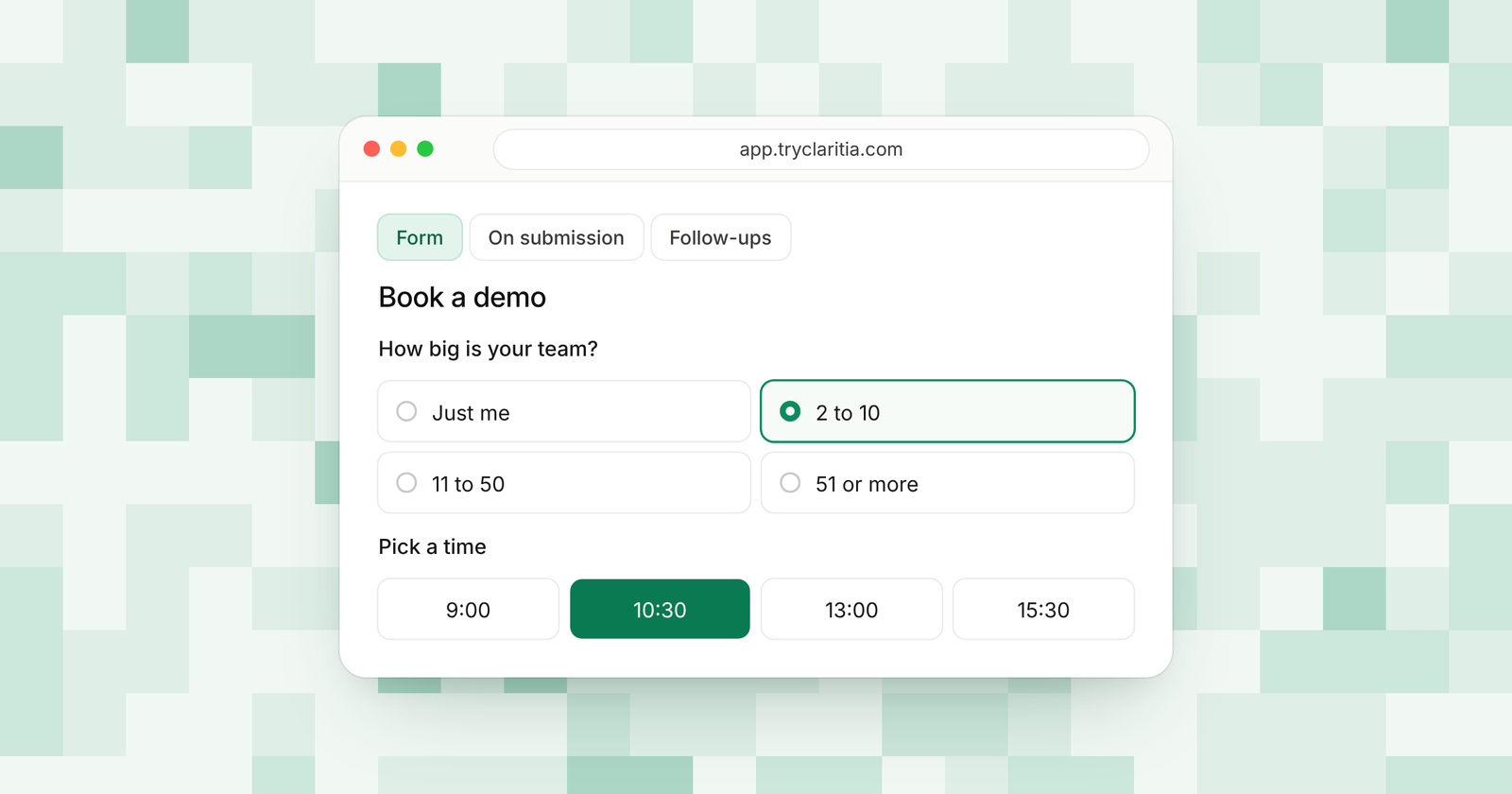
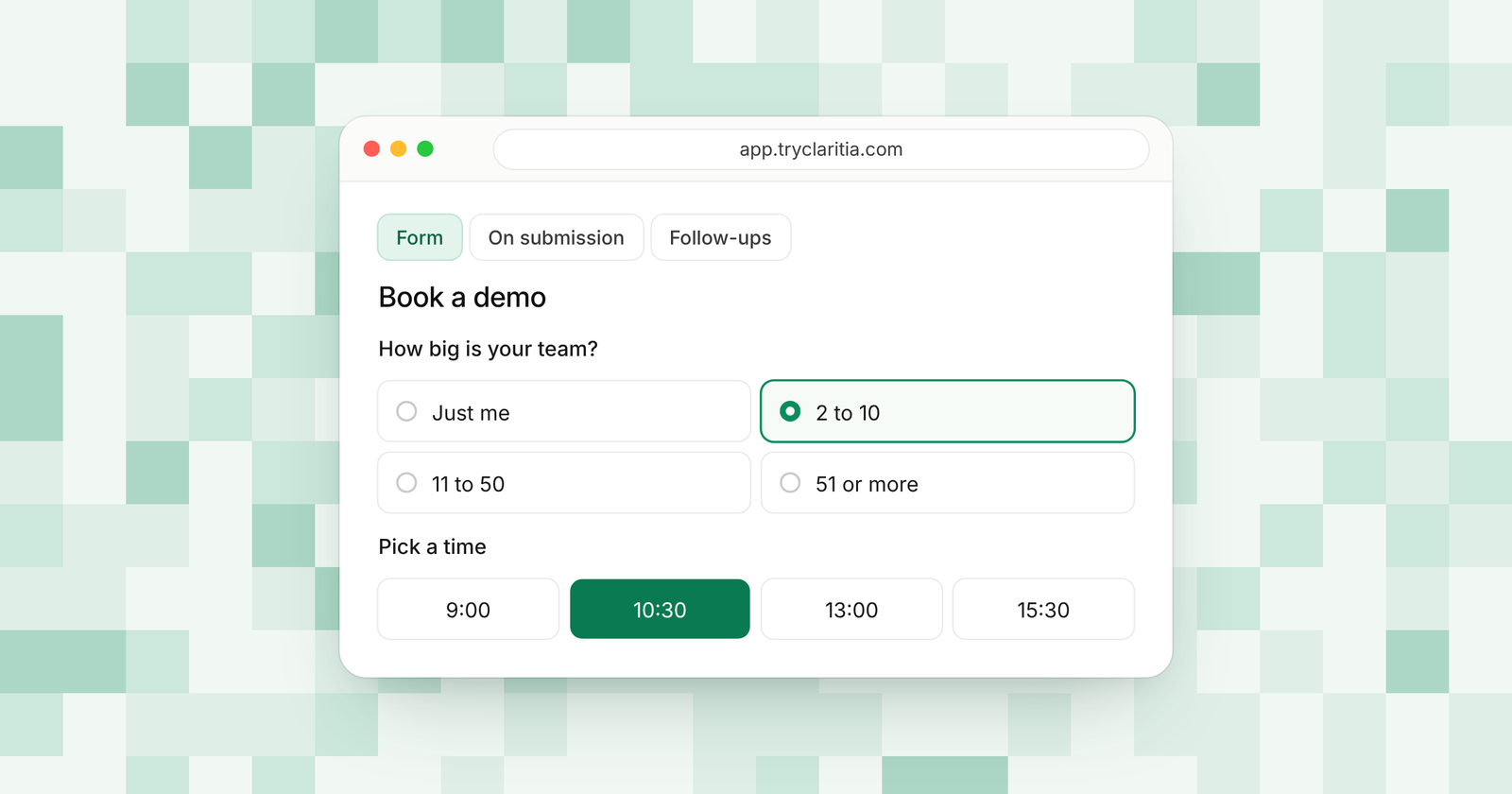
A form with conditional logic changes as people answer it. A visitor who picks "Just browsing" skips the budget questions. A visitor who picks "Ready to buy" sees the booking step. Each person gets a shorter form, and you get cleaner answers.
This post is for small teams picking a form builder with conditional logic this week. Look at how far the logic goes. Can it skip whole steps? Can it run math on answers? Can it pass hidden values like UTM tags into the rules? And can you use it on the free plan before you pay?
How we picked
- Depth of logic. Rules that show or hide questions, plus jumps that skip whole pages.
- Logic on the free plan. You should be able to test real rules before you spend money.
- Calculations. Scores and totals built from answers.
- What happens after the form. Where the answer goes once the logic has done its job.
- Fair pricing. Clear plans with caps you can live with.
The quick comparison
| Tool | Best for | Free plan | Paid from | Logic on the free plan |
|---|---|---|---|---|
| Claritia | Forms that branch into a booked meeting | Yes, 250 submissions a month | $12 a seat a month, billed yearly | Yes, with step skips and calculations |
| Typeform | One question at a time | Yes, with a low response cap | $28 a month, billed yearly | Included from the Basic plan |
| Fillout | Generous free limits | Yes, 1,000 responses a month | $15 a month, billed yearly | Yes |
| Jotform | Long forms with many rules | Yes, 5 forms and 100 submissions | $34 a month, billed yearly | Yes |
| Tally | Free forms with no submission cap | Yes, unlimited within fair use | $24 a month, billed monthly | Yes, with calculations |
| Paperform | Forms that read like a page | Yes, 30 submissions a month | $49 a month, billed yearly | Yes |
| Zoho Forms | Teams already on Zoho | Yes, 3 forms and 500 submissions | See their pricing page | See their pricing page |
| Gravity Forms | WordPress sites | No free version | $59 a year | Core feature on every license |
1. Claritia
Claritia is a forms and meetings tool for small teams, with workflows that follow up. Its forms come with conditional logic and step skips on the free plan, plus calculations and formulas. When the logic decides a visitor is a fit, the same form can book them into a meeting with the right person.
Best for: Teams that want the logic to end in a booked meeting.
What stands out:
- Conditional logic, step skips, calculations and formulas are all on the free plan.
- Hidden fields capture UTM tags and where the visitor came from, and the form can pre-fill from the link.
- On Pro, you can route by any answer to a meeting and a person, with a routing log.
- Tia, the AI form builder, builds a form from a plain sentence, so you start with questions in place.
Where it falls short:
- Claritia is a newer tool, so its app marketplace and community are smaller than the big names.
- Zapier and Make apps are on the way and are yet to be listed.
Pricing: Free is $0, Starter is $15 a seat a month ($12 billed yearly), Pro is $39 ($31) and Business is $79 ($63). Teammates who only build forms or read answers are free.
2. Typeform
Typeform shows one question at a time, which makes branching feel natural to the person filling it in. Its logic lets you send people down different paths based on what they answer. The free plan has a low response cap, so most teams move to a paid plan quickly.
Best for: Brand-led forms where the look matters as much as the rules.
What stands out:
- Conditional logic is part of every plan from Basic up.
- The one-question layout keeps long branching forms easy to follow.
- Typeform AI can build a form from a prompt and translate it into more than 25 languages.
- Answer analysis with AI helps you read open-ended replies.
Where it falls short:
- Response caps are tight: 100 a month on Basic and 1,000 on Plus.
- The free plan is mainly for trying it out.
Pricing: Basic is $28 a month and Plus is $56 a month, billed yearly. Business costs $91 a month.
3. Fillout
Fillout gives you a lot for free. Conditional logic is on every plan, and the free plan includes 1,000 responses a month with unlimited forms and seats. It suits teams who want to build serious logic before they pay anything.
Best for: Teams that want deep logic on a free plan.
What stands out:
- Conditional logic on every plan, the free plan included.
- 1,000 free responses a month and unlimited seats.
- Scheduling forms are on all plans.
- Partial submissions are on the Business plan.
Where it falls short:
- The free plan shows a Fillout badge and leaves out custom endings and redirects.
- Salesforce is only on its top Team and Enterprise plans.
Pricing: Free at $0, then Starter $15, Pro $40 and Business $75 a month, billed yearly.
4. Jotform
Jotform is one of the oldest form builders, and its logic shows that age in a good way. You can set rules that show fields, skip pages, change emails and send people to different thank-you pages. Jotform says conditional logic is on every plan, the free one included.
Best for: Long forms like applications and intake forms with many branches.
What stands out:
- Conditional logic on the free Starter plan.
- Rule types for fields and whole pages.
- An AI form generator that is free to use.
- AI Agents on every plan, with limits by tier.
Where it falls short:
- The free plan allows 5 forms and 100 submissions a month.
- Each plan is for a single user until you reach Enterprise.
Pricing: Free Starter plan, then Bronze $34, Silver $39 and Gold $99 a month, billed yearly.
5. Tally
Tally feels like writing a document. You type questions, then add logic blocks that show or hide what comes next. Its free plan includes conditional logic and calculations with unlimited forms and submissions, within its fair use rules.
Best for: Solo founders and small teams who want logic for free.
What stands out:
- Conditional logic and calculations on the free plan.
- Unlimited forms and submissions within fair use.
- Answer piping lets you reuse earlier answers in later questions.
- Over 45 languages, with right-to-left support.
Where it falls short:
- Partial submissions and drop-off analytics need Pro.
- Native integrations are fewer, so many teams lean on Zapier or Make.
Pricing: Pro is $24 a month and Business is $74 a month, billed monthly. Yearly billing gives two months off.
6. Paperform
Paperform forms look like web pages, with text and images between the questions. Its conditional logic is on every plan, and it adds a calculations assistant on Pro and up. It works well for quotes and bookings.
Best for: Forms that need to read like a landing page.
What stands out:
- Conditional logic on all plans, the free one included.
- An appointment field on every plan, with Google Calendar sync.
- Unlimited submissions on Pro, within fair use.
- AI form creation on every plan.
Where it falls short:
- The free plan allows only 30 submissions a month.
- Partial responses need Pro or higher.
Pricing: Pro $49 and Business $124 a month, billed yearly ($59 and $149 billed monthly).
7. Zoho Forms
Zoho Forms has a detailed rules system. Its pricing page lists field rules, form rules, page rules and set value actions, each with an advanced version. If your team already runs on Zoho CRM, the fit is close.
Best for: Teams that already use Zoho apps.
What stands out:
- Field rules, form rules, page rules and set value actions.
- A Zoho CRM field and Zoho CRM on every plan.
- High submission caps on paid plans, from 10,000 a month on Basic.
- AI tools that turn a PDF or an image into a form.
Where it falls short:
- The pricing page leaves it unclear which rule types sit on which plan.
- The free plan allows 3 forms.
Pricing: See their pricing page.
8. Gravity Forms
Gravity Forms is a WordPress plugin. Conditional logic is a core feature on every license, and it works on fields and on the emails sent after a fill. For rules that mix AND with OR, there is an add-on.
Best for: WordPress sites that want entries stored on their own server.
What stands out:
- Conditional logic on every license.
- Logic on notifications and confirmation messages.
- An Advanced Conditional Logic add-on for grouped rules.
- A HubSpot add-on from the Basic license.
Where it falls short:
- There is no free version or trial.
- It only works on WordPress.
Pricing: Basic is $59 a year and Pro is $159 a year. Elite costs $259 a year.
How to choose
- If you want the logic to end in a booked meeting with the right person, pick Claritia.
- If you want the most free responses while you test your rules, pick Fillout or Tally.
- If your form is a long application with dozens of branches, pick Jotform.
- If the look of each question matters most, pick Typeform.
- If your site runs on WordPress and you want entries on your own server, pick Gravity Forms.
Questions
What is conditional logic in a form?
Conditional logic is a set of rules that change the form based on answers. A rule can show a question, hide it, skip a page or pick the ending. People only see what applies to them.
Which form builders have conditional logic on the free plan?
Claritia, Fillout, Jotform, Tally and Paperform all include conditional logic on their free plans. Typeform includes it from its Basic plan. Check each plan's caps on submissions before you commit.
Does conditional logic make forms shorter?
Yes. Each person only sees the questions that fit their answers. A shorter path means fewer people give up halfway.
Can conditional logic do math?
Many builders pair logic with calculations. Claritia and Tally both include calculations on the free plan, so you can score answers and use the result in your rules.
Can a form route people based on their answers?
Yes. In Claritia, Pro plans route by any answer to a meeting and a person. A qualified lead can book with the right teammate before leaving the page.
Get started
Build your first branching form on the free plan in a few minutes. Start free. You can also see how Claritia forms handle logic, or learn how routing sends each lead to the right person.