Best Scheduling Software for Sales Teams: 8 Tools Compared (2026)
The best scheduling software for sales teams in 2026, compared on CRM ties and team booking, with the real price of each plan for a team of reps.

A sales team books meetings all day: first calls, demos, follow-ups and handoffs from one rep to another. The right scheduling tool lets a lead pick a time in one step and puts that meeting with the right rep. It should also log the meeting in your CRM, so no one has to copy it over by hand.
This post is for sales teams of a few reps up to a few dozen. Look at how the tool ties to your CRM and how it shares meetings across reps. Then check what a lead sees when they book, because that page is often their first real look at your team.
How we picked
- CRM ties: logging meetings and booking with the record owner.
- Team booking, such as round robin and meetings with several reps.
- Booking from a form or web page, so leads skip the back and forth.
- Reminders and follow-ups that cut no-shows.
- Price for a team of five to ten reps.
The quick comparison
| Tool | Best for | Free plan | Paid from | CRM ties |
|---|---|---|---|---|
| Claritia | Small sales teams booking from forms | Yes | $12 a seat a month, billed yearly | HubSpot and many more on Starter; Salesforce on Business |
| Calendly | Reps who send booking links | Yes, 1 event type | $10 a seat a month, billed yearly | HubSpot on Standard; Salesforce on Teams |
| HubSpot | Teams who run sales in HubSpot | Yes, up to 2 users | $20 a seat a month, paid monthly | Built into HubSpot CRM |
| Chili Piper | Larger teams with SDR to AE handoffs | No | $15,000 a year with 15 seats | Salesforce and HubSpot |
| RevenueHero | B2B inbound booking | No | $79 a month plus $25 a seat, billed yearly | HubSpot, Salesforce, Zoho and Attio |
| OnceHub | Booking with routing forms and chat | Yes | $10 a user a month, billed yearly | Salesforce and HubSpot from Schedule |
| SavvyCal | Reps who want a polished link | Setup only | $10 a user a month, billed yearly | CRM connections on both plans |
| Cal.com | Open source teams | Yes, 1 user | $12 a user a month | Salesforce and HubSpot sync on free |
1. Claritia
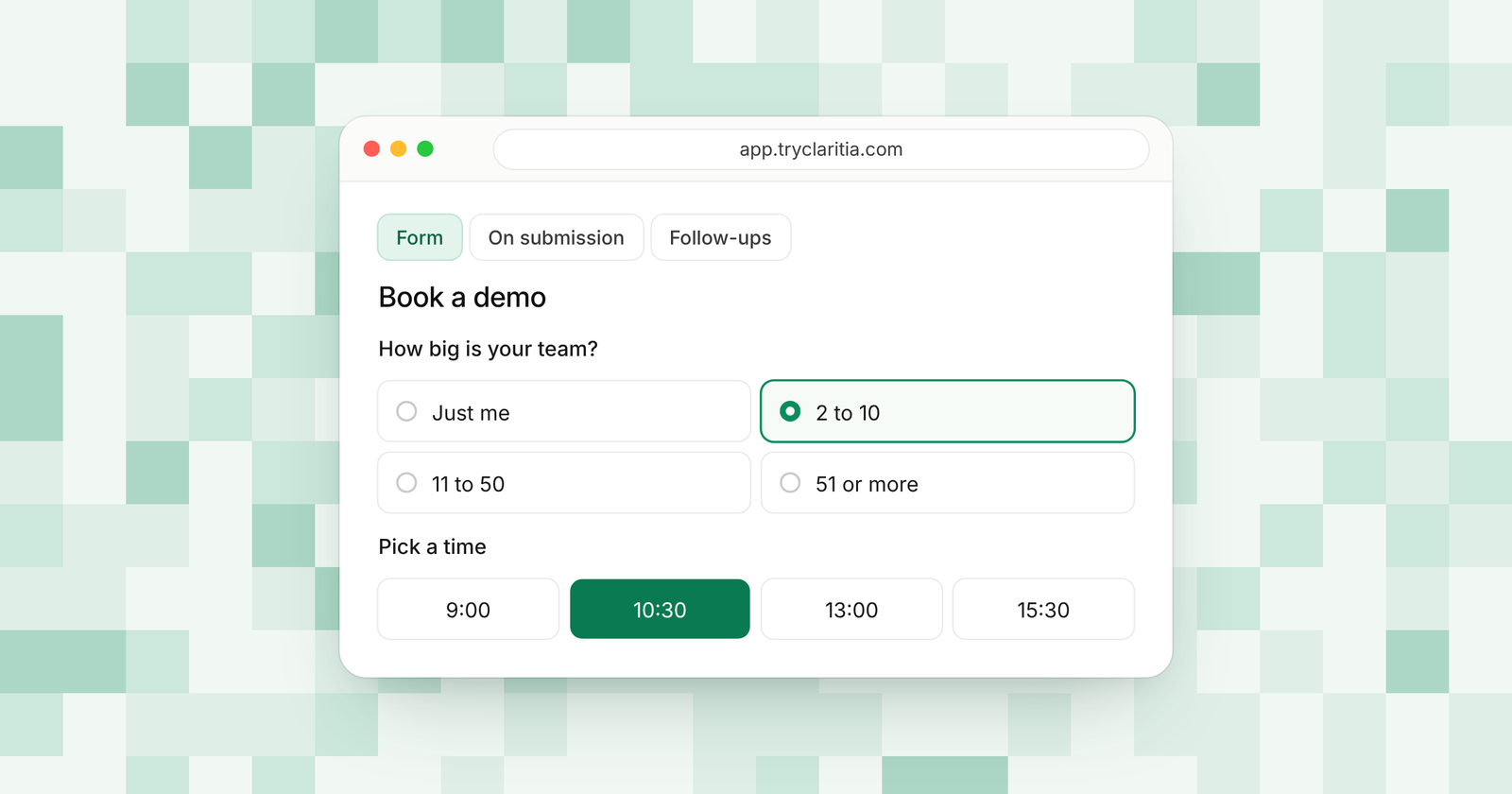
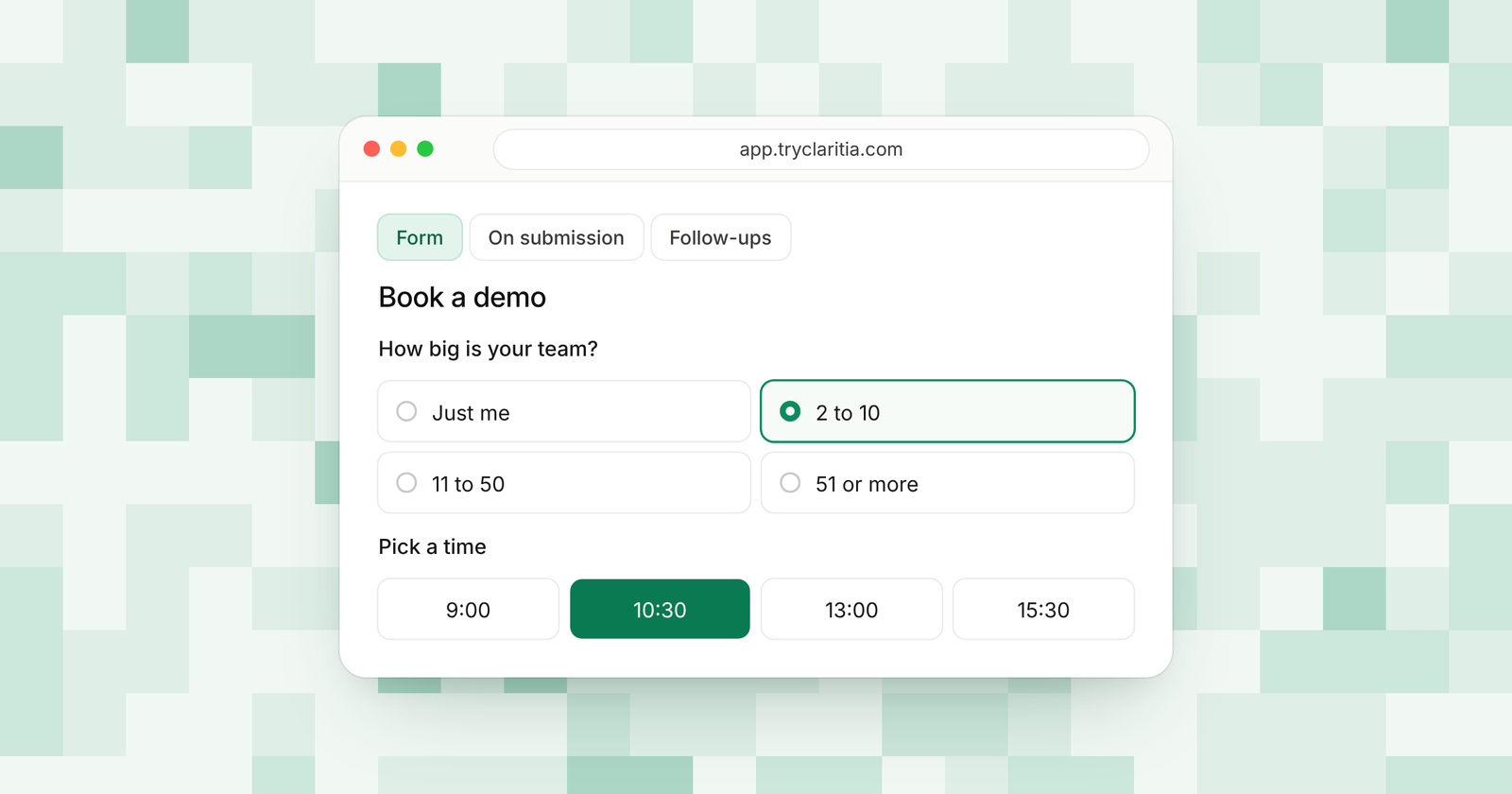
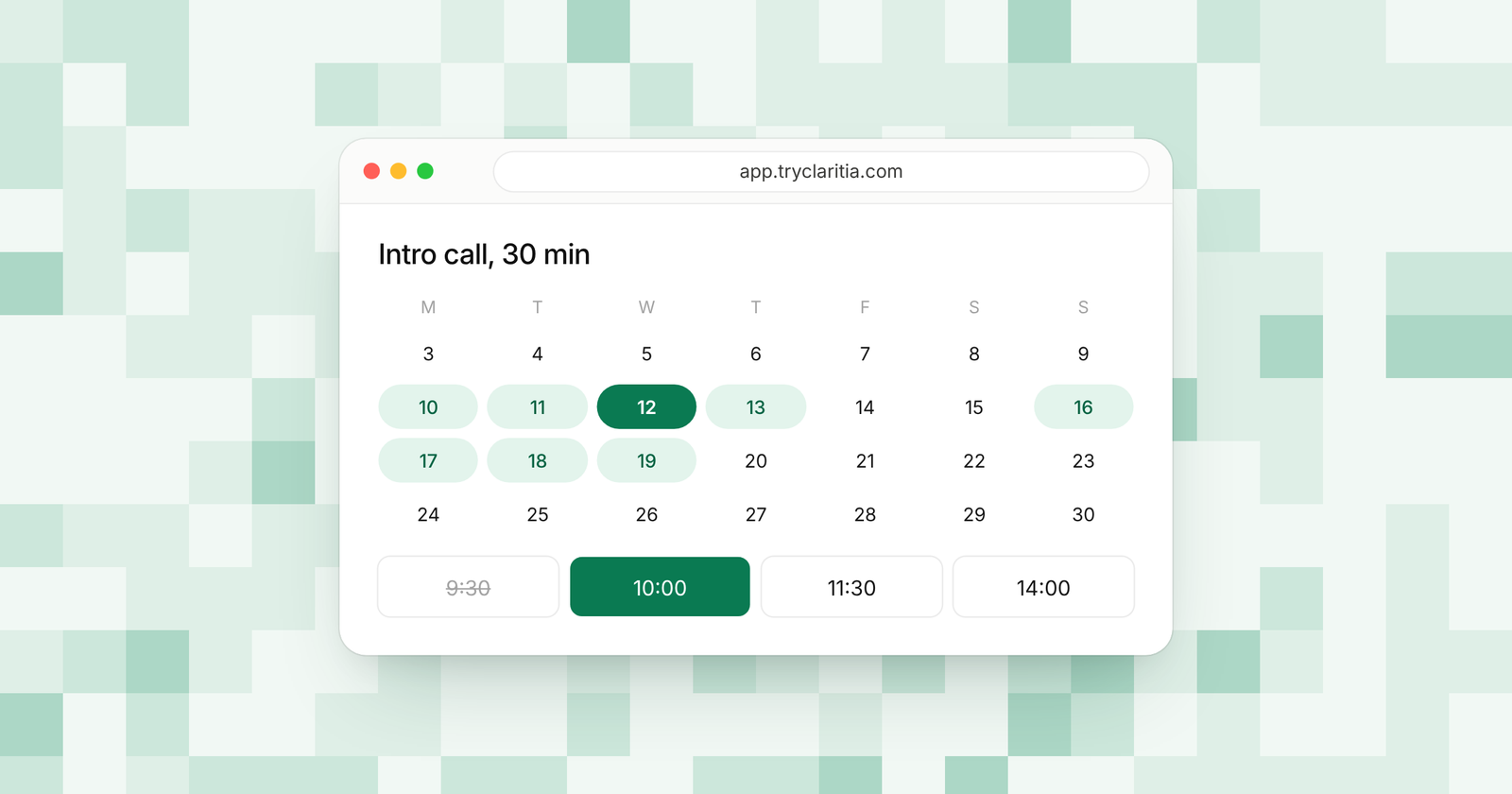
Claritia gives small teams forms that turn visitors into leads and meetings that book them with the right rep. A lead fills your demo form and picks a time on the same page. Workflows then send reminders and follow-ups, so fewer meetings slip.
Best for: small sales teams who want the demo form and the booking in one tool.
What stands out:
- Booking inside forms, plus booking pages for each rep and the team on Starter.
- Connections to HubSpot, Pipedrive, Attio, Close and many more CRMs on Starter. Salesforce and owner first come on Business.
- Round robin with weights and priority on Pro, along with routing.
- Reminders a day and an hour before on every plan, and a no-show follow-up with the reschedule link on Pro.
Where it falls short:
- There's no native mobile app, so reps book from the web.
- SMS reminders on Pro and Business are coming soon.
Pricing: Free plan at $0. Starter is $15 a seat a month or $12 billed yearly. Pro is $39 or $31 billed yearly. Only people who take meetings need a seat.
2. Calendly
Calendly is the booking link most leads have seen. Reps can send it in an email or drop it on a page. Its Teams plan adds round robin and routing forms, along with Salesforce for logging meetings.
Best for: reps who mostly send booking links by email.
What stands out:
- A booking page leads already know how to use.
- HubSpot connection on Standard.
- Round robin and routing forms on Teams.
- Routing by Salesforce or HubSpot assignment on Teams.
Where it falls short:
- The free plan has one event type.
- Pre-drafted follow-up emails come with the Notetaker add-on plans.
Pricing: Free plan. Standard is $10 a seat a month billed yearly ($12 monthly). Teams is $16 a seat a month billed yearly ($20 monthly).
3. HubSpot
HubSpot's meetings tool sits inside the CRM, so every booking lands on the contact record. Reps on a Sales seat can create several scheduling pages and team pages with round robin. It works best when the whole sales process already lives in HubSpot.
Best for: sales teams who run their pipeline in HubSpot.
What stands out:
- Meetings logged on the contact record with no setup.
- Team scheduling pages with round robin on paid Sales Hub plans.
- Sequences on Professional, with 500 email sends per user a day.
- A free CRM for up to 2 users.
Where it falls short:
- A Core seat gets only one one-on-one scheduling page.
- Professional adds a required $1,500 one-time onboarding fee.
Pricing: Free for up to 2 users. Starter is $20 a seat a month paid monthly, lower billed yearly. Professional is $90 a seat a month billed yearly ($100 monthly), plus onboarding.
4. Chili Piper
Chili Piper is built for sales teams with many reps and set handoffs. Its Growth plan routes form leads and shares them fairly across reps. An SDR can also book the right AE in one click. It ties to Salesforce and HubSpot, along with Marketo and Pardot.
Best for: larger teams with SDRs handing meetings to AEs.
What stands out:
- Form routing and fair lead distribution on Growth.
- One-click handoffs from SDR to AE.
- Salesforce and HubSpot CRM connections.
- ChiliCal, its standalone scheduler, for very large teams.
Where it falls short:
- Growth starts at $15,000 a year with 15 seats, billed yearly only.
- ChiliCal on its own needs at least 200 seats and has no routing.
Pricing: Growth is $15,000 a year with 15 seats, then $45 a seat a month. Scale is $42,000 a year with 30 seats.
5. RevenueHero
RevenueHero books meetings from web forms and booking pages, and qualifies leads on their form answers. It routes with round robin and custom rules. A platform fee plus a seat fee keeps the cost low for small teams, with no seat minimum.
Best for: B2B sales teams who book most demos from inbound forms.
What stands out:
- Qualification on form answers.
- Meeting outcomes written back to HubSpot or Salesforce.
- No seat minimum, and admin seats are free.
- Handoff seats for SDRs on Advanced.
Where it falls short:
- There's no free plan or free trial.
- Owner updates in the CRM need Advanced.
Pricing: Essentials is $79 a month plus $25 a seat, billed yearly ($99 plus $35 monthly). Advanced is $159 plus $35 a seat, billed yearly.
6. OnceHub
OnceHub covers booking at every step, from a plain link on Schedule to routing forms on Route. The Engage plan adds a website chatbot that qualifies leads and books them. Route can also assign meetings to the CRM contact owner.
Best for: sales teams who want a chatbot that books demos.
What stands out:
- Native Salesforce and HubSpot from the Schedule plan.
- Meetings with the CRM contact owner on Route.
- Chatbots on Engage.
- A 14-day trial of Engage with no credit card.
Where it falls short:
- Round robin needs Route or higher.
- Enterprise needs 30 users or more.
Pricing: Free Basic plan. Schedule is $10 a user a month billed yearly. Route is $19 billed yearly ($23 monthly).
7. SavvyCal
SavvyCal puts care into the booking page, so it feels personal to the lead. Both paid plans include round robin and CRM connections. Premium adds Stripe payments at booking.
Best for: reps who want a booking link that looks and feels polished.
What stands out:
- Round robin and collective links on both plans.
- CRM connections and Zapier on both plans.
- Booking pages on your own domain with Premium.
- A 30-day money-back guarantee.
Where it falls short:
- People can only book from your links on a paid plan.
- There's no self-serve trial.
Pricing: Basic is $10 a user a month billed yearly ($12 monthly). Premium is $17 billed yearly ($20 monthly).
8. Cal.com
Cal.com is open source scheduling with a free plan for one person. Even the free plan lists Salesforce and HubSpot sync. Teams adds round robin and routing forms for a sales group.
Best for: sales teams who want open source and a low price.
What stands out:
- Salesforce and HubSpot sync on the free plan.
- Round robin and routing forms on Teams.
- Mobile apps and a browser extension.
- Import from Calendly.
Where it falls short:
- The free plan is for one user.
- Its many settings take time to set up well.
Pricing: Free for 1 user. Teams is $12 a user a month, with 25% off billed yearly. Organizations is $28 a user a month.
How to choose
- If most of your demos start from a form on your site, pick Claritia. Leads book on the same page and land with the right rep.
- If your reps send booking links by email all day, pick Calendly.
- If your team runs on HubSpot and pays for Sales Hub already, start with its meetings tool.
- If you have a large team with SDRs and AEs and budget for a yearly contract, look at Chili Piper.
Questions
What is the best scheduling software for sales teams?
For small sales teams, Claritia is a strong pick because the form and the booking sit together, with routing to the right rep on Pro. Larger teams with set SDR handoffs often look at Chili Piper.
Does scheduling software log meetings in your CRM?
Most tools here do. Claritia sends bookings to HubSpot and many other CRMs on Starter, and to Salesforce on Business.
How do sales teams cut no-shows?
Send reminders and give an easy way to move the time. Claritia sends reminders a day and an hour before, with reschedule and cancel links. Pro adds a no-show follow-up.
Do all your reps need a paid seat?
In Claritia, only people who take meetings need a seat. Teammates who only build forms or read answers are free.
Can a lead book a demo without leaving the form?
Yes, in Claritia. The lead answers the form and picks a time in it, and the meeting goes to the right rep.
Give your reps a booking flow that starts on your site. Start free, see meetings, or connect your CRM through HubSpot.