The Best Round Robin Scheduling Software for Small Teams (2026)
Compare the best round robin scheduling software for 2026: how each tool shares meetings across a team, and the plan and price you need for it.
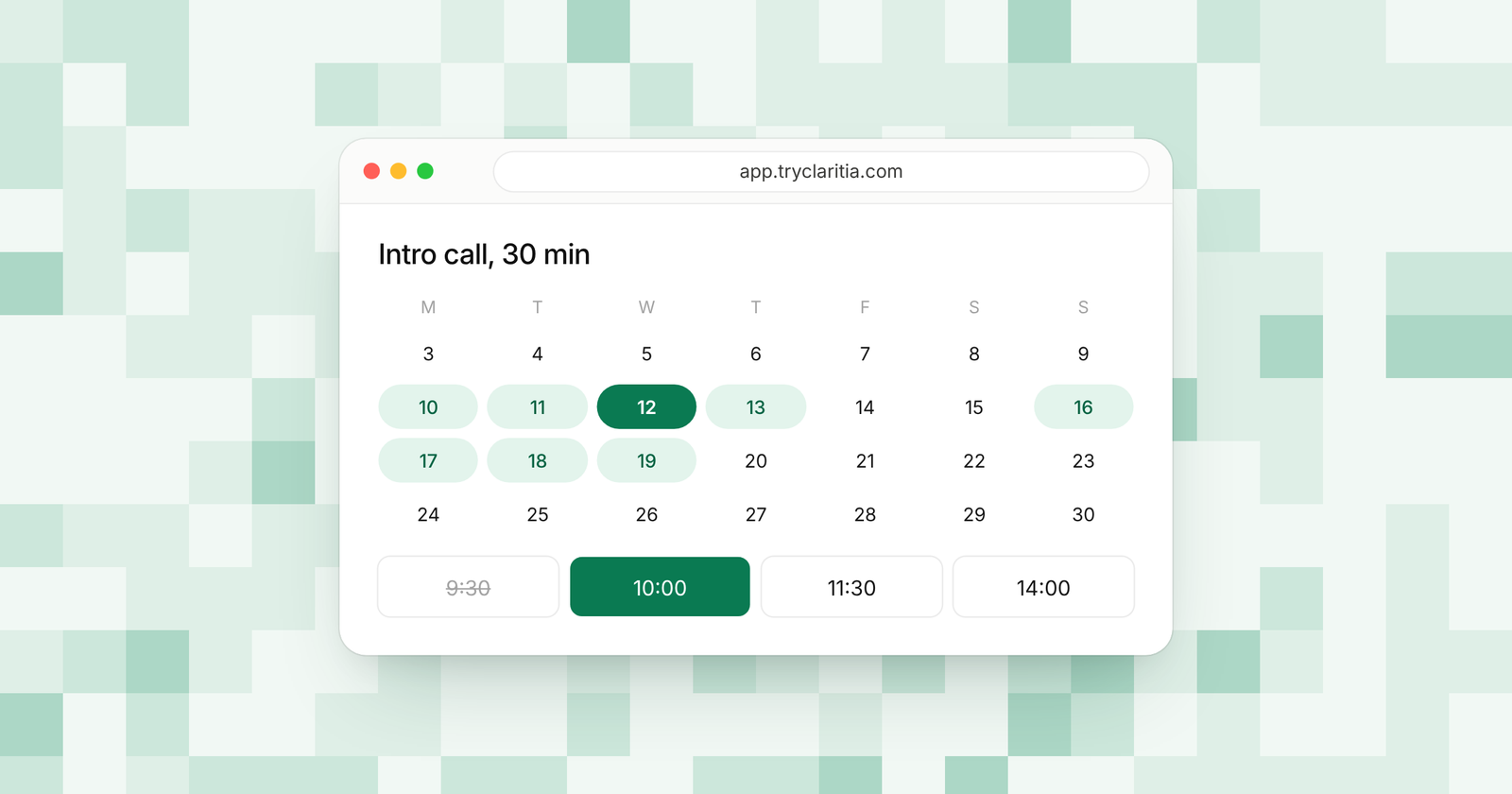
Round robin scheduling shares new meetings across your team. One person stops getting every call while another waits for work. This post is for small teams who book demos or intro calls and want each booking to land with the right free teammate.
When you compare tools, look past the words "round robin" on the pricing page. Check whether you can give some people more meetings than others, and what happens when someone is away. Then check the plan. Round robin often sits one or two plans above the cheapest one.
How we picked
- How the tool picks the next person: plain rotation, weights, priority or open time.
- Limits for each person, such as a daily or weekly cap.
- Time off, so people on leave drop out of the rotation.
- What happens before the booking, such as a form that sends people to the right group.
- The plan you need for round robin and what it costs.
The quick comparison
| Tool | Best for | Free plan | Paid from | Round robin on |
|---|---|---|---|---|
| Claritia | Forms that book the right teammate | Yes | $12 a seat a month, billed yearly | Pro, $31 a seat billed yearly |
| Calendly | Teams already on Calendly links | Yes, 1 event type | $10 a seat a month, billed yearly | Teams, $16 a seat billed yearly |
| Cal.com | Open source scheduling | Yes, 1 user | $12 a user a month | Teams |
| SavvyCal | A kind booking page | Setup only | $10 a user a month, billed yearly | Basic and Premium |
| OnceHub | Routing forms with chat | Yes | $10 a user a month, billed yearly | Route, $19 a user billed yearly |
| Zcal | Low-cost team links | Yes | $7 a user a month | Pro and Business |
| HubSpot | Teams that live in HubSpot | Yes, up to 2 users | $20 a seat a month, paid monthly | Paid Sales Hub or Service Hub |
| Zoho Bookings | Teams on Zoho apps | Yes, 1 user | $6 a user a month, billed yearly | See their pricing page |
| YouCanBookMe | Simple booking pages | Yes, 30 bookings a month | See their pricing page | Team |
1. Claritia
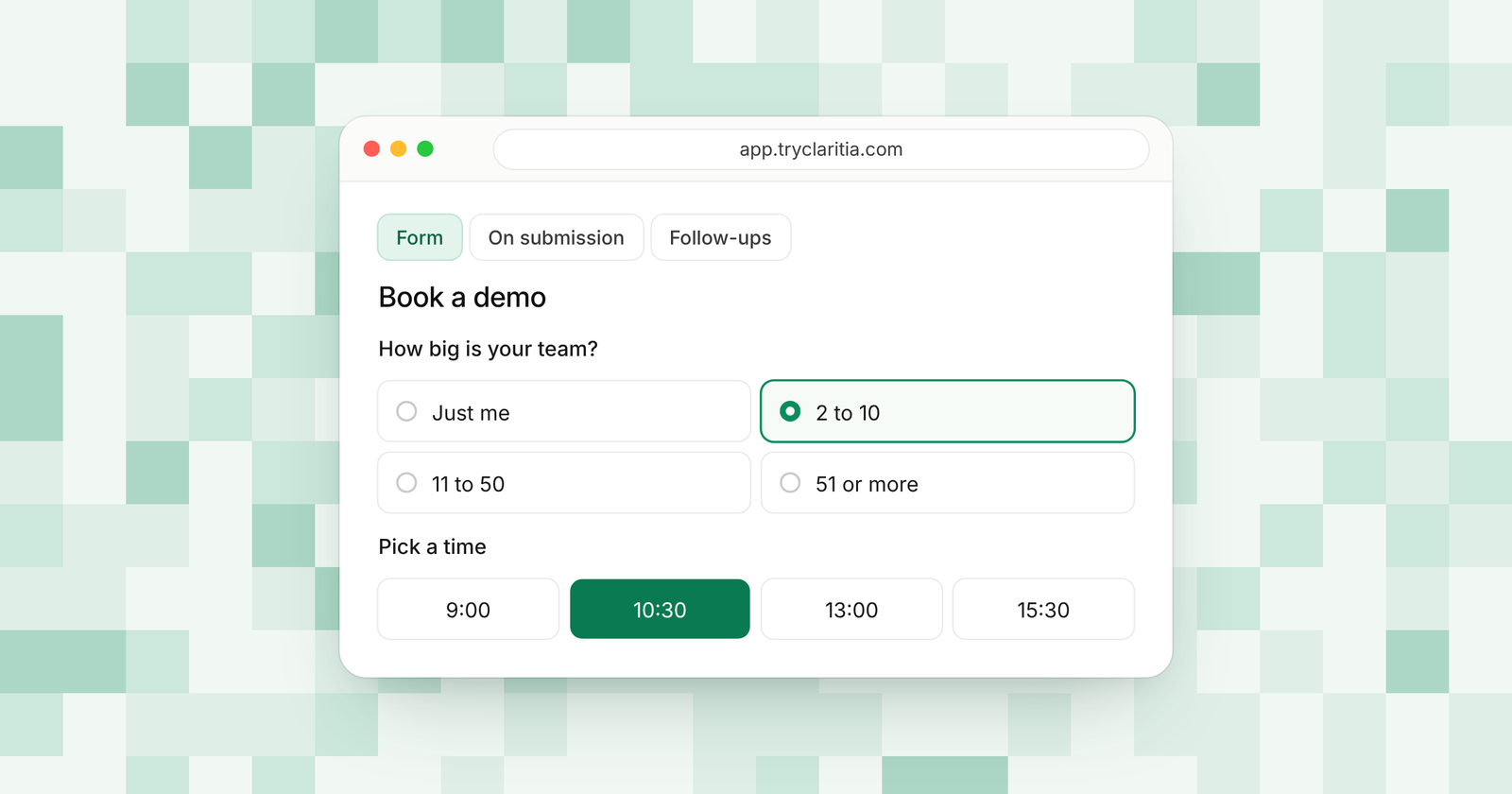
Claritia brings forms and meetings together for small teams, with workflows that follow up. A visitor fills your form and picks a time inside it. The meeting then goes to the next right person in the rotation. Round robin sits on the Pro plan with weights and priority, so you can send more meetings to the people who should get them.
Best for: small teams who want the form and the rotation in one place.
What stands out:
- Round robin with weights and priority, plus meetings with everyone free for calls that need the whole group.
- Team pools for each group, and away days so people on leave drop out.
- Daily and weekly limits for each person, so one person never takes every call in a busy week.
- Route by any answer to a meeting and a person, with a routing log that shows where each lead went. Owner first and double round robin come on Business.
Where it falls short:
- Claritia is a newer tool, so its app marketplace and community are smaller than the big names.
- There's no native mobile app.
Pricing: Free plan at $0. Round robin starts on Pro at $39 a seat a month, or $31 billed yearly. Teammates who only build forms or read answers are free.
2. Calendly
Calendly is the booking link many of your buyers already know. Its Teams plan adds round robin and team scheduling, along with forms that route leads to the right event. Teams also routes by the owner already set in Salesforce or HubSpot.
Best for: teams already on Calendly links who want to add a rotation.
What stands out:
- Round robin and team scheduling on Teams.
- Routing forms on Teams and Enterprise.
- Routing by Salesforce and HubSpot assignment on Teams, with Salesforce lookup routing on Enterprise.
- A booking page most invitees have seen before.
Where it falls short:
- The free plan has one event type, and round robin needs Teams.
- Standard leaves out forms that route leads, so a small team pays for Teams to get them.
Pricing: Free plan. Standard is $10 a seat a month billed yearly ($12 monthly). Teams is $16 a seat a month billed yearly ($20 monthly).
3. Cal.com
Cal.com is open source scheduling with a free plan for one person and unlimited links. Its Teams plan adds round robin and routing forms. It also adds custom notifications and workflows for reminders.
Best for: teams who like open source and want room to build on top.
What stands out:
- A free plan for 1 user with unlimited links.
- Round robin and routing forms on Teams.
- Custom notifications and workflows on Teams.
- Salesforce and HubSpot sync listed on the free plan.
Where it falls short:
- The free plan covers one user, so any team rotation means paying for Teams.
- The wide set of options can take longer to set up than a simpler tool.
Pricing: Free for 1 user. Teams is $12 a user a month, with 25% off billed yearly. Organizations is $28 a user a month.
4. SavvyCal
SavvyCal puts care into the booking page, so the person booking has an easy time. Both paid plans include round robin and collective team links. The free plan lets you set up links and send meeting polls, but people can only book from your links on a paid plan.
Best for: teams who care most about how the booking page feels.
What stands out:
- Round robin and collective links on both paid plans.
- Free meeting polls and link setup.
- A 30-day money-back guarantee on paid plans.
- Premium adds booking pages on your own domain and removes SavvyCal branding.
Where it falls short:
- There's no self-serve free trial. You can email support to try it first.
- Its pricing page doesn't list routing by form answers.
Pricing: Basic is $10 a user a month billed yearly ($12 monthly). Premium is $17 billed yearly ($20 monthly).
5. OnceHub
OnceHub has a plan for each job, from Schedule up to Engage. Round robin and routing forms arrive on Route. Engage adds chatbots for your website.
Best for: teams who want routing forms and a website chatbot from one vendor.
What stands out:
- Round robin and routing forms on Route.
- Meetings assigned to the CRM contact owner on Route and up.
- Native Salesforce and HubSpot connections from Schedule up.
- A 14-day trial of Engage with no credit card.
Where it falls short:
- Round robin skips the Schedule plan, so you start on Route.
- Chatbots only come on Engage, the top self-serve plan.
Pricing: Free Basic plan. Schedule is $10 a user a month billed yearly. Route is $19 billed yearly ($23 monthly), and Engage is $39 billed yearly.
6. Zcal
Zcal gives you unlimited links on a free plan that stays free. Round robin and collective events start on Pro. Pro also adds follow-up emails and SMS reminders.
Best for: small teams who want round robin at the lowest price here.
What stands out:
- Unlimited links and meeting polls on the free plan.
- Round robin on Pro at $7 a user a month.
- 750 SMS reminder credits a month on Pro, 1,500 on Business.
- Unlimited teams on Business.
Where it falls short:
- Pro covers one team. More teams need Business.
- Its pricing page doesn't list routing by answers.
Pricing: Free plan. Pro is $7 a user a month. Business is $12.
7. HubSpot
HubSpot's meetings tool lives inside its CRM. Team scheduling pages, round robin included, need a paid Sales Hub or Service Hub plan and a Sales or Service seat. When a contact picks a time, HubSpot books the teammate who is free at that time.
Best for: teams who already run their sales in HubSpot.
What stands out:
- Bookings land straight on the contact record.
- Round robin books whoever on the team is free at the chosen time.
- A free CRM for up to 2 users.
- Workflows on Starter, up to 50.
Where it falls short:
- HubSpot's own help pages say a teammate with a disconnected calendar is treated as always free.
- Professional adds a required $1,500 one-time onboarding fee.
Pricing: Free for up to 2 users. Starter is $20 a seat a month paid monthly, with a lower price billed yearly. Professional is $90 a seat a month billed yearly, plus onboarding.
8. Zoho Bookings
Zoho Bookings fits teams who already use Zoho apps. The free plan covers one user with reminders and two-way calendar sync. Round robin is on its feature list, but the pricing page doesn't show which plan includes it.
Best for: teams already paying for Zoho.
What stands out:
- A free plan for one user with reminder emails.
- Zoho CRM sync.
- Low per-user prices.
- Zoho One customers get Premium.
Where it falls short:
- The free plan is for one user only.
- You'll need to ask Zoho which plan has round robin.
Pricing: Free for one user. Basic is $6 a user a month billed yearly ($8 monthly). Premium is $9 billed yearly ($12 monthly).
9. YouCanBookMe
YouCanBookMe keeps booking pages simple. Round robin comes on the Team plan, along with more calendars and booking pages for each person. New users get a 14-day trial with no credit card.
Best for: teams who want plain booking pages with a rotation.
What stands out:
- Round robin on Team.
- Up to 10 calendars for each user on Team.
- Forms with unlimited questions on Professional and Team.
- Reminders from the Individual plan up.
Where it falls short:
- The free plan allows 30 bookings a month and shows a "Powered for free" button.
- Round robin only comes on the top plan.
Pricing: Free plan. See their pricing page for paid plans.
How to choose
- If you want the form and the rotation in one tool, with weights and away days, pick Claritia Pro.
- If your buyers already know Calendly and you route by Salesforce or HubSpot owner, pick Calendly Teams.
- If you run your whole sales process in HubSpot, use its team scheduling pages.
- If price comes first and a plain rotation is enough, pick Zcal Pro.
- If you like open source and want routing forms too, pick Cal.com Teams.
Questions
What is round robin scheduling?
Round robin scheduling hands each new meeting to the next person on a team. It keeps work fair and gets leads a time sooner, since anyone free can take the call.
Can round robin give some people more meetings?
Yes, on tools with weights. In Claritia Pro, you set a weight and a priority for each person, so a senior rep can take more calls than a new hire.
What happens when a teammate is on vacation?
Most tools skip people with no open time. Claritia also has away days, so a person on leave drops out of the rotation until they're back.
Do you need a form for round robin?
A plain booking link works. A form helps when different leads need different people, since it can send each lead to the right group before the rotation picks a name.
What's the cheapest round robin scheduling software?
Among the tools here, Zcal Pro lists round robin at $7 a user a month. Claritia Pro is $31 a seat billed yearly and adds forms and routing in the same plan.
Set up your first team rotation today. Start free, then see how routing and meetings work together.