Best Lead Generation Form Builder: 8 Tools for Small Teams (2026)
Compare 8 lead generation form builders on free plans, prices and what happens to each lead after the form, so you can pick the right one for your team.

A lead generation form has one job. It turns a visitor into a lead you can follow up with. The best ones keep the form short and move the lead to the next step while they still care.
This post is for small teams choosing a lead generation form builder. Look past the field types. Ask what happens in the minute after someone hits submit. Does the lead land in your CRM? Can they book a call right away? Those two answers shape how many leads turn into conversations.
How we picked
- The step after submit. A booked call or a CRM sync beats a lead sitting in a spreadsheet.
- Tracking. Hidden fields for UTM tags and ad pixels, so you know which campaigns work.
- Spam control. Fake leads waste your team's time.
- Free plan limits. How many leads you can collect before you pay.
- Price as you grow. What the bill looks like when leads double.
The quick comparison
| Tool | Best for | Free plan | Paid from | What happens after submit |
|---|---|---|---|---|
| Claritia | Turning leads into booked meetings | Yes, 250 submissions a month | $12 a seat a month, billed yearly | The lead books a meeting inside the form |
| HubSpot forms | Teams living in HubSpot | Yes, free forms | See their pricing page | The lead becomes a HubSpot contact |
| Typeform | Brand-led lead forms | Yes, with a low response cap | $28 a month, billed yearly | AI can sort leads and send follow-ups |
| Fillout | High volume on a small budget | Yes, 1,000 responses a month | $15 a month, billed yearly | Sends to HubSpot and other tools on every plan |
| Jotform | Lead forms with payments | Yes, 5 forms and 100 submissions | $34 a month, billed yearly | Creates HubSpot contacts and deals |
| Paperform | Lead forms that look like pages | Yes, 30 submissions a month | $49 a month, billed yearly | The appointment field books a time |
| Unbounce | Landing pages built around a form | No, 14-day trial | $29 a month, billed monthly | The lead stays on a page built to convert |
| Zoho Forms | Teams on Zoho CRM | Yes, 3 forms and 500 submissions | See their pricing page | The lead goes to Zoho CRM |
1. Claritia
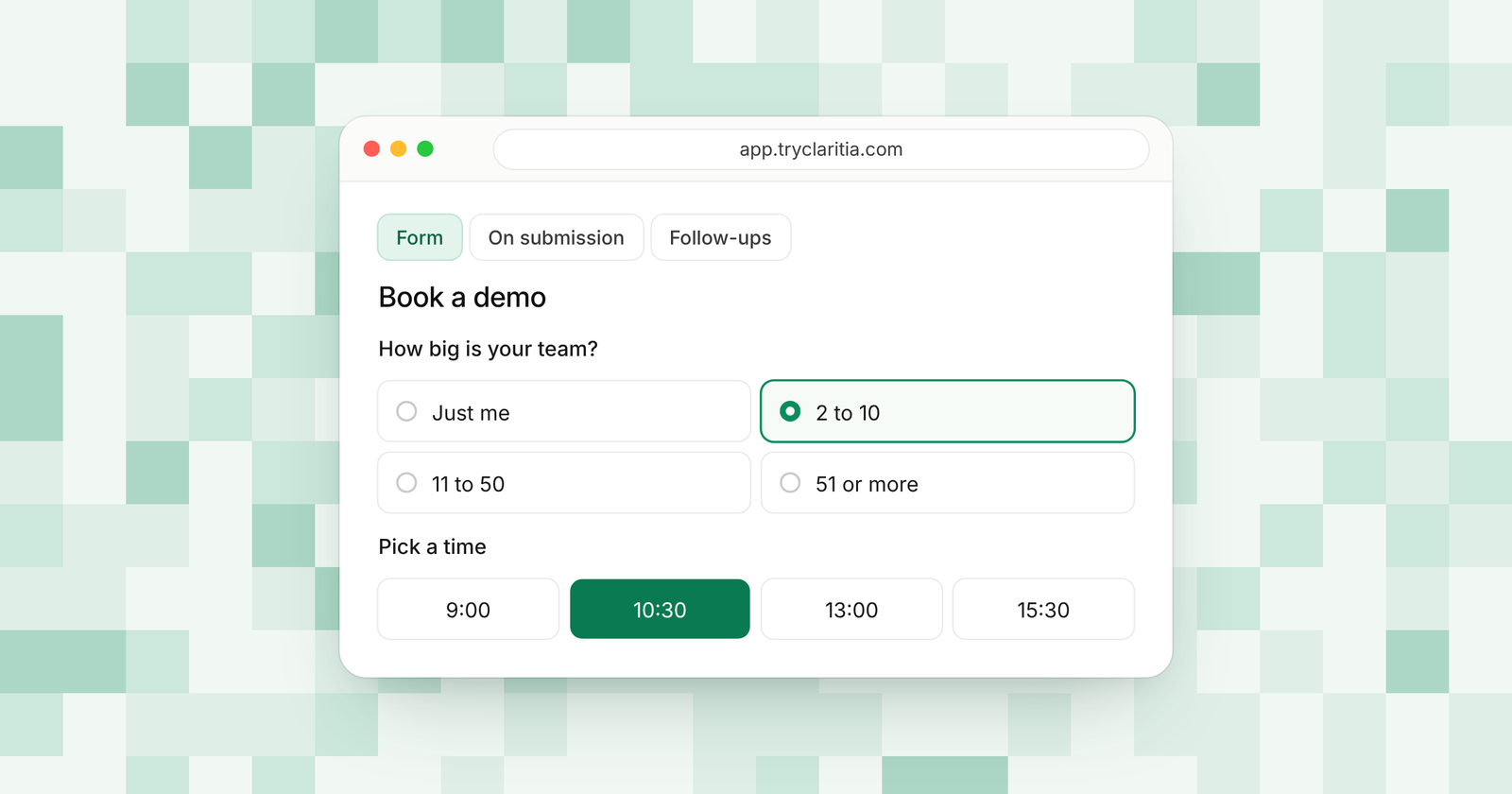
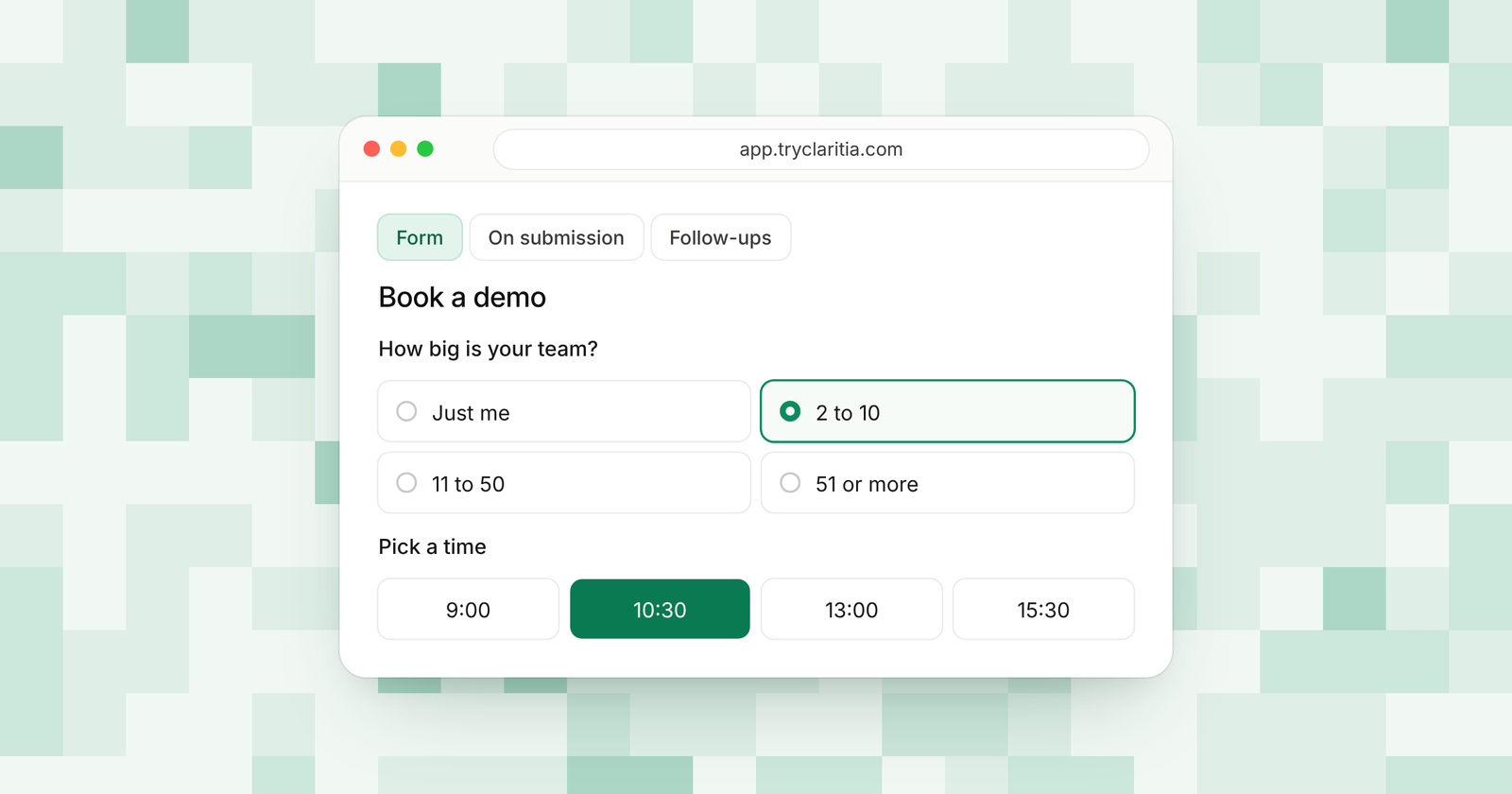
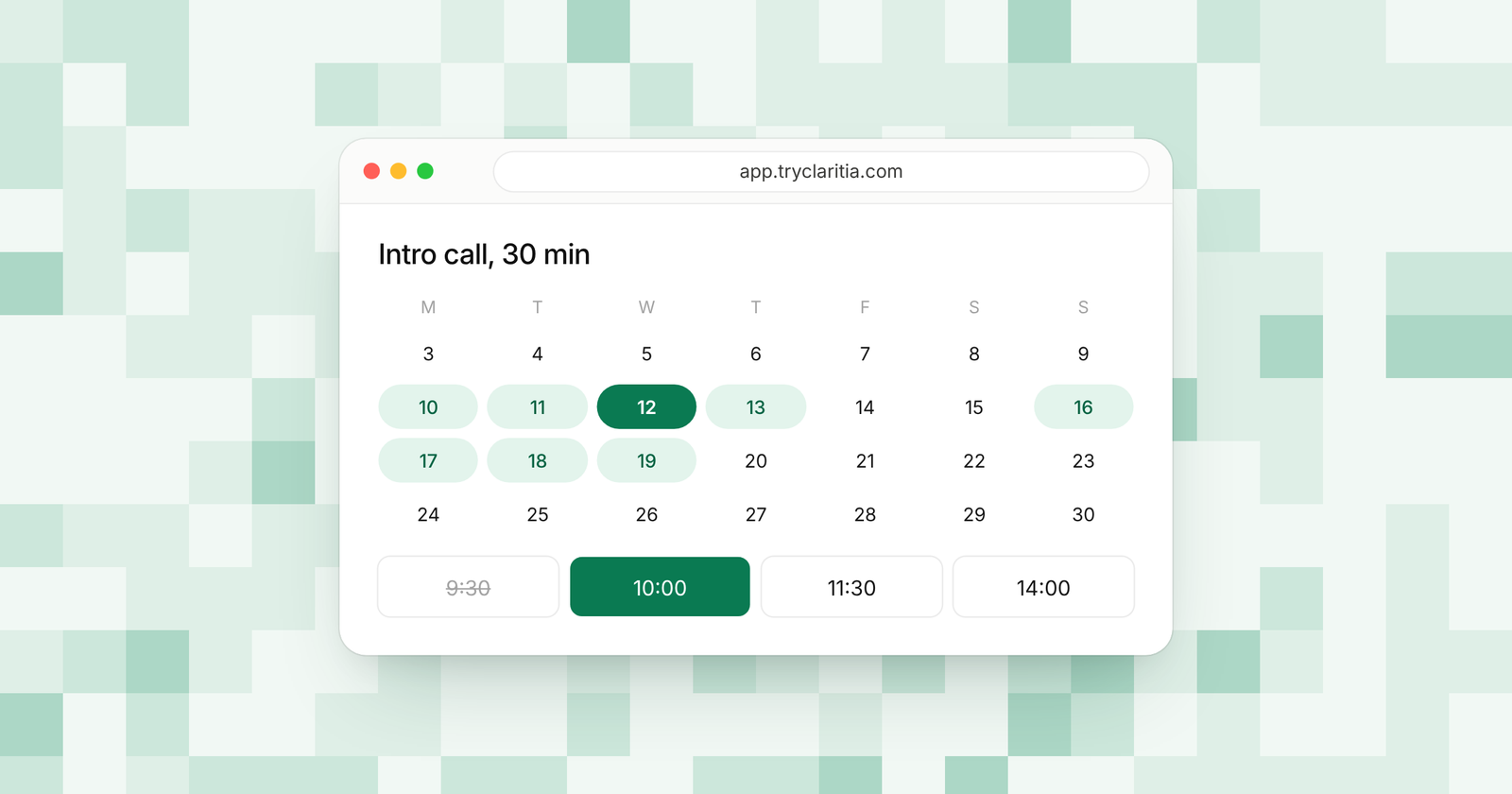
Claritia is a forms and meetings tool for small teams, with workflows that follow up. A visitor fills in your form and books a meeting in the same flow, then gets a confirmation email with a calendar invite. Workflows send reminders a day and an hour before, so the lead hears from you before the call.
Best for: Small teams that want each good lead to book a meeting before they leave the page.
What stands out:
- Meeting booking inside forms is on the free plan, with Google Calendar and Outlook.
- Hidden fields catch UTM tags, and you can add Google Analytics, Google Tag Manager, Meta Pixel and Google Ads tags.
- Cloudflare spam protection, a honeypot, a rate limit and disposable email blocking keep fake leads out.
- On Starter, the form sends leads to HubSpot, Pipedrive, Attio and many more, and a follow-up goes out the next day until the lead books.
Where it falls short:
- Claritia is a newer tool, so its app marketplace and community are smaller than the big names.
- It is built for small teams more than large enterprises.
Pricing: Free is $0, Starter is $15 a seat a month ($12 billed yearly), Pro is $39 ($31) and Business is $79 ($63). Teammates who only build forms or read answers are free.
2. HubSpot forms
HubSpot's form builder is free to start, and every person who fills in a form is added to your HubSpot CRM. That makes it the natural pick for teams already running sales or marketing in HubSpot. The more advanced form features sit on paid plans.
Best for: Teams whose whole funnel already runs in HubSpot.
What stands out:
- Free forms that add every visitor to the CRM.
- Automatic follow-up emails and spam filtering.
- Form shortening that fills known fields, so returning visitors see fewer questions.
- Everything lives in one system with your contacts and emails.
Where it falls short:
- HubSpot lists conditional logic and multi-step forms as premium features.
- Paid Marketing Hub plans add up as you add seats and contacts.
Pricing: Free forms. See their pricing page for Marketing Hub plans.
3. Typeform
Typeform shows one question at a time, which can make a lead form feel more like a chat. Its AI tools go past building the form. They can ask a follow-up question when an answer is vague, and its automations can send follow-up emails.
Best for: Brands that want a polished, one-question-at-a-time lead form.
What stands out:
- A conversational layout that suits short lead forms.
- Clarify with AI asks follow-up questions when an open answer is vague.
- Automations that sort respondents and send follow-ups.
- Answers can map to HubSpot properties.
Where it falls short:
- The Basic plan caps you at 100 responses a month.
- The free plan has a low response cap, so it suits testing more than live campaigns.
Pricing: Basic is $28 a month and Plus is $56 a month, billed yearly. Business costs $91 a month on the same terms.
4. Fillout
Fillout has one of the most generous free plans for lead forms. You get 1,000 responses a month with unlimited forms and seats. HubSpot is among the integrations it lists on every plan, the free one included.
Best for: Teams that collect a lot of leads and want to keep costs low.
What stands out:
- 1,000 free responses a month.
- Conditional logic and scheduling forms on all plans.
- Most integrations, HubSpot included, on every plan.
- Partial submissions on the Business plan, so you see leads who stopped halfway.
Where it falls short:
- The free plan has no CAPTCHA, which matters for public lead forms.
- Salesforce is only on its Team and Enterprise plans.
Pricing: Free at $0, then Starter $15, Pro $40 and Business $75 a month, billed yearly.
5. Jotform
Jotform is a large, mature form builder with a form for almost every case. Its HubSpot integration can create contacts, deals, tickets and companies from a submission. It also handles payments well, which helps if your lead form takes a deposit.
Best for: Lead forms that collect payments or long details.
What stands out:
- A native HubSpot integration that can create a contact or a deal.
- Conditional logic on the free plan.
- A free AI form generator.
- AI Agents with limits by plan.
Where it falls short:
- The free plan allows 5 forms and 100 submissions a month.
- Paid plans are for a single user until Enterprise.
Pricing: Free Starter plan, then Bronze $34, Silver $39 and Gold $99 a month, billed yearly.
6. Paperform
Paperform makes forms that look like web pages, with text and images mixed in. Its appointment field is on every plan and syncs with Google Calendar, so a lead can pick a time. It works well for service businesses that sell with a story.
Best for: Service businesses that want a lead form with room to explain the offer.
What stands out:
- An appointment field on every plan with Google Calendar sync.
- Conditional logic on all plans.
- Unlimited submissions on Pro, within fair use.
- A direct HubSpot integration that creates or updates a contact.
Where it falls short:
- The free plan allows 30 submissions a month.
- Partial responses need Pro or higher.
Pricing: Pro $49 and Business $124 a month, billed yearly ($59 and $149 billed monthly).
7. Unbounce
Unbounce is a landing page builder with lead gen forms built in. You build the whole page around the form and test versions to see which brings more leads. Conversions are uncapped on every plan, and the limits are on visitors.
Best for: Marketers running paid ads to a page made for one offer.
What stands out:
- Lead gen forms inside landing pages.
- No cap on conversions on any plan.
- AI credits on every plan for writing page copy.
- A 14-day trial with full features and no credit card.
Where it falls short:
- Starter allows 500 visitors a month.
- It is a page builder first, so complex forms need another tool.
Pricing: Starter $29, Build $99, Experiment $149 and Optimize $249 a month, billed monthly. Yearly billing costs less.
8. Zoho Forms
Zoho Forms connects closely with Zoho CRM, with a Zoho CRM field and the integration on every plan. Paid plans have high caps, starting at 10,000 submissions a month. It fits teams already paying for Zoho apps.
Best for: Teams that run sales in Zoho CRM.
What stands out:
- Zoho CRM on every plan.
- Save and resume, so a lead can finish later.
- AI tools that turn a PDF or an image into a form.
- High submission caps on paid plans.
Where it falls short:
- The free plan allows 3 forms.
- It shines most for teams inside the Zoho world.
Pricing: See their pricing page.
How to choose
- If you want good leads to book a meeting before they leave the page, pick Claritia.
- If your team already runs on HubSpot and the free forms cover you, start with HubSpot forms.
- If you collect a lot of leads on a tight budget, pick Fillout.
- If you run paid ads to one offer and want to test pages, pick Unbounce.
- If your sales team lives in Zoho CRM, pick Zoho Forms.
Questions
What is a lead generation form?
A lead generation form collects contact details and a few qualifying answers from a visitor. The goal is a lead your team can follow up with. Short forms with a clear next step tend to work best.
How many fields should a lead form have?
Ask only for what you need to take the next step. An email and one or two qualifying questions are often enough. Conditional logic lets you ask more only when an answer calls for it.
How do I stop spam leads?
Use a form builder with spam protection built in. Claritia includes Cloudflare spam protection, a honeypot, a rate limit and disposable email blocking on the free plan.
Can a lead form book a meeting?
Yes. Claritia puts meeting booking inside the form on every plan. On Pro, it can route each lead to the right person based on their answers.
Which lead form builders connect to HubSpot?
Claritia connects to HubSpot on Starter. Fillout, Jotform, Paperform and Typeform also offer HubSpot connections. HubSpot's own forms add leads straight to its CRM.
Get started
Set up a lead form that books meetings on the free plan. Start free. You can also browse form templates or see how Claritia meetings work with your forms.