Best Lead Follow-Up Software for Small Teams That Book Meetings (2026)
Compare the best lead follow-up software for 2026, from booking nudges to sales sequences, with the channels each tool uses and what each plan costs.

A lead often goes quiet for an ordinary reason. They filled your form and meant to book, then a meeting pulled them away. Or they booked and missed the call. Lead follow-up software sends the next message at the right time, so a good lead gets a second and third chance to talk to you.
This post is for small teams who want that follow-up to run on its own. Start with the moments that matter to you: a form fill with no booking, a meeting tomorrow, a no-show, a call that just ended. Then pick the tool whose channels and triggers match those moments.
How we picked
- Triggers tied to real moments, such as a form fill or a missed meeting.
- Channels: email, text, calls or LinkedIn.
- Messages sent from your own inbox, with your own wording.
- A clear stop when the lead books or replies.
- Price for a small team.
The quick comparison
| Tool | Best for | Free plan | Paid from | Follow-up channels |
|---|---|---|---|---|
| Claritia | Following up form leads until they book | Yes | $12 a seat a month, billed yearly | Email from your Gmail or Outlook |
| HubSpot Sales Hub | Sales sequences inside a CRM | Yes, up to 2 users | $20 a seat a month, paid monthly | Email; LinkedIn steps with Sales Navigator |
| Close | Small sales teams who call and text | 14-day trial | $9 a user a month, billed yearly | Email and SMS, plus a dialer |
| ActiveCampaign | Marketing email automations | 14-day trial | See their pricing page | |
| lemlist | Outbound sequences | 14-day trial | $55 a month, billed yearly | Email; LinkedIn and calls on Multichannel |
| Kixie | Calling and texting from your CRM | 7-day trial | See their pricing page | Calls and SMS |
| Calendly | Reminders around a booked meeting | Yes, 1 event type | $10 a seat a month, billed yearly | Email reminders |
| Zcal | Low-cost reminders and follow-ups | Yes | $7 a user a month | Email and SMS reminders |
1. Claritia
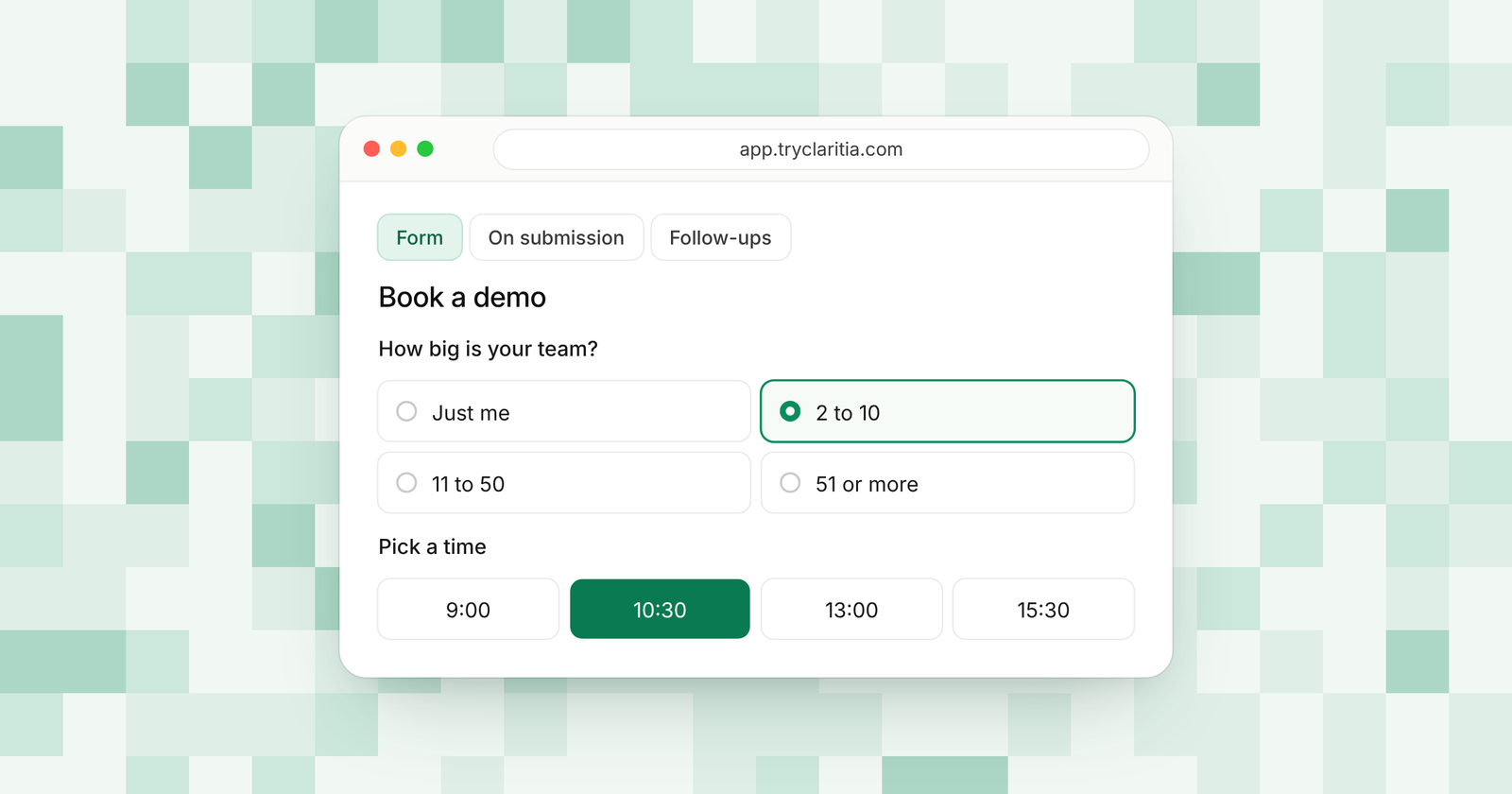
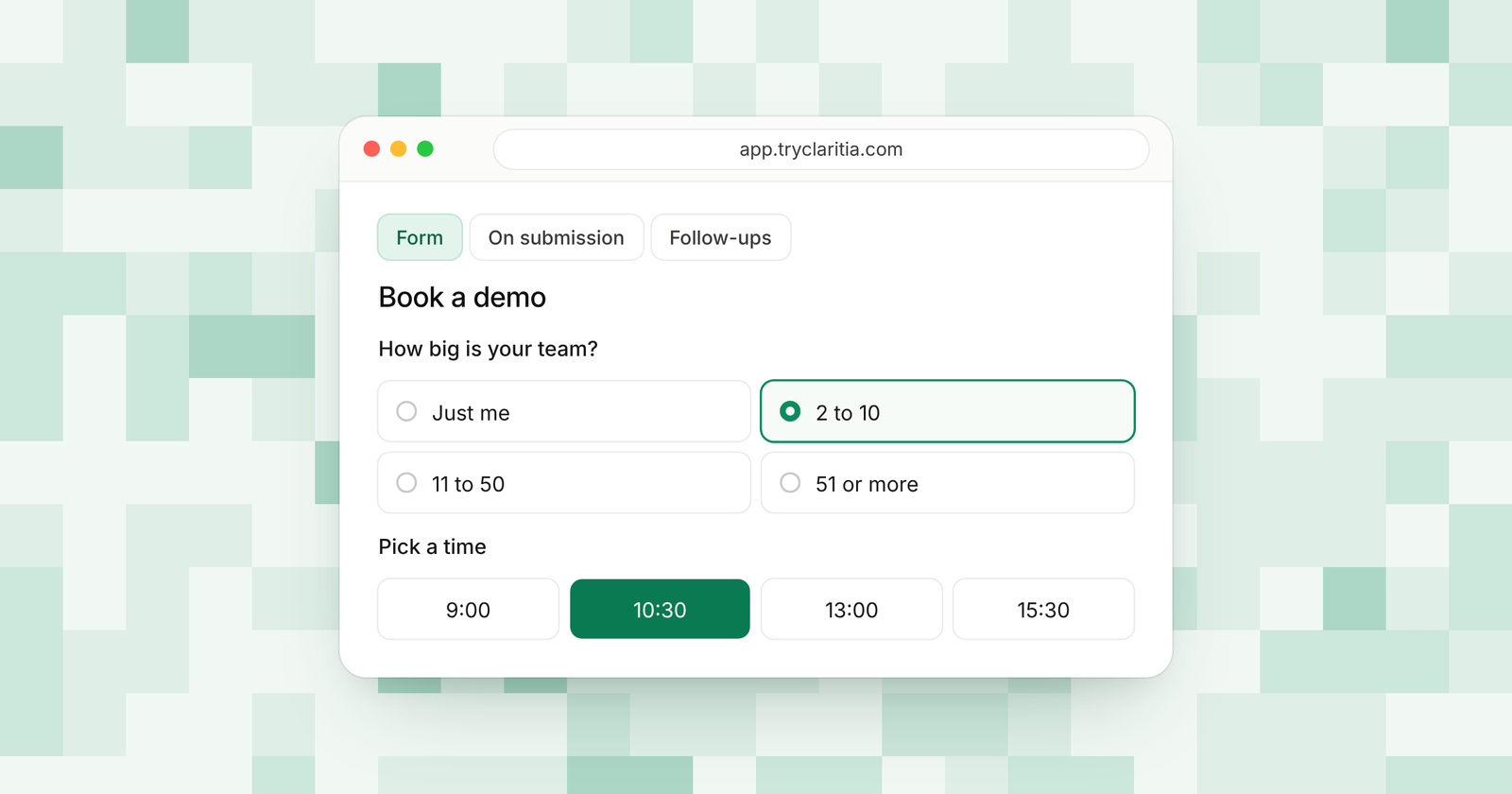
Claritia ties follow-up to forms and meetings. When someone fills your form but doesn't book, Starter follows up the next day until they book. Pro adds a thank-you after a held meeting and a no-show follow-up with the reschedule link.
Best for: small teams who want every form lead to end up on the calendar.
What stands out:
- Follow-up the next day until they book, on Starter.
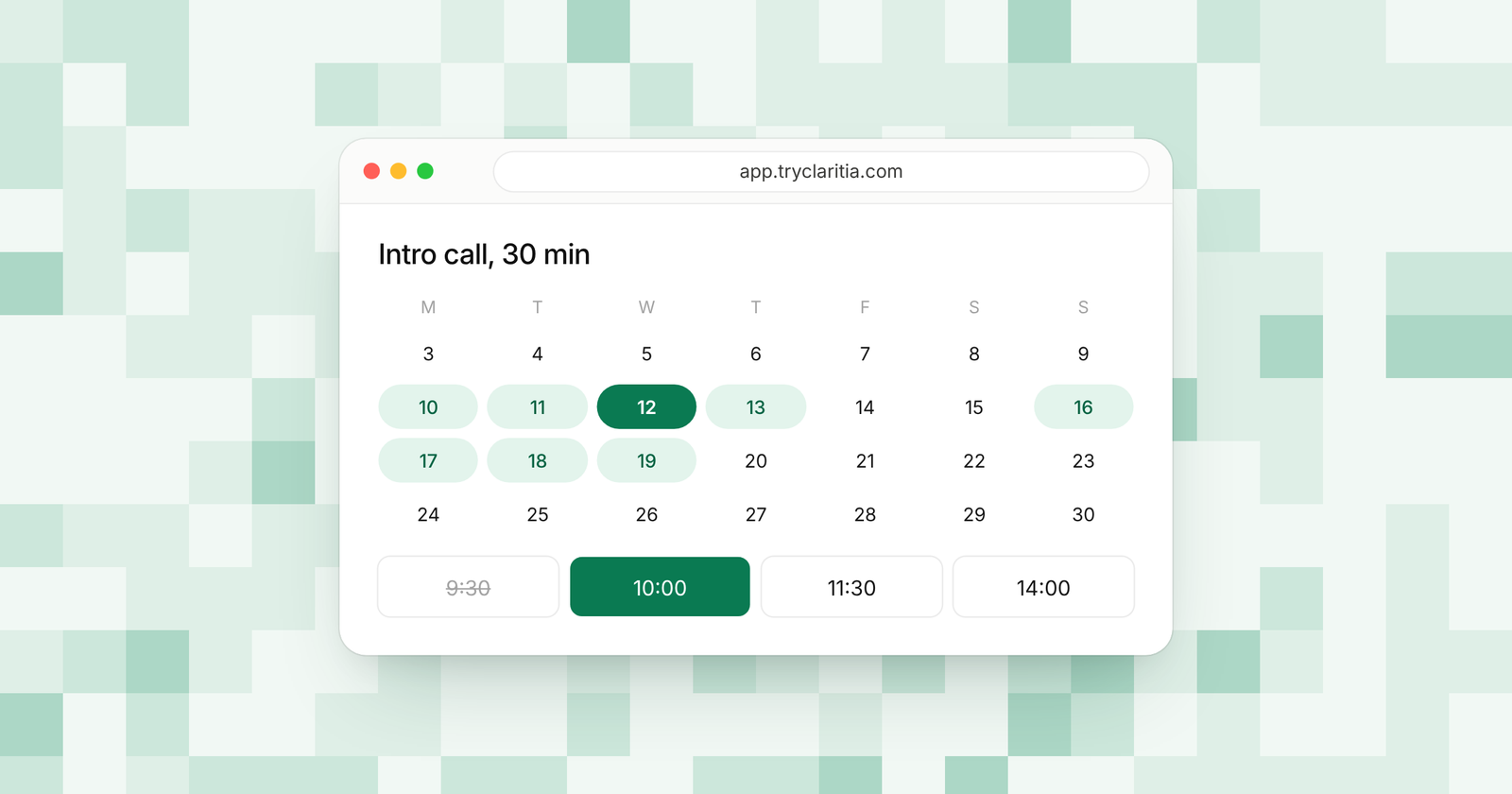
- Reminders a day and an hour before every meeting, on every plan.
- A no-show follow-up with the reschedule link, plus a thank-you after a held meeting, on Pro.
- Emails from your own Gmail or Outlook, with your own wording and times on Starter. Slack and Microsoft Teams connections can alert your team too.
Where it falls short:
- SMS reminders on Pro and Business are coming soon.
- Zapier and Make apps are on the way and aren't listed yet.
Pricing: Free plan at $0. Starter is $15 a seat a month or $12 billed yearly. Pro is $39 or $31 billed yearly. Teammates who only build forms or read answers are free.
2. HubSpot Sales Hub
HubSpot Sales Hub runs follow-up as sequences inside its CRM. A rep enrolls a contact, and HubSpot sends a timed series of emails and tasks. On Enterprise, workflows can enroll contacts in sequences on their own.
Best for: sales teams who live in HubSpot and send one-to-one sequences.
What stands out:
- Sequences on Professional, with up to 500 email sends per user a day.
- Up to 300 workflows on Professional.
- Sequences triggered by workflows on Enterprise.
- LinkedIn steps in sequences with a Sales Navigator subscription.
Where it falls short:
- Sequences start on Professional, which adds a required $1,500 onboarding fee.
- LinkedIn steps need a separate Sales Navigator subscription.
Pricing: Free for up to 2 users. Starter is $20 a seat a month paid monthly, lower billed yearly. Professional is $90 a seat a month billed yearly ($100 monthly), plus onboarding.
3. Close
Close is a CRM built for small sales teams who call and text. SMS works on every plan. From Growth up, automated workflows send email and SMS, and a power dialer helps reps get through call lists.
Best for: small sales teams who want calls and texts inside their CRM.
What stands out:
- Two-way SMS on every plan.
- Automated workflows with email and SMS on Growth and Scale.
- A power dialer on Growth, with a predictive dialer on Scale.
- Calendar sync and meeting reminders on all plans.
Where it falls short:
- Automated workflows start on Growth at $99 a user a month billed yearly.
- Solo covers a single user.
Pricing: Solo is $9 a user a month billed yearly ($19 monthly). Essentials is $35 ($49 monthly). Growth is $99 ($109 monthly).
4. ActiveCampaign
ActiveCampaign is email marketing with deep automation. Every plan includes multi-step automations, and Plus adds sales automation. A Pipelines add-on brings deal records and lead scoring.
Best for: teams who follow up with nurture emails to a large list.
What stands out:
- Multi-step automations on every plan, limited to 5 actions on Starter.
- Sales automation on Plus and up.
- AI campaign follow-up on all plans.
- A Calendly connection from Plus up.
Where it falls short:
- Prices scale with your contact count.
- Meeting booking comes through Calendly rather than a built-in scheduler.
Pricing: See their pricing page. Plans start at 1,000 contacts, with a 14-day free trial.
5. lemlist
lemlist builds outbound sequences with email follow-ups. Its Multichannel plan adds LinkedIn steps and calls to the same sequence. It works well when you reach out first, before a lead fills any form.
Best for: outbound teams who follow up across email and LinkedIn.
What stands out:
- Email follow-ups and CRM connections on the Email plan.
- LinkedIn steps and calls on Multichannel.
- Up to 50,000 emails a month on the Email plan.
- A 14-day free trial with 200 free credits.
Where it falls short:
- It's built for cold outreach more than follow-up after a form fill.
- LinkedIn and call steps need Multichannel.
Pricing: Email is $55 a month billed yearly ($69 monthly). Multichannel is $87 billed yearly ($109 monthly).
6. Kixie
Kixie adds calling and texting to your CRM. Reps can click to call or text from the record, and a power dialer works through lists. It connects to HubSpot, Salesforce, Zoho and Pipedrive.
Best for: teams who follow up by phone and text.
What stands out:
- Click-to-call and click-to-text from your CRM.
- A power dialer with up to 4 lines on Multi-Line.
- SMS templates and team SMS on Professional.
- Unlimited minutes in the US and Canada.
Where it falls short:
- Its pricing page doesn't list prices.
- Email follow-up sits with your CRM, outside Kixie.
Pricing: See their pricing page. A 7-day free trial needs no credit card.
7. Calendly
Calendly handles follow-up around a booked meeting. Meeting reminders come on Standard and up. Pre-drafted follow-up emails come with its Notetaker add-on plans.
Best for: teams who mostly need reminders for meetings already on the calendar.
What stands out:
- Meeting reminders from Standard up.
- Pre-drafted follow-up emails with Notetaker add-on plans.
- Round robin and routing forms on Teams.
- A booking page most leads already know.
Where it falls short:
- The free plan has one event type.
- Its follow-up starts once a meeting exists, so leads who never booked get none.
Pricing: Free plan. Standard is $10 a seat a month billed yearly ($12 monthly). Teams is $16 billed yearly ($20 monthly).
8. Zcal
Zcal's free plan sends automated email reminders. Pro adds follow-up emails and custom reminder messages, plus SMS reminder credits. It's one of the lowest-priced ways to add text reminders.
Best for: small teams who want email and SMS reminders on a tight budget.
What stands out:
- Free email reminders.
- Follow-up emails on Pro.
- 750 SMS credits a month on Pro, 1,500 on Business.
- Round robin on Pro.
Where it falls short:
- Follow-up runs around meetings, so form leads who never book are out of reach.
- Pro covers one team.
Pricing: Free plan. Pro is $7 a user a month. Business is $12.
How to choose
- If your leads fill a form and sometimes forget to book, pick Claritia Starter. Add Pro for no-show follow-ups.
- If your reps work a HubSpot pipeline and want sequences, pick HubSpot Sales Hub Professional.
- If your team follows up by phone as much as email, look at Close or Kixie.
- If you reach out first, before any form fill, pick lemlist.
- If you only need text reminders before meetings, Zcal Pro is the low-cost choice.
Questions
What is lead follow-up software?
It sends the next message to a lead at the right moment, such as a day after a form fill or right after a missed meeting. It stops once the lead books or replies.
How do you follow up with leads who didn't book?
Send a short email the next day with your booking link. Claritia does this on Starter, every day until they book.
What should you send after a no-show?
A friendly note with a link to pick a new time. Claritia Pro sends a no-show follow-up with the reschedule link.
Can follow-up emails come from your own inbox?
Yes, with Claritia Starter. Emails go out from your own Gmail or Outlook, with your own wording and times.
Does Claritia send text reminders?
SMS reminders on Pro and Business are coming soon. Today, Claritia sends email reminders a day and an hour before each meeting.
Turn form fills into booked meetings with follow-up that runs on its own. Start free, or see how meetings and forms work together.