Best HubSpot Forms Alternatives: 8 Form Builders to Try (2026)
Looking for HubSpot Forms alternatives? Compare 8 form builders that still send leads to HubSpot, with real prices and how each one connects to it.

HubSpot forms do a lot well. The builder is free to start, and every person who fills in a form is added to your HubSpot CRM. Follow-up emails and spam filtering are built in, and form shortening fills fields HubSpot already knows. If your whole funnel runs in HubSpot, its forms are a sound default.
Teams look for HubSpot Forms alternatives for a few clear reasons. HubSpot lists conditional logic and multi-step forms among its premium features. Some teams want more design control or a meeting booked inside the form. This post is for those teams. Every tool below can still send leads to HubSpot, so check how each one connects and what it costs.
How we picked
- A HubSpot connection. Each tool sends answers to HubSpot directly or through an add-on.
- Logic on lower plans. Conditional logic without a large plan.
- Design control. Forms that match your site.
- What happens after submit. A booked meeting or a follow-up.
- Clear pricing. A plan you can read without a sales call.
The quick comparison
| Tool | Best for | Free plan | Paid from | How it connects to HubSpot |
|---|---|---|---|---|
| Claritia | Forms that book meetings and send leads to HubSpot | Yes, 250 submissions a month | $12 a seat a month, billed yearly | Native connection on Starter |
| Fillout | A free plan with HubSpot included | Yes, 1,000 responses a month | $15 a month, billed yearly | Native, on every plan |
| Typeform | Brand-led forms | Yes, with a low response cap | $28 a month, billed yearly | Maps questions to HubSpot properties |
| Jotform | Creating more than contacts | Yes, 5 forms and 100 submissions | $34 a month, billed yearly | Creates contacts, deals, tickets and companies |
| Paperform | Forms that read like pages | Yes, 30 submissions a month | $49 a month, billed yearly | Direct integration that creates or updates contacts |
| Gravity Forms | WordPress sites | No free version | $59 a year | HubSpot add-on from the Basic license |
| Formstack | Larger teams with document needs | No, 14-day trial | $83 a month, billed yearly | Featured integration among 300+ |
| Tally | Free forms with no submission cap | Yes, unlimited within fair use | $24 a month, billed monthly | Through Zapier or Make |
1. Claritia
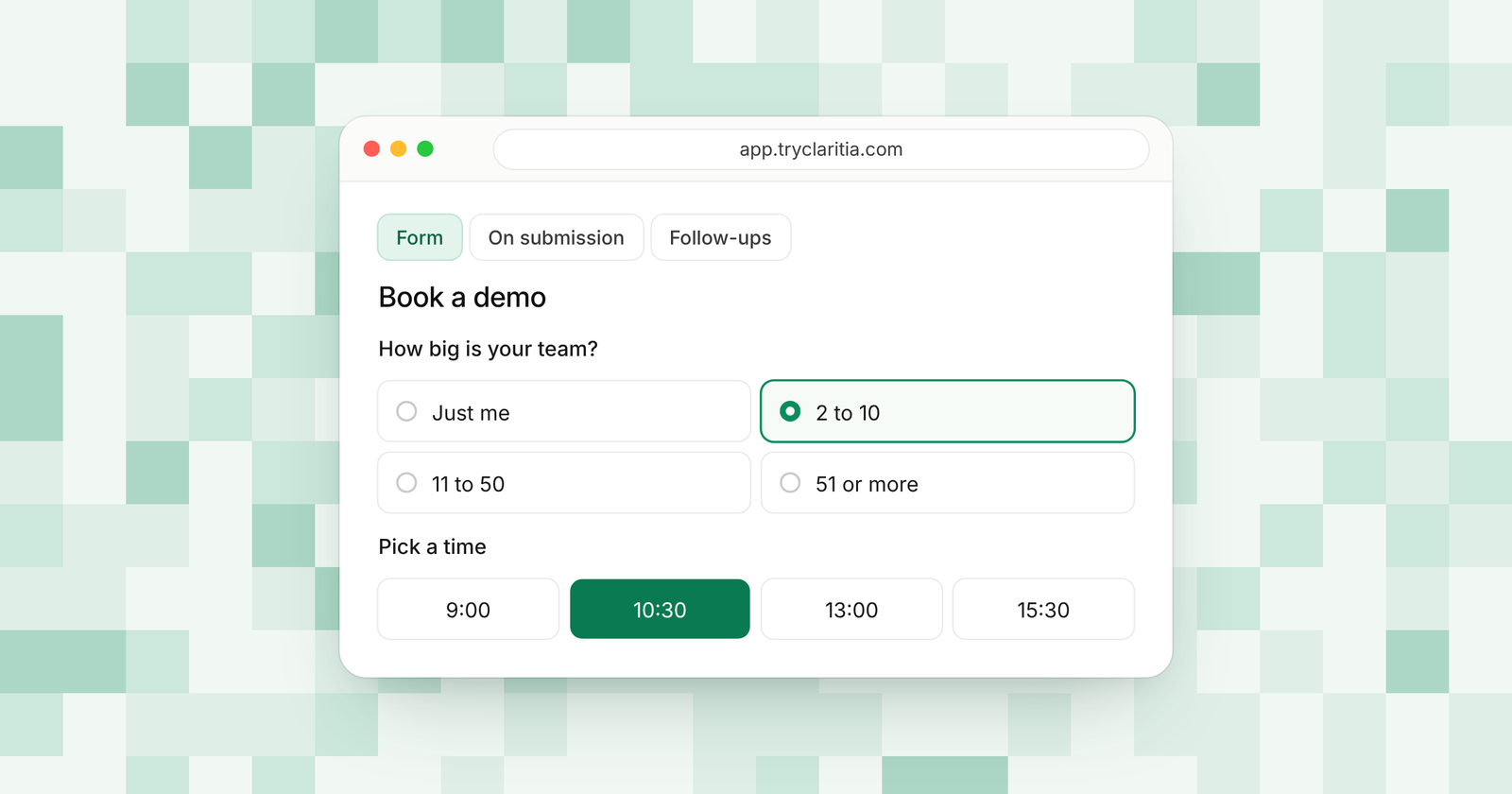
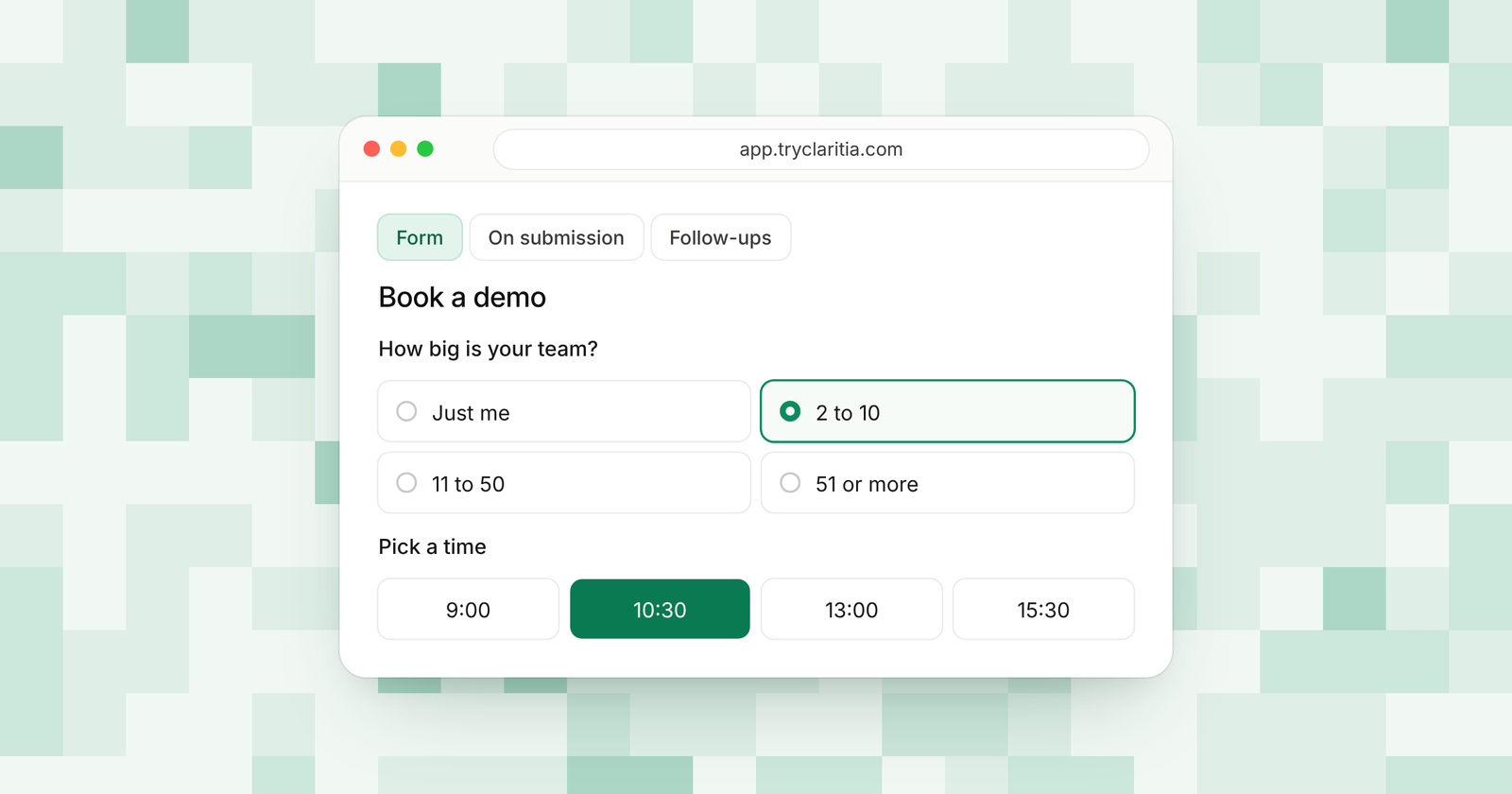
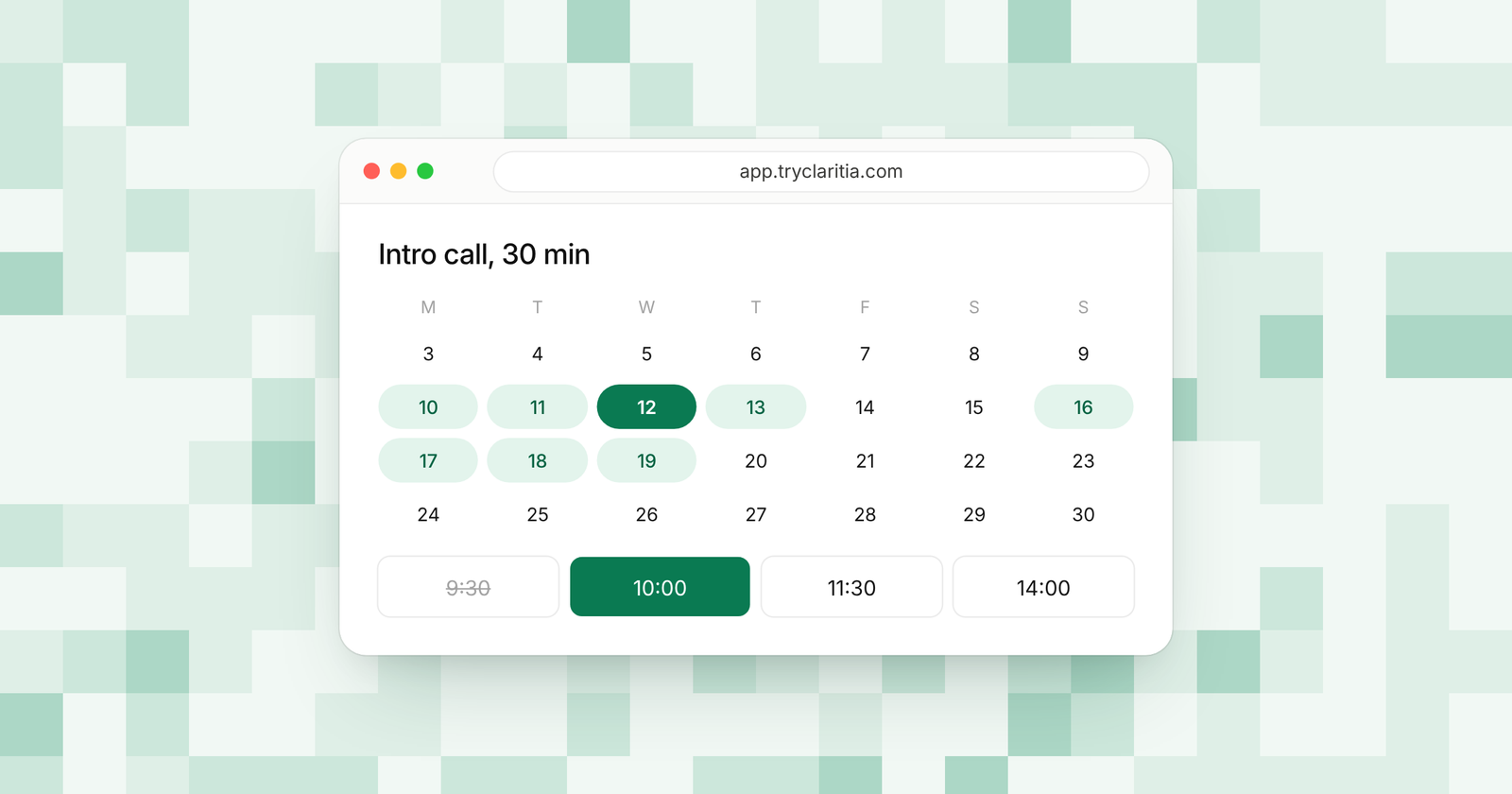
Claritia is a forms and meetings tool for small teams, with workflows that follow up. Its forms send leads to HubSpot on the Starter plan, and the same form can book a meeting with the right person. Workflows then send reminders and a follow-up the next day until the lead books.
Best for: Teams that use HubSpot as their CRM and want forms that turn leads into booked meetings.
What stands out:
- A native HubSpot connection on Starter.
- Conditional logic and step skips on the free plan.
- Meeting booking inside forms on every plan, with Google Calendar and Outlook.
- On Pro, route by any answer to a meeting and a person. On Business, owner first books the lead with their owner in the CRM.
Where it falls short:
- Claritia is a newer tool, so its app marketplace and community are smaller than the big names.
- Zapier and Make apps are on the way and are yet to be listed.
Pricing: Free is $0, Starter is $15 a seat a month ($12 billed yearly), Pro is $39 ($31) and Business is $79 ($63). Teammates who only build forms or read answers are free.
2. Fillout
Fillout lists HubSpot among the integrations it includes on every plan, the free one too. Its free plan gives you 1,000 responses a month with unlimited forms and seats. Conditional logic is on every plan as well.
Best for: Teams that want a free HubSpot-ready form builder with room to grow.
What stands out:
- HubSpot on every plan.
- 1,000 free responses a month.
- Conditional logic and scheduling forms on all plans.
- Partial submissions on Business.
Where it falls short:
- The free plan shows a Fillout badge and has no CAPTCHA.
- Salesforce is only on its Team and Enterprise plans, if you ever move CRMs.
Pricing: Free at $0, then Starter $15, Pro $40 and Business $75 a month, billed yearly.
3. Typeform
Typeform shows one question at a time and gives you strong design control. Its HubSpot integration lets you map any question to a HubSpot property, so answers sync to your HubSpot records. It also offers Zapier workflows for more HubSpot actions.
Best for: Teams that care most about how the form looks and feels.
What stands out:
- Map any question to a HubSpot property.
- A one-question layout that suits short lead forms.
- AI that builds forms and asks follow-ups when an answer is vague.
- Conditional logic from the Basic plan.
Where it falls short:
- The Basic plan caps you at 100 responses a month.
- Typeform's HubSpot page doesn't say which plans include the integration.
Pricing: Basic is $28 a month and Plus is $56 a month, billed yearly. Business costs $91 a month on the same terms.
4. Jotform
Jotform's HubSpot integration goes past contacts. Its help pages list actions to create a contact, a deal, a ticket, a company or a custom record from a form. That helps if your form starts a sales or support process in HubSpot.
Best for: Forms that should open a deal or a ticket in HubSpot.
What stands out:
- Create contacts and deals from a submission.
- Tickets and companies too.
- Conditional logic on the free plan.
- A free AI form generator.
Where it falls short:
- The free plan allows 5 forms and 100 submissions a month.
- Paid plans are for a single user until Enterprise.
Pricing: Free Starter plan, then Bronze $34, Silver $39 and Gold $99 a month, billed yearly.
5. Paperform
Paperform has a direct HubSpot integration that creates or updates a contact. Its forms look like web pages, with text and images between questions. Only HubSpot properties marked for use in forms show up in its settings, so check those in HubSpot first.
Best for: Service businesses that want a form with room to explain the offer.
What stands out:
- A direct HubSpot integration that creates or updates contacts.
- Conditional logic on all plans.
- An appointment field on every plan with Google Calendar sync.
- AI form creation on every plan.
Where it falls short:
- The free plan allows 30 submissions a month.
- Partial responses need Pro or higher.
Pricing: Pro $49 and Business $124 a month, billed yearly ($59 and $149 billed monthly).
6. Gravity Forms
Gravity Forms is a WordPress plugin with a HubSpot add-on on its Basic license. Entries stay in your WordPress database and go to HubSpot as well. Conditional logic is a core feature on every license.
Best for: WordPress sites that want entries on their own server and in HubSpot.
What stands out:
- A HubSpot add-on from the Basic license.
- Conditional logic on every license.
- Partial Entries on Elite.
- Salesforce on Elite, if you need both CRMs.
Where it falls short:
- There is no free version and no trial.
- It only works on WordPress.
Pricing: Basic is $59 a year for 1 site and Pro is $159 a year for 3 sites. Elite costs $259 a year.
7. Formstack
Formstack is a form platform for larger teams, with documents and e-signatures in its Suite plan. It lists HubSpot as a featured integration among more than 300. It also has strong Salesforce options through its Salesforce Solutions plan.
Best for: Teams that need forms plus document generation.
What stands out:
- HubSpot as a featured integration.
- More than 300 integrations in all.
- A Suite plan with documents and e-signatures.
- A 14-day free trial with no credit card.
Where it falls short:
- There is no free plan.
- The Forms plan allows 1 builder user and 25 forms.
Pricing: Forms is $83 a month and Suite is $250 a month, billed yearly. Enterprise is custom.
8. Tally
Tally is a free form builder with unlimited forms and submissions within fair use. Its pricing page lists Zapier and Make among the free integrations, and those are the usual route from Tally to HubSpot. It suits teams on a tight budget who already use Zapier.
Best for: Small teams that want free forms and already use Zapier or Make.
What stands out:
- Unlimited forms and submissions within fair use.
- Conditional logic and calculations on the free plan.
- Zapier and Make on the free plan, plus webhooks.
- A document-style editor that is quick to learn.
Where it falls short:
- HubSpot needs a Zapier or Make step in the middle.
- Partial submissions need Pro.
Pricing: Pro is $24 a month and Business is $74 a month, billed monthly. Yearly billing gives two months off.
How to choose
- If you want forms that book meetings and send leads to HubSpot, pick Claritia.
- If you want HubSpot on a free plan, pick Fillout.
- If your form should open a deal or a ticket in HubSpot, pick Jotform.
- If your site runs on WordPress, pick Gravity Forms.
- If HubSpot's own free forms already cover you, stay with them until you need logic or booking.
Questions
Are HubSpot forms free?
Yes. HubSpot's form builder is free to start, and it adds each person to your HubSpot CRM. HubSpot lists conditional logic and multi-step forms as premium features.
Can I use another form builder with HubSpot?
Yes. Claritia connects to HubSpot on Starter. Fillout, Jotform, Paperform and Typeform have their own HubSpot connections, and Gravity Forms has an add-on.
Will I lose HubSpot tracking if I switch?
Your leads still reach HubSpot when the form connects to it. Claritia also catches UTM tags in hidden fields, so you keep the campaign data with each lead.
Which HubSpot Forms alternative has conditional logic for free?
Claritia, Fillout, Jotform, Paperform and Tally all include conditional logic on their free plans.
Can a form book a meeting and send the lead to HubSpot?
Yes. Claritia books the meeting inside the form and sends the lead to HubSpot on Starter. On Business, owner first books the lead with their owner in the CRM.
Get started
Keep HubSpot as your CRM and give your forms booking and routing. Start free. You can also read about the HubSpot integration or see all integrations.