Best Google Forms Alternatives for Small Teams: 9 Picks (2026)
Compare the best Google Forms alternatives for 2026. See which tools add better design, payments, logic and meeting booking, and which import Google Forms.

Google Forms does a lot for free. Anyone with a Google account can build a form in minutes, and answers land in Google Sheets. Several people can edit a form together. For internal surveys and class quizzes, it's hard to beat.
Things change when a form faces your customers. You may want your own brand on it, logic that goes beyond sections, payments, or a way for a lead to book a call right after they answer. This guide is for small teams ready to move their forms to a tool built for that next step.
How we picked
- Brand and design. Whether the form can look like your business.
- Logic. Questions that change with each answer, beyond simple sections.
- Lead follow-up. Follow-up emails and meeting booking after submit.
- Fair free plan. Enough answers to try it for real before you pay.
- Easy move. How quickly you can bring your Google Forms across.
The quick comparison
| Tool | Best for | Free plan | Paid from | Why switch from Google Forms |
|---|---|---|---|---|
| Claritia | Lead forms that book meetings | Unlimited forms, 250 submissions a month | $12 a seat a month, billed yearly | Imports Google Forms for free and adds booking |
| Tally | A free upgrade in feel | Unlimited forms and submissions (fair use) | $24 a month | Same $0 price, with payments and logic |
| Fillout | Teams that build together | 1,000 responses a month | $15 a month, billed yearly | Unlimited seats and Google Sheets link |
| Microsoft Forms | Microsoft 365 users | Up to 200 responses per form | See their pricing page | Works with Excel and Teams |
| Typeform | Branded customer forms | Yes, with a low response cap | $28 a month, billed yearly | One question at a time |
| Jotform | Many kinds of forms | 5 forms, 100 submissions a month | $34 a month, billed yearly | Huge template library |
| Paperform | Forms that read like a page | 30 submissions a month | $49 a month, billed yearly | Page-style design |
| Zoho Forms | Zoho users | 3 forms, 500 submissions a month | See their pricing page | Zoho CRM link |
| SurveyMonkey | Research surveys | Basic plan, 10 questions per survey | $39 a month, billed yearly | Survey analysis tools |
1. Claritia
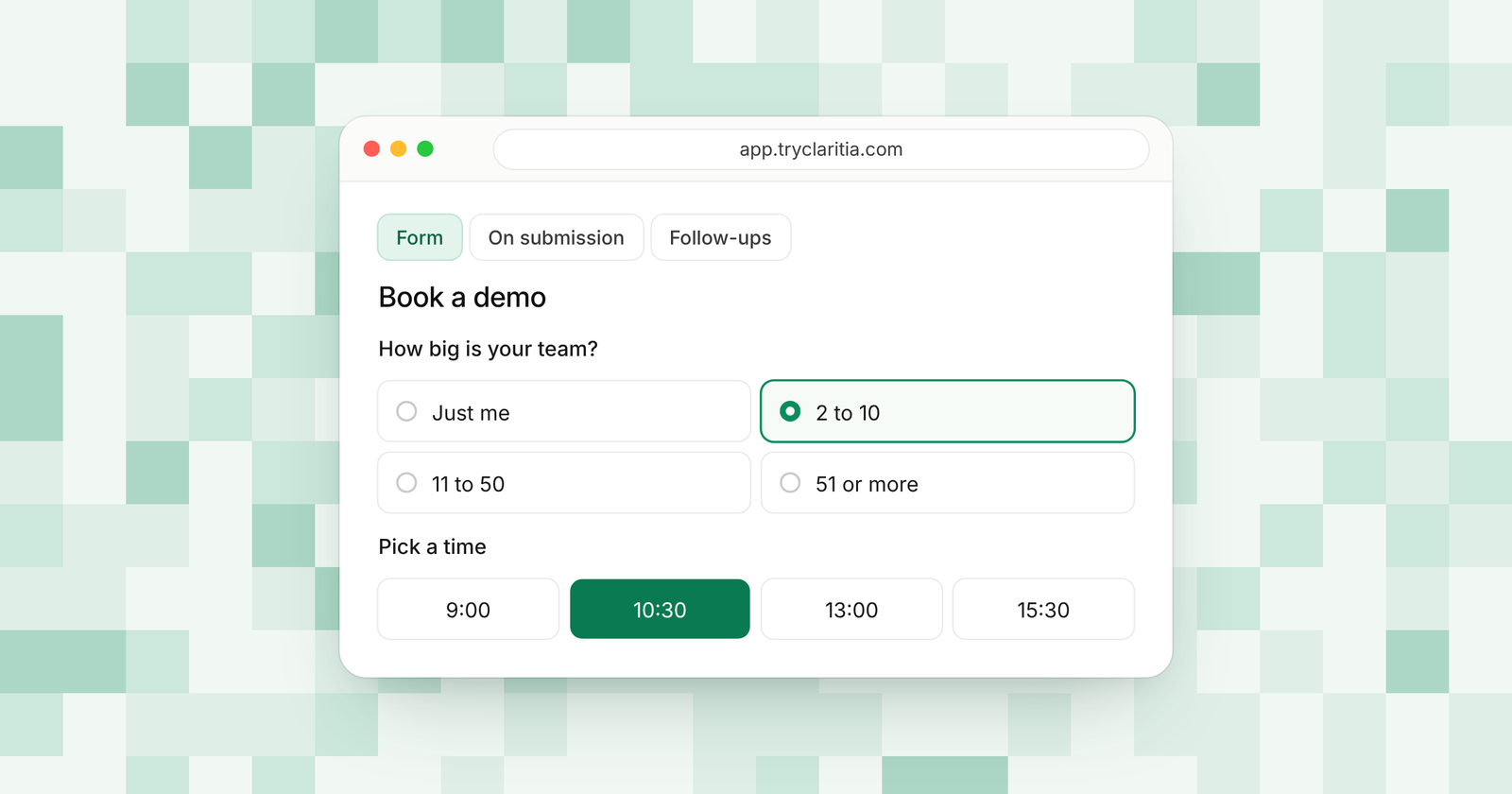
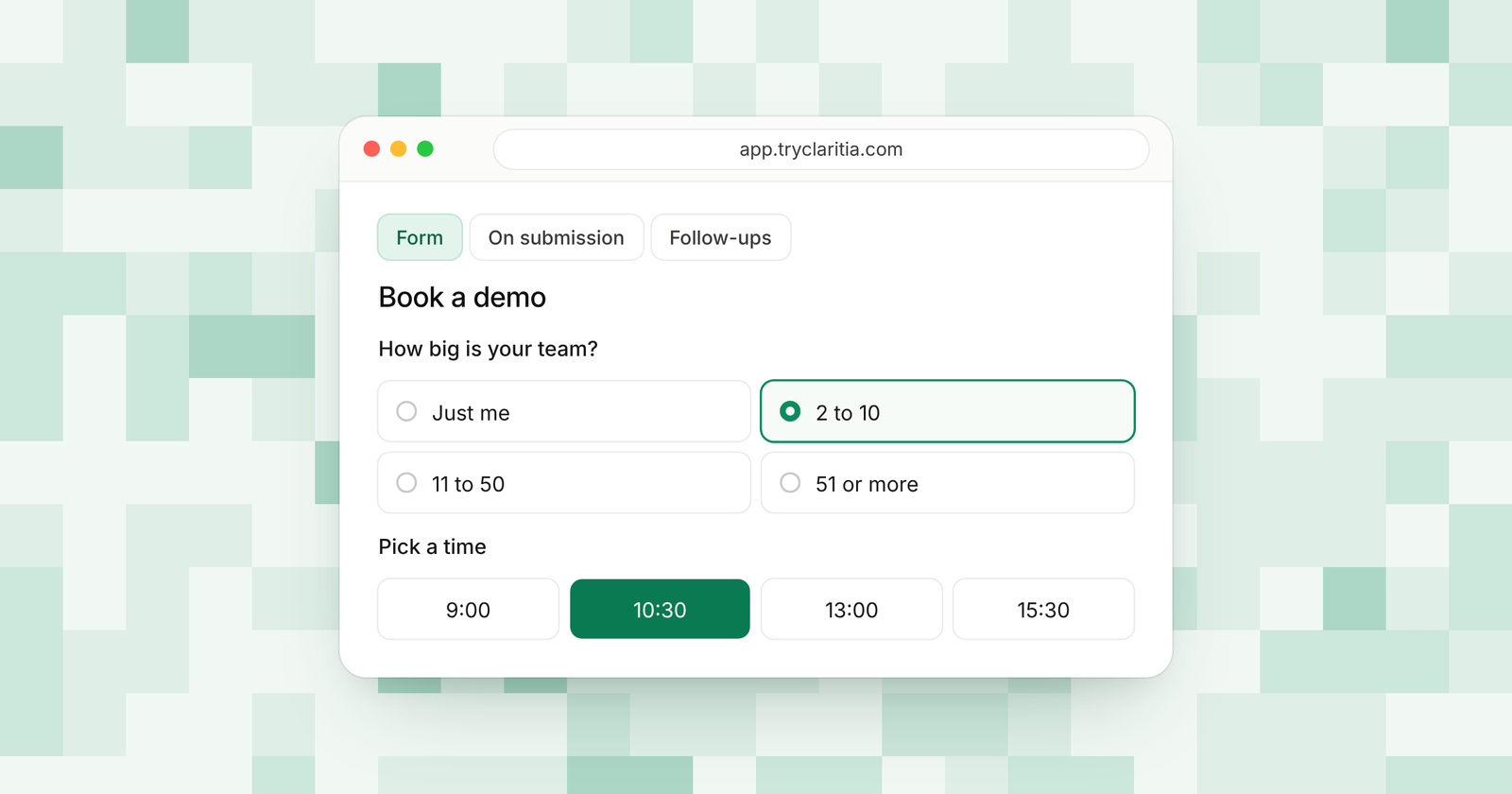
Claritia picks up where Google Forms stops. You can import your Google Forms on the free plan, then give each one smarter logic and a meeting booking step. Tia, the AI form builder, can also draft a new form from one plain sentence.
Best for: Small teams whose forms collect leads and should book meetings.
What stands out:
- Google Forms import on the free plan, so you keep your questions.
- Conditional logic and step skips, with calculations and hidden fields for UTM tags.
- 18 form styles and 435 templates, with your own brand from Starter.
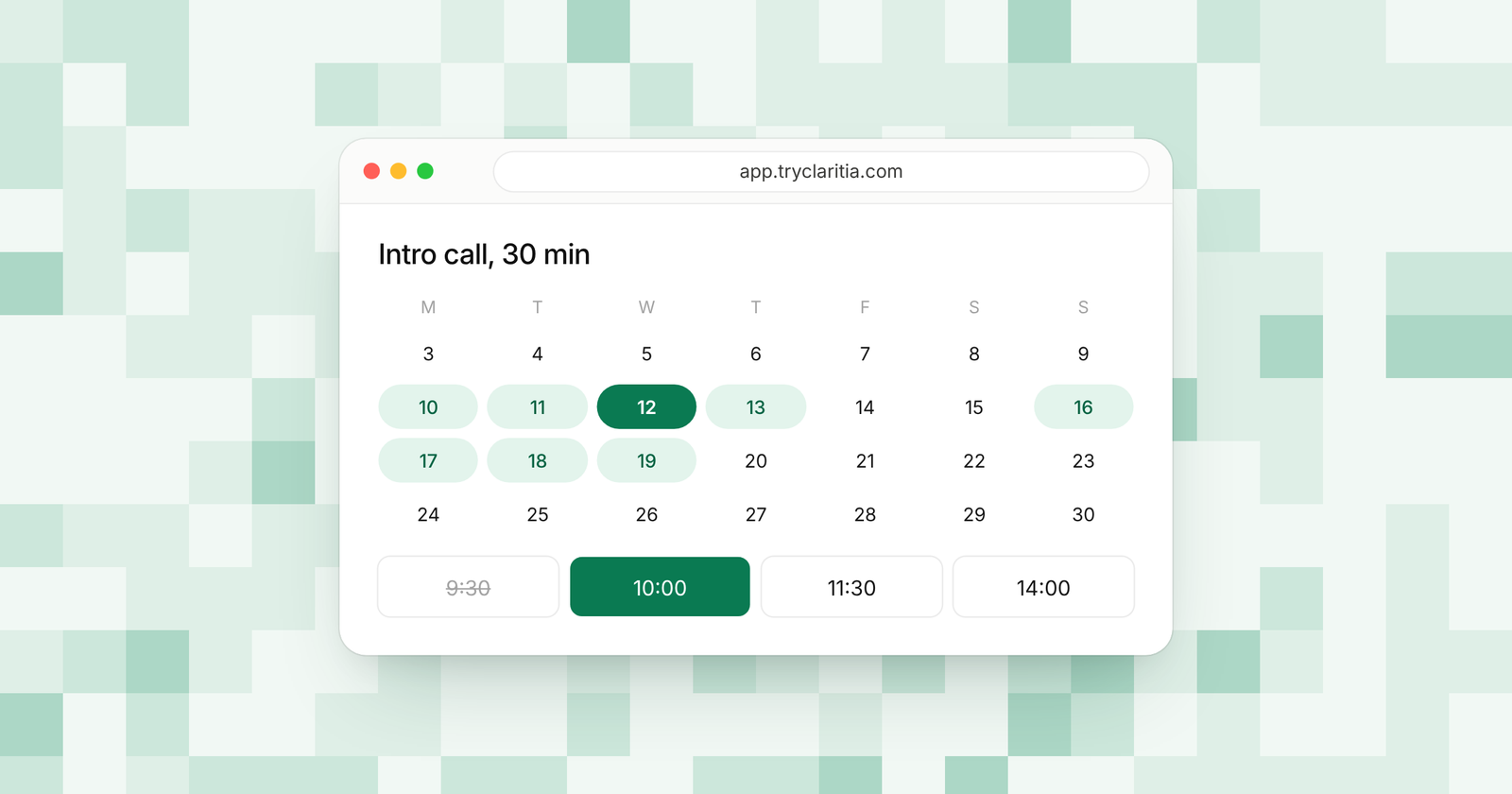
- Meeting booking inside the form, with reminders a day and an hour before.
Where it falls short:
- It's a newer tool, so its app marketplace and community are smaller than Google's.
- There's no native mobile app, and the Zapier and Make apps are on the way.
Pricing: Free for 250 submissions a month. Paid plans run from $15 to $79 a seat a month, or $12 to $63 billed yearly. Teammates who only build forms or read answers are free, and Google Sheets links start on Starter.
2. Tally
Tally keeps the best part of Google Forms, the $0 price, and adds much more. Forms and submissions are unlimited under fair use. You also get logic and payments for free, and it sends answers to Google Sheets.
Best for: People who want Google Forms' price with a nicer form.
What stands out:
- Unlimited forms and submissions for free, under fair use.
- Payments and calculations on the free plan.
- Free links to Google Sheets and Notion.
- A custom thank-you page and redirect on completion at no cost.
Where it falls short:
- Free forms show Tally branding.
- Team collaboration and custom domains need Pro.
Pricing: Pro is $24 a month, with two months off when you pay yearly. Business is $74 a month.
3. Fillout
Fillout is a good fit if your team shares form work, like it does in Google Forms. Every plan has unlimited seats, and the free plan takes 1,000 responses a month. It links to Google Sheets on the free plan too.
Best for: Teams that build forms together and live in spreadsheets.
What stands out:
- Unlimited seats on every plan.
- 1,000 free responses a month.
- Logic and payments on the free plan.
- Google Sheets and Airtable links at no cost.
Where it falls short:
- Free forms carry a Fillout badge.
- Partial submissions are a Business feature.
Pricing: Starter is $15 a month billed yearly. Pro is $40 and Business is $75 a month, billed yearly.
4. Microsoft Forms
Microsoft Forms is the closest match in spirit. It's simple and free with a Microsoft account, and it fits teams that use Excel and Teams. Business and school accounts get very high response limits.
Best for: Teams that work in Microsoft 365.
What stands out:
- Free with a Microsoft account.
- Answers open in Excel.
- Quizzes and polls, much like Google Forms.
- Up to 5,000,000 responses per form on business and school accounts.
Where it falls short:
- Free accounts take up to 200 responses per form.
- Design and logic are about as simple as Google Forms.
Pricing: Free with a Microsoft account. Business plans come with Microsoft 365; see their pricing page.
5. Typeform
Typeform is the pick if you want your form to look nothing like a plain list of questions. It shows one question at a time, with polished design that fits a brand. You'll pay more for it, and each plan caps responses.
Best for: Brands that want a striking customer form.
What stands out:
- A one-question-at-a-time layout.
- Strong design controls and many templates.
- Logic that sends people down different paths.
- Up to 5 users on Business.
Where it falls short:
- Basic includes 100 responses a month and 1 user.
- The free plan has a low response cap.
Pricing: Basic is $28 a month billed yearly ($39 monthly). Plus is $56 and Business is $91 a month, billed yearly.
6. Jotform
Jotform covers far more form types than Google Forms. Its template library is very large, and widgets handle special fields like signatures and payments. It's a single-user tool below Enterprise.
Best for: Solo builders who need special fields and templates.
What stands out:
- A very large template library.
- Many widgets for special fields.
- Mobile apps for filling and managing forms.
- HIPAA features on Gold and Enterprise.
Where it falls short:
- The free plan stops at 5 forms and 100 submissions a month.
- Plans below Enterprise are single-user.
Pricing: Bronze is $34 a month billed yearly ($39 monthly). Silver is $39 and Gold is $99 a month, billed yearly.
7. Paperform
Paperform turns a form into something like a web page. You can mix text and images with your questions, which helps when the form needs to explain an offer. Every plan has unlimited users.
Best for: Forms that also need to sell or explain.
What stands out:
- A page-style editor with room for content.
- Unlimited users and forms on every plan.
- Unlimited submissions on paid plans, under fair use.
- A 7-day free trial with no card needed.
Where it falls short:
- The free plan takes 30 submissions a month.
- Paid plans start higher than most here.
Pricing: Pro is $49 a month billed yearly ($59 monthly). Business is $124 a month billed yearly ($149 monthly).
8. Zoho Forms
Zoho Forms is a solid step up for teams on Zoho apps. Paid plans have unlimited forms and high caps, from 10,000 submissions a month on Basic. Its mobile app helps with forms filled out in the field.
Best for: Teams that use Zoho CRM.
What stands out:
- A close link with Zoho CRM.
- 10,000 submissions a month on Basic.
- Up to 10 users on Standard.
- A mobile app for collecting answers on the go.
Where it falls short:
- The free plan has 3 forms and 1 user.
- It fits best inside the Zoho world.
Pricing: See their pricing page.
9. SurveyMonkey
SurveyMonkey is the pick if you use Google Forms mainly for surveys and want deeper results. Its tools help you read and share what people said. It's built for research more than for lead forms.
Best for: Customer feedback and research.
What stands out:
- Survey analysis tools for reading results.
- 15,000 responses a year on Advantage.
- Team plans for 3 or more users.
- Extra responses at $0.15 each on paid plans.
Where it falls short:
- The free Basic plan allows 10 questions per survey and limited responses.
- The monthly Standard plan costs $149 a month for 1,000 responses.
Pricing: Advantage is $39 a month billed yearly ($468 a year). Premier is $139 a month billed yearly.
How to choose
- If your forms collect leads and should book calls, pick Claritia. You can import your Google Forms on the free plan.
- If you want to keep paying $0, pick Tally.
- If your team builds forms together, pick Fillout.
- If your company runs on Microsoft 365, pick Microsoft Forms.
- If you run surveys more than lead forms, pick SurveyMonkey.
Questions
Can you move your Google Forms to another tool?
Yes. Claritia imports Google Forms on its free plan, so your questions come across without retyping. Then you can add logic and a meeting booking step.
What is the best free alternative to Google Forms?
Tally is the best free alternative for volume, with unlimited forms and submissions under fair use. Claritia is the best free pick if you want forms that book meetings.
Which Google Forms alternatives work with Google Sheets?
Tally and Fillout link to Google Sheets on their free plans. Claritia sends answers to Google Sheets from Starter, along with CRMs like HubSpot and Pipedrive.
Is Microsoft Forms better than Google Forms?
They're very alike. Microsoft Forms fits teams on Microsoft 365 and Excel, while Google Forms fits teams on Google Workspace and Sheets.
Can Google Forms book meetings?
Google Forms has no built-in meeting booking. Claritia books meetings inside the form, linked to Google Calendar or Outlook with a video link.
Bring your forms across
Import your Google Forms into Claritia for free, then add a booking step so leads pick a time as soon as they answer. Start free, or see how it works with Google Calendar.