Best Free Scheduling Software: 9 Free Plans Worth Using (2026)
The best free scheduling software for 2026, compared on the limit you hit first and what the next plan costs, so you can start booking at $0.

You can run real booking on a free plan today. Most scheduling tools offer one that never expires, and a few are generous enough for a solo business to use for years. The catch is that every free plan stops somewhere, and the stopping point is different in each tool.
So the useful question is which limit you will hit first. For some people it's the number of event types. For others it's a missing reminder that leads to a no-show. This guide lists that limit for each tool up front, so you can match it to how you book.
How we picked
- Free forever: a plan with no end date, with trials left out.
- The first limit: the cap most people run into, named plainly.
- Reminders on free: whether the free plan sends any.
- Branding: whether the tool's name stays on your page.
- Cost of the next step: what the first paid plan costs when you outgrow free.
The quick comparison
| Tool | Best for | Free plan | Paid from | Main free limit |
|---|---|---|---|---|
| Claritia | Booking from a form at no cost | Yes | $12 a seat a month billed yearly | 1 meeting type on 1 calendar |
| Google Calendar appointment schedules | Google Calendar users | Yes | See their pricing page | Some features need a paid plan |
| Zcal | The most features for one person | Yes | $7 a user a month | Zcal branding stays on |
| Cal.com | Unlimited links for one person | Yes | $12 a user a month | 1 user |
| Koalendar | Unlimited event types and languages | Yes | $6.99 a seat a month billed yearly | No reminders on free |
| TidyCal | Paid bookings with no monthly bill | Yes | $29 one time | 1 calendar |
| Calendly | A simple, familiar link | Yes | $10 a seat a month billed yearly | 1 event type |
| HubSpot Meetings | HubSpot CRM users | Yes | See their pricing page | 1 personal link |
| Setmore | Free booking for a staff of four | Yes | See their pricing page | Email reminders only |
1. Claritia
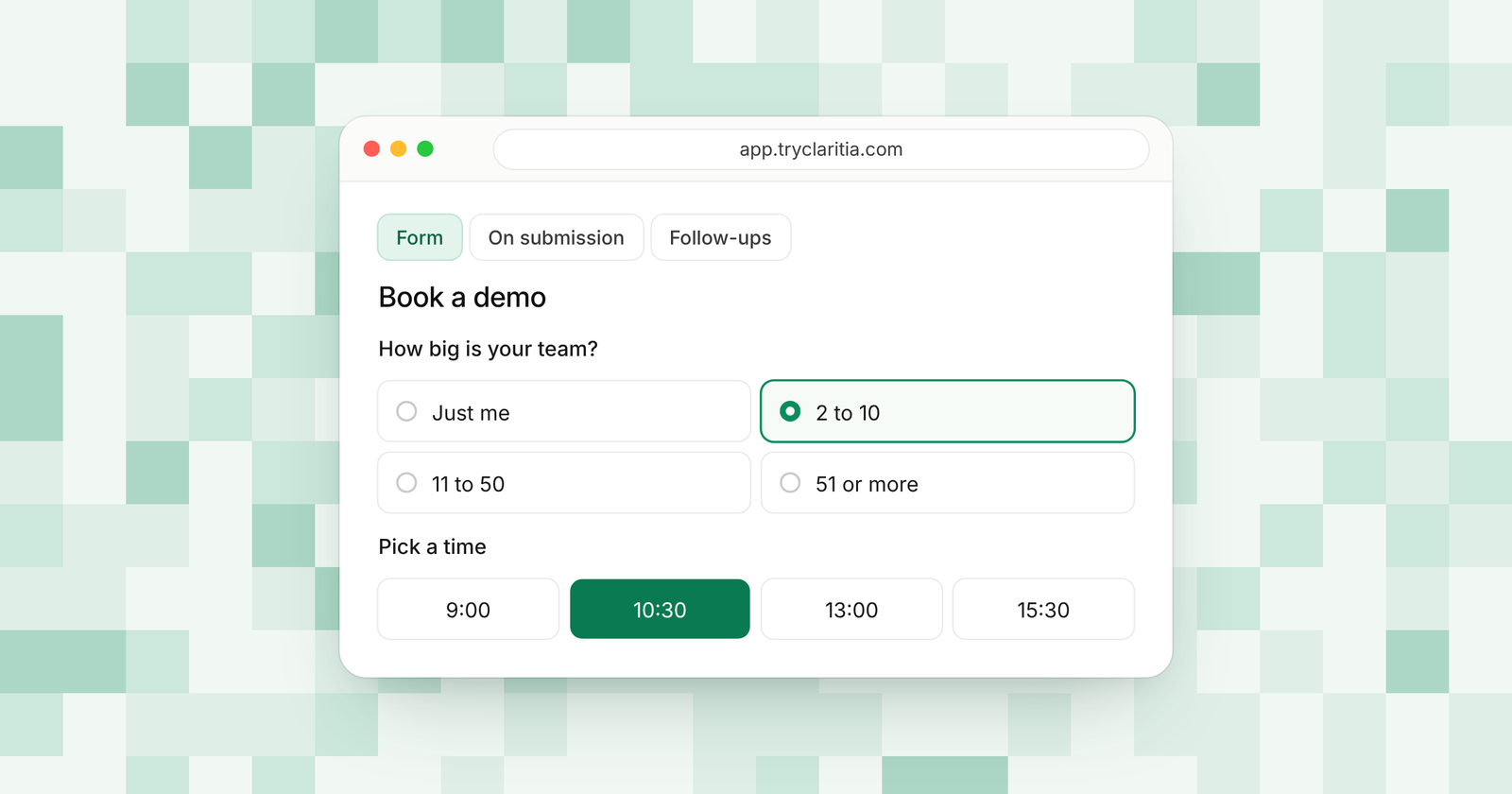
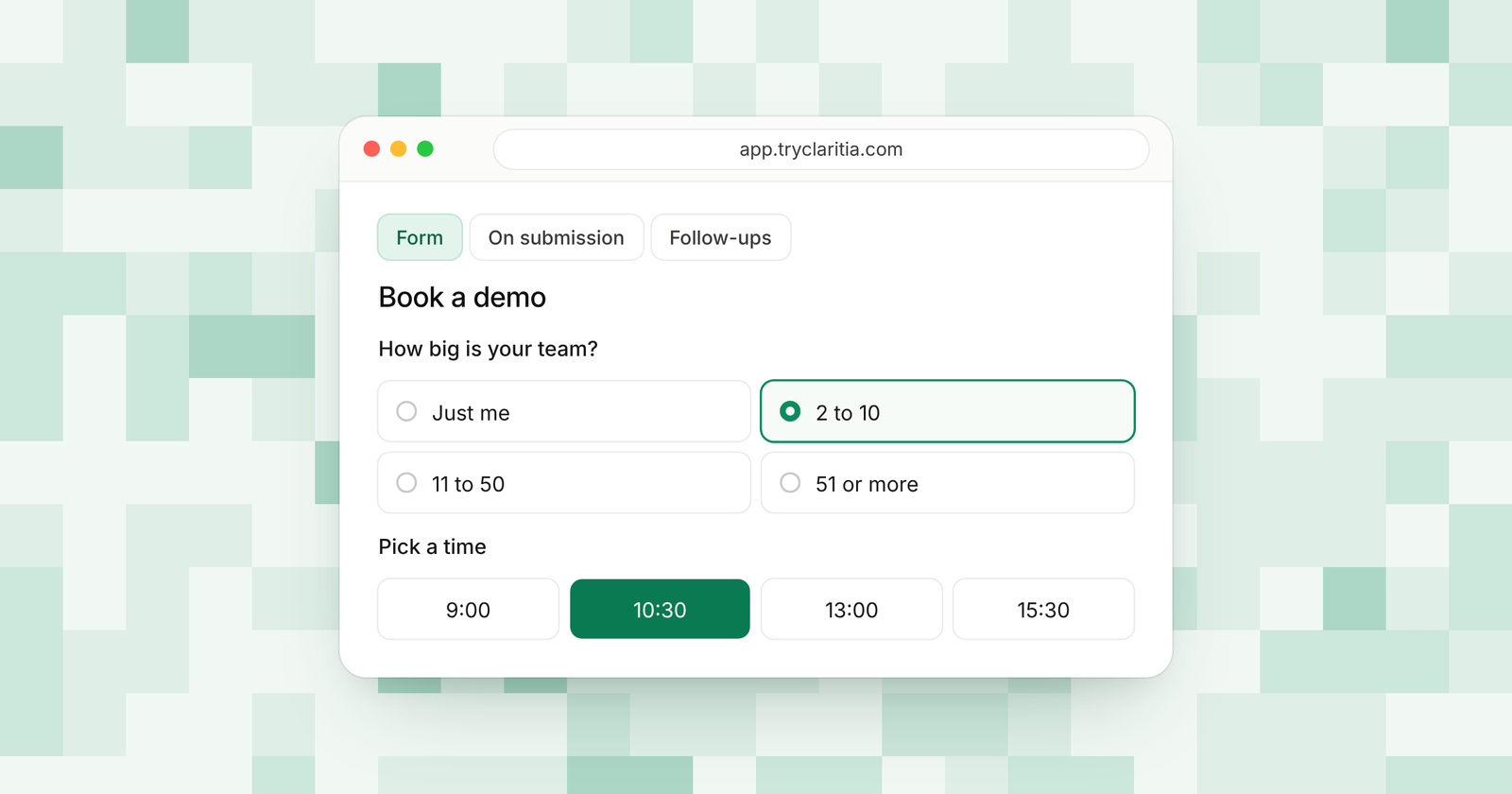
Claritia joins forms and meetings for small teams, with workflows that follow up after. Its free plan puts booking inside a form, so you learn who's coming before they pick a time. Reminders and reschedule links come included.
Best for: people who want a lead form and a booking page in one free tool.
What stands out:
- Unlimited forms with 250 submissions a month on the free plan.
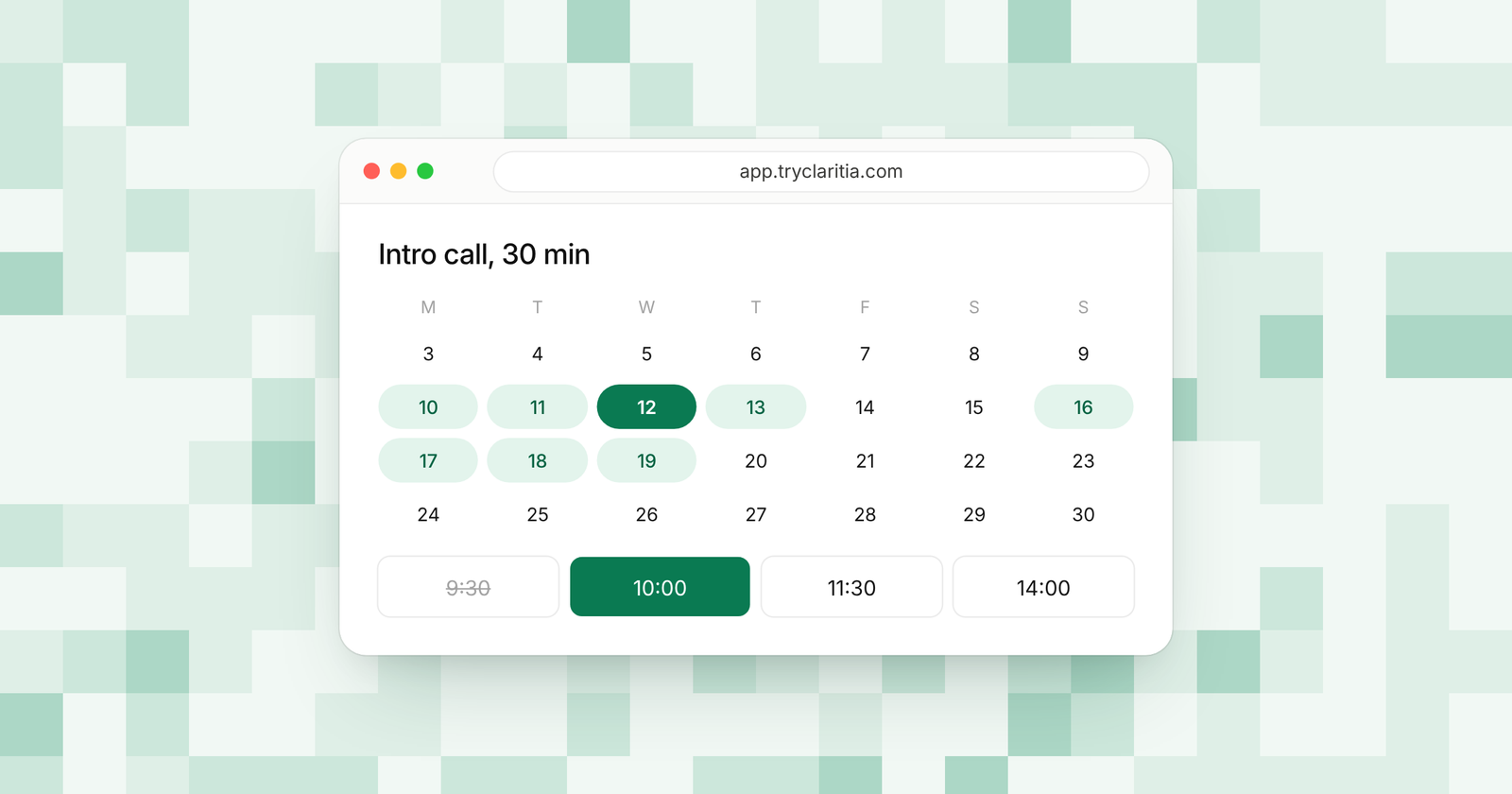
- Booking inside forms, with Google Calendar or Outlook and a video link for each meeting.
- Reminders a day and an hour before, plus reschedule and cancel links.
- Tia builds a form from a plain sentence, with 100 AI credits a month on free.
Where it falls short:
- The free plan has one calendar and one meeting type, so a second meeting type means Starter.
- It's a newer tool, so its app marketplace and community are smaller than the big names.
Pricing: Free at $0, Starter $15 a seat a month ($12 billed yearly), Pro $39 ($31) and Business $79 ($63).
Teammates who only build forms or read answers never need a seat, even on paid plans. You also get 435 form templates and Cloudflare spam protection on free. Browse the templates to start from one.
2. Google Calendar appointment schedules
If you use Google Calendar, you already have a booking page. Appointment schedules work with a personal Google account or a Workspace account. Some features need an eligible Workspace or Google One plan.
Best for: solo users who want booking inside the calendar they already use.
What stands out:
- No new account or app to set up.
- It checks your other calendars before it shows a slot.
- Up to five reminders per booking.
- Email checks on bookings to cut spam, plus Stripe payments.
Where it falls short:
- You create schedules in a web browser. The phone app can't make them.
- Google lists some features as premium, so check which ones your account has.
Pricing: Free with a Google account for the basics. Paid features: See their pricing page.
3. Zcal
Zcal's free plan is one of the fullest around for a single person. You get unlimited links and calendar accounts, and meeting polls come free too. Paid plans mainly add team features and text reminders.
Best for: solo users who want polls and reminders for free.
What stands out:
- Unlimited links and calendar accounts.
- Meeting polls and automated email reminders on free.
- Group events with up to five people per slot.
- Stripe payments on free, with a 3% fee.
Where it falls short:
- Zcal branding stays on the free plan.
- Round robin and webhooks start on Pro.
Pricing: Pro $7 a user a month and Business $12 a user a month, with a 14-day free trial.
4. Cal.com
Cal.com's free plan is built for one user and gives that user a lot. You get unlimited links and calendars, plus email and SMS notifications. Its code is on GitHub if you want to host it yourself.
Best for: solo users and developers who want room to grow.
What stands out:
- Unlimited links and calendars for one user.
- Email and SMS notifications on free.
- Stripe and PayPal payments on free.
- Salesforce and HubSpot sync on free.
Where it falls short:
- The free plan covers one user, so any team setup needs Teams.
- Routing forms and round robin start on Teams.
Pricing: Teams is $12 a user a month (25% less billed yearly) and Organizations $28 a user a month.
5. Koalendar
Koalendar gives you unlimited booking pages and event types for free. It also handles more than 30 languages and comes with phone apps. It's a good pick for someone who books several kinds of meetings.
Best for: solo users with many meeting types.
What stands out:
- Unlimited booking pages and event types.
- Pages in more than 30 languages.
- Phone apps and an embeddable booking page.
- A one-click import of your Calendly events.
Where it falls short:
- Email reminders start on Pro, so the free plan sends none.
- Free connects two calendars and keeps Koalendar branding.
Pricing: Pro $6.99 a seat a month billed yearly ($9.99 monthly). Business is $29 a month billed yearly for three seats ($36 monthly).
6. TidyCal
TidyCal's free plan covers unlimited booking types and paid bookings. When you outgrow it, you can pay once for a lifetime plan. That makes it easy to keep costs flat.
Best for: solo pros who sell sessions and dislike subscriptions.
What stands out:
- Unlimited bookings and booking types.
- Paid bookings with Stripe and PayPal, with a 1% fee.
- Group and package bookings on free.
- Lifetime plans from $29 when you want more.
Where it falls short:
- The free plan connects one calendar.
- SMS reminders need Agency Lifetime or Pro.
Pricing: Individual Lifetime $29 once and Agency Lifetime $79 once. Pro is $12 a month or $99 a year.
7. Calendly
Calendly's free plan is the one many people start with. It gives you one event type with one calendar and a booking page you can shape. Most growing users move to Standard for more event types and reminders.
Best for: people who need one simple booking link.
What stands out:
- A name most of your clients already know.
- A customizable booking page on free.
- A browser extension for sharing times from anywhere.
- Standard at $10 a seat billed yearly adds unlimited event types.
Where it falls short:
- One event type and one calendar on free.
- The free plan has no reminders or automations.
Pricing: Standard $10 a seat a month billed yearly and Teams $16 billed yearly. Enterprise starts at $15,000 a year.
8. HubSpot Meetings
HubSpot's free tools include a meetings link that books into its free CRM. If you plan to grow into HubSpot, it's a natural first step. The free version has one personal link.
Best for: small sales teams starting on HubSpot's free CRM.
What stands out:
- Free with HubSpot's CRM.
- Bookings land next to your contacts.
- Paid plans add up to 1,000 personal and team links.
- Paid plans remove HubSpot branding.
Where it falls short:
- One personal link on free, with HubSpot branding.
- Team links need a paid Sales Hub plan.
Pricing: Free with one link. Sales Hub plans: See their pricing page.
9. Setmore
Setmore's free plan is built for a small staff. Up to four people can take bookings, with unlimited appointments. It comes with phone apps and support from real people.
Best for: small shops and studios with a few staff members.
What stands out:
- Up to four users on the free plan.
- Unlimited appointments.
- Online and in-person payments.
- Phone apps for iOS and Android.
Where it falls short:
- The free plan sends email reminders only. Text needs a paid plan.
- The pricing page shows more than one price for Pro, so confirm before you upgrade.
Pricing: Free for up to four users. Pro: See their pricing page.
How to choose
- If you want a lead form and booking in one free tool, pick Claritia.
- If you're one person and want the most features at $0, pick Zcal or Cal.com.
- If you live in Google Calendar and book simple calls, use its appointment schedules.
- If a few staff members share the booking page, start with Setmore.
- If you charge for sessions and want to avoid a monthly plan later, pick TidyCal.
Questions
Is there scheduling software that's free forever?
Yes. Every tool on this list has a free plan with no end date. The difference is where each free plan stops.
Which free scheduling tool sends reminders?
Claritia sends reminders a day and an hour before on free. Zcal sends email reminders, and Cal.com sends email and SMS notifications. Calendly and Koalendar keep reminders for paid plans.
Can a team use free scheduling software?
Setmore's free plan covers up to four users. Most others cover one person. In Claritia, teammates who only build forms or read answers are free on every plan.
Which free tool removes its branding?
Most free plans keep the tool's name on your page. Removing it usually needs a paid plan. In Claritia, branding comes off on Pro.
When should you upgrade from a free plan?
Upgrade when the free limit starts costing you bookings. That might be a second meeting type or a teammate who needs to take calls.
Start free today
Build a form that books meetings at no cost. Start free, or see what each plan adds on the pricing page.