Best Free Form Builder: 9 Free Plans Compared Side by Side (2026)
Find the best free form builder for 2026. Compare free plan limits, branding, payments and upgrade prices across 9 tools, so you know what you get for $0.

A free form builder is a smart way to start. You can test an idea and take your first leads before you spend a cent. This guide is for small teams and solo founders who want a free plan they can run for real, with room to grow.
Free plans differ more than their sign-up pages suggest. Some cap answers each month or the number of forms. Others hold back logic or payments until you upgrade. Read the limits closely, and check what the first paid plan costs, because a good free plan should lead to a fair upgrade.
How we picked
- Monthly answer limit. How many submissions the free plan takes before forms close or stop.
- Form limit. Whether you can build as many forms as you need.
- Features you keep for free. Logic, file uploads, payments and integrations on the $0 plan.
- Branding. Whether free forms show the vendor's name.
- The first upgrade. What the next plan costs once you outgrow free.
The quick comparison
| Tool | Best for | Free plan | Paid from | Best free feature |
|---|---|---|---|---|
| Claritia | Free forms that book meetings | Unlimited forms, 250 submissions a month | $12 a seat a month, billed yearly | Meeting booking inside the form |
| Tally | High volume on $0 | Unlimited forms and submissions (fair use) | $24 a month | No submission cap |
| Fillout | Teams with many builders | 1,000 responses a month, unlimited seats | $15 a month, billed yearly | Payments and logic for free |
| Google Forms | Internal surveys | Free with a Google account | See their pricing page | Google Sheets link |
| Microsoft Forms | Microsoft users | Up to 200 responses per form, 400 forms | See their pricing page | Works with Excel |
| Zoho Forms | Zoho users | 3 forms, 500 submissions a month | See their pricing page | Zoho CRM link |
| Jotform | Template seekers | 5 forms, 100 submissions a month | $34 a month, billed yearly | Large template library |
| Cognito Forms | Free order forms | 100 entries a month | $19 a month, billed yearly | Payments and calculations |
| Paperform | Trying a page-style builder | 30 submissions a month | $49 a month, billed yearly | Unlimited users |
1. Claritia
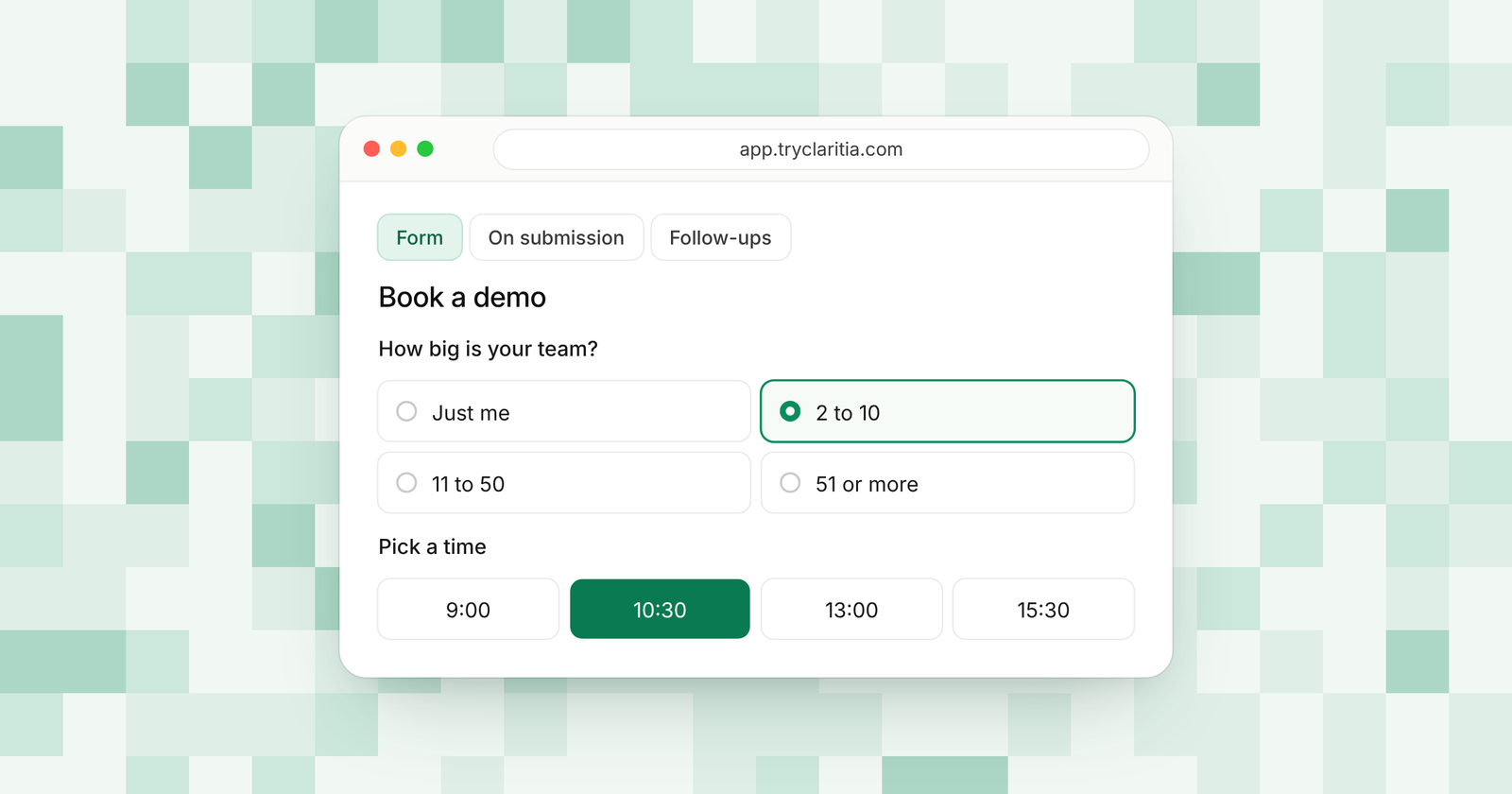
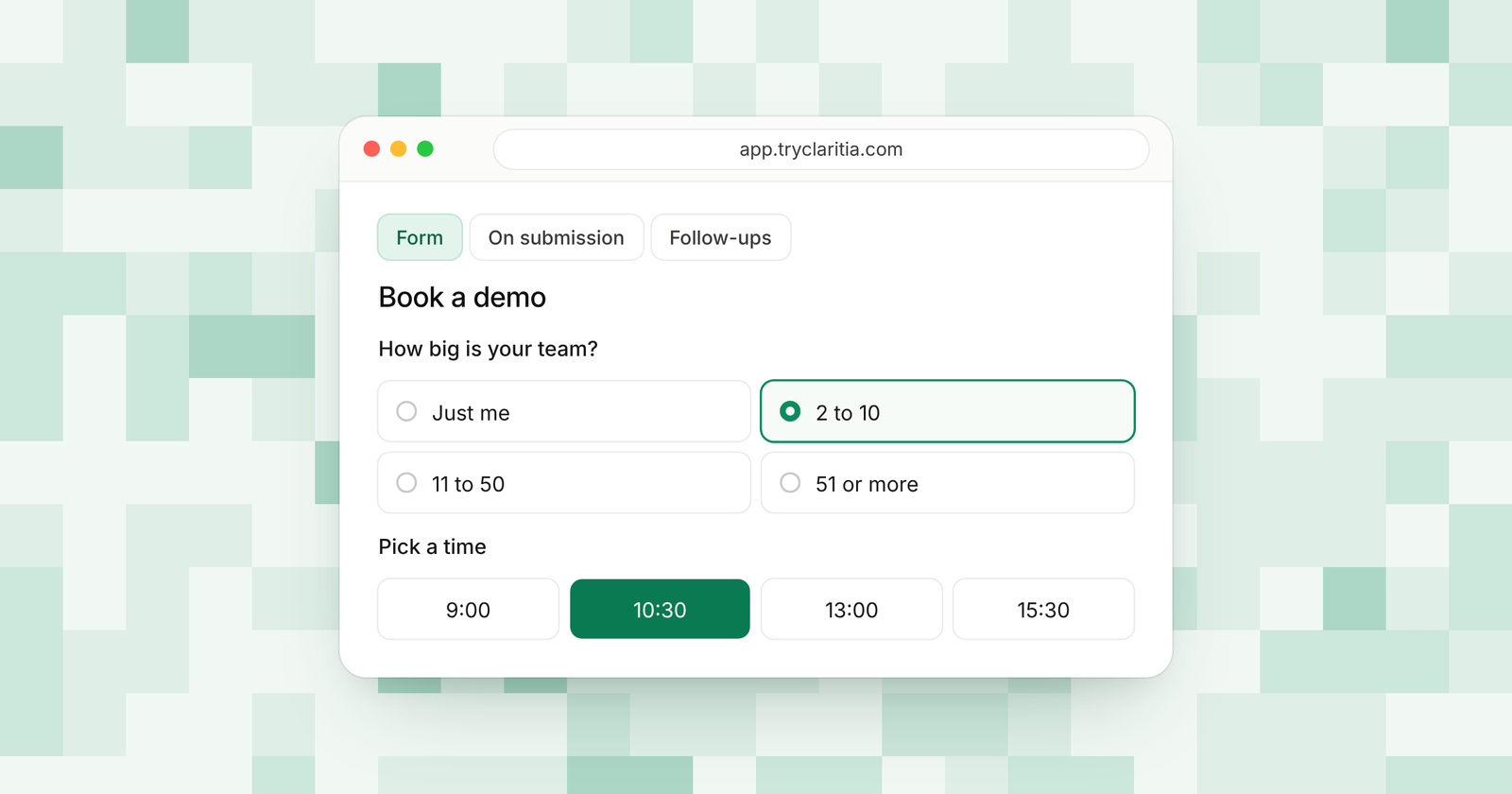
Claritia's free plan is built for forms that lead to a conversation. You get unlimited forms and 250 submissions a month, and each form can book a meeting with you on the spot. Tia, the AI form builder, drafts a form from one plain sentence, so you can start in minutes.
Best for: Small teams and founders who want free forms that turn into booked calls.
What stands out:
- Multi-page forms, conditional logic, calculations and file uploads on the free plan.
- 435 form templates and 18 form styles, all free.
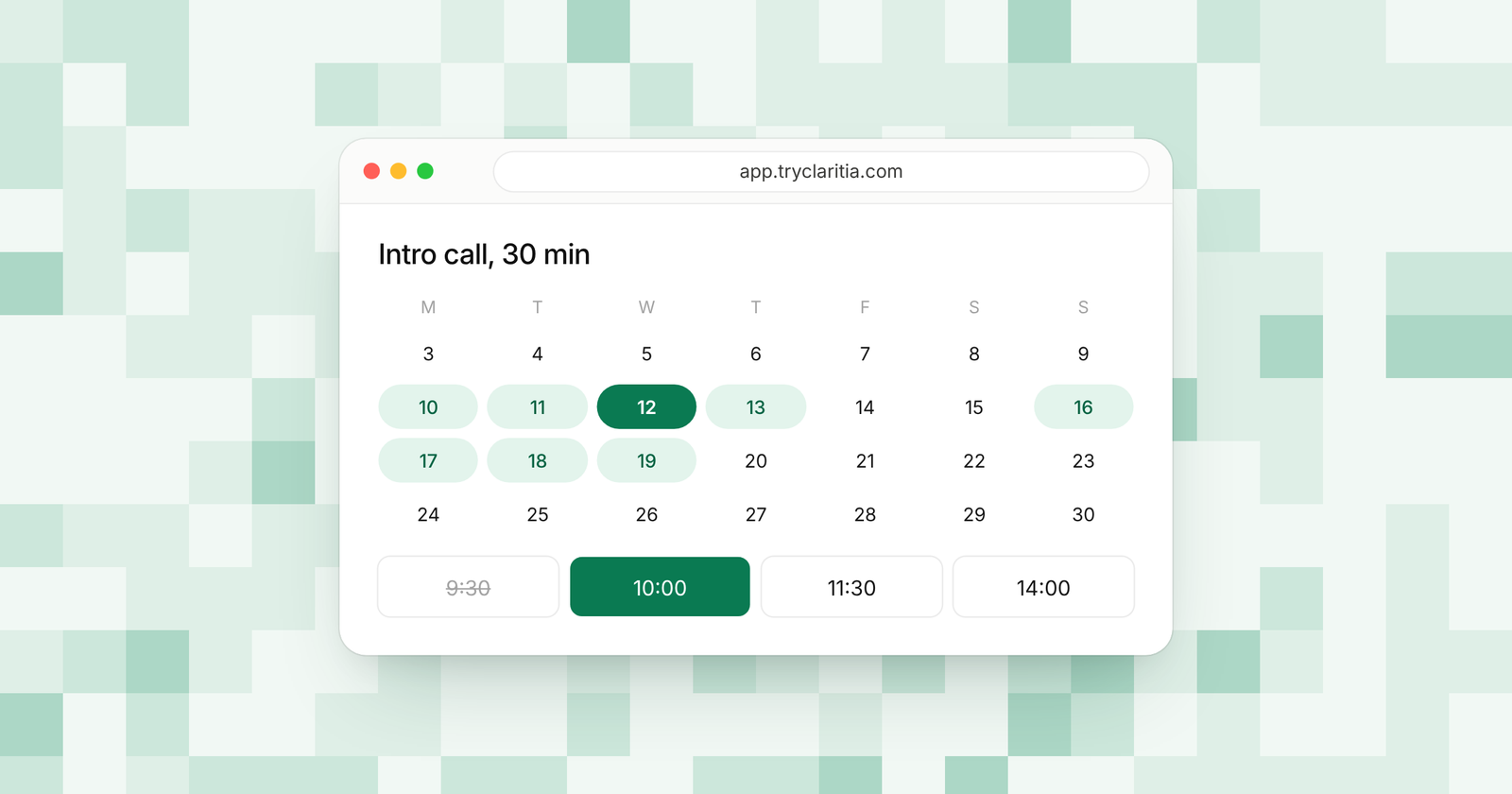
- One meeting type with Google Calendar or Outlook, plus reminders a day and an hour before.
- Webhooks and CSV export, plus embeds on WordPress, Webflow, Framer, Shopify and Squarespace.
Where it falls short:
- Payments and links to tools like HubSpot or Google Sheets start on Starter.
- It's a newer tool, so its app marketplace and community are smaller than the big names.
Pricing: Free for 250 submissions a month. Paid plans run from $15 to $79 a seat a month, or $12 to $63 billed yearly. Teammates who only build forms or read answers are free.
2. Tally
Tally has the most generous free plan in this list. Forms and submissions are unlimited under fair use, and you get logic and payments without paying. The editor works like a writing doc, so building a form feels like typing a note.
Best for: Makers and small teams who need high volume on $0.
What stands out:
- Unlimited forms and submissions, under fair use rules.
- Payments and signatures on the free plan.
- Free links to Google Sheets, Notion, Airtable and webhooks.
- Redirect on completion and a custom thank-you page at no cost.
Where it falls short:
- Free forms show Tally branding.
- Partial submissions and team collaboration need Pro.
Pricing: Pro is $24 a month, with two months off when you pay yearly. Business is $74 a month.
3. Fillout
Fillout gives you 1,000 responses a month with unlimited forms and seats. That makes it one of the best free plans for a team where several people build forms. Logic and payments are included, and scheduling forms are free too.
Best for: Teams where many people build forms.
What stands out:
- 1,000 free responses a month.
- Unlimited seats on every plan, free included.
- Conditional logic and payments for free.
- Airtable and Google Sheets links on the free plan.
Where it falls short:
- Free forms carry a Fillout badge.
- Custom themes and redirects need a paid plan.
Pricing: Starter is $15 a month billed yearly. Pro is $40 and Business is $75 a month, billed yearly.
4. Google Forms
Google Forms is free with a Google account and needs no setup. Answers land in Google Sheets, and you can share editing with your team. For internal work, it's often all you need.
Best for: Internal surveys and quizzes.
What stands out:
- Free with a Google account.
- A direct link to Google Sheets.
- Quizzes with grading.
- Several people can edit one form at the same time.
Where it falls short:
- Few design options, so forms look much the same.
- Logic is section-based, and there are no built-in payments.
Pricing: Free with a Google account. Business use comes with Google Workspace; see their pricing page.
5. Microsoft Forms
Microsoft Forms is the free pick for people who live in Microsoft 365. With a free Microsoft account, each form takes up to 200 responses, and you can keep up to 400 forms. Business and school accounts get far higher limits.
Best for: Offices and schools that use Microsoft apps.
What stands out:
- Free with a Microsoft account.
- Answers open in Excel.
- Quizzes and polls for classes and teams.
- Up to 5,000,000 responses per form on business and school accounts.
Where it falls short:
- 200 responses per form on a free account.
- Simple styling and few options for lead forms.
Pricing: Free with a Microsoft account. Business plans come with Microsoft 365; see their pricing page.
6. Zoho Forms
Zoho Forms has a fair free plan for one user. You get 3 forms and 500 submissions a month, which is plenty for a single contact or event form. It's the natural pick if you already use Zoho CRM.
Best for: Solo users on Zoho apps.
What stands out:
- 500 submissions a month on the free plan.
- A close link with Zoho CRM.
- Up to 10 payment submissions on the free plan.
- A mobile app for collecting answers on the go.
Where it falls short:
- Only 3 forms on the free plan.
- One user on free, so you can't share building with a team.
Pricing: See their pricing page.
7. Jotform
Jotform's free plan gives you access to its huge template library and widgets. The limits are tight, at 5 forms and 100 submissions a month. It's a good place to start if you want a template for an unusual form.
Best for: Solo users who want a ready-made template.
What stands out:
- A very large template library.
- Many widgets for special fields.
- Up to 10 payment submissions and 10 signed documents a month for free.
- 10,000 form views a month on the free plan.
Where it falls short:
- Only 5 forms and 100 submissions a month.
- Free forms show Jotform branding, and every plan below Enterprise is single-user.
Pricing: Bronze is $34 a month billed yearly ($39 monthly). Silver is $39 and Gold is $99 a month, billed yearly.
8. Cognito Forms
Cognito Forms is one of the few free plans that handles payments and real math. You get 100 entries a month and unlimited forms. It's a good fit for small order forms and paid sign-ups.
Best for: Free order forms and quotes with totals.
What stands out:
- Payments on the free plan.
- Calculations and repeating sections.
- Unlimited forms.
- A low first upgrade at $19 a month billed yearly.
Where it falls short:
- 100 entries a month on free.
- Free forms show Cognito Forms branding.
Pricing: Pro is $19 a month billed yearly ($24 monthly), with 2,000 entries a month.
9. Paperform
Paperform's free plan lets you try its page-style editor, where you mix content and questions like a web page. It allows unlimited forms and users, with a cap of 30 submissions a month. Think of it as a long trial before you choose a paid plan.
Best for: Trying a page-style builder before you pay.
What stands out:
- Unlimited forms and users on free.
- A page-like editor for forms that double as landing pages.
- New accounts start with a 7-day Pro trial.
- Unlimited submissions on paid plans, under fair use.
Where it falls short:
- 30 submissions a month is too few for live lead forms.
- Paid plans start higher than most in this list.
Pricing: Pro is $49 a month billed yearly ($59 monthly). Business is $124 a month billed yearly ($149 monthly).
How to choose
- If your free forms should book calls, pick Claritia. Its free plan books meetings right inside the form.
- If you expect thousands of answers and pay $0, pick Tally.
- If several teammates build forms, pick Fillout for its unlimited seats.
- If you work in Google or Microsoft apps, Google Forms or Microsoft Forms will cover internal needs.
- If you need to take money on day one, pick Cognito Forms or Tally.
Questions
Is there a free form builder with no limits?
Tally comes closest, with unlimited forms and submissions under fair use. Every free plan has some limit, such as branding or features held back for paid plans.
Which free form builder takes payments?
Tally and Fillout take payments on their free plans, and so does Cognito Forms. Jotform and Zoho Forms allow up to 10 payment submissions on free. Claritia adds Stripe payments on Starter.
Do free forms show the vendor's branding?
Most do. Tally, Fillout, Jotform and Cognito Forms show branding on free forms. Claritia removes its branding on Pro.
Can you book meetings with a free form builder?
Yes. Claritia's free plan includes one calendar and one meeting type, booked inside the form with a confirmation email and calendar invite. Fillout's free plan includes scheduling forms.
When should you move to a paid plan?
Upgrade when you hit the monthly answer cap or want answers sent to your CRM. On Claritia, Starter adds 2,000 submissions a month and links to CRMs like HubSpot and Pipedrive.
Start for $0
Claritia's free plan gives you unlimited forms and 250 submissions a month, with a meeting type to book calls. Start free and browse the form templates. When you grow, compare plans and prices.