Best Appointment Scheduling Software: 8 Tools Compared (2026)
Compare the best appointment scheduling software on reminders, intake questions, payments and price, and find the right fit for how your clients book.

Appointment software has one job: get the right client into the right slot, and make sure they show up. Everything else on the feature list serves that job. A booking page saves the phone calls, and reminders cut down on empty chairs.
This guide is for anyone who books clients by the hour, from a solo coach to a small practice with a front desk. As you read, picture two moments in each tool: the day before the visit, and the moment a client needs to move it. The best tool handles both without you stepping in.
How we picked
- Reminders: email or text, and how far ahead they go out.
- Self-service changes: clients can reschedule or cancel from a link.
- Intake questions: collect what you need before the appointment.
- Payments: take a fee or deposit when the client books.
- Staff and calendars: what it costs to add a second person or room.
The quick comparison
| Tool | Best for | Free plan | Paid from | Reminders |
|---|---|---|---|---|
| Claritia | Booking clients straight from a website form | Yes | $12 a seat a month billed yearly | Email a day and an hour before, on free |
| Acuity Scheduling | Practices that need intake forms and payment | No, 7-day trial | $16 a month billed yearly | Email on every plan, SMS from Standard |
| Google Calendar appointment schedules | Solo pros who live in Google Calendar | Yes, with a Google account | See their pricing page | Up to 5 reminders |
| Microsoft Bookings | Offices on Microsoft 365 | Comes with some plans | See their pricing page | Email and SMS notifications |
| YouCanBookMe | Simple pages with plenty of settings | Yes, 30 bookings a month | See their pricing page | Email and SMS from Individual |
| SimplyBook.me | Service menus with many providers | Yes, 50 bookings | $11.90 a month billed yearly | Basic email reminders on free |
| Zcal | Free email reminders for one person | Yes | $7 a user a month | Email on free, SMS on Pro |
| TidyCal | Paying once with no monthly bill | Yes, 1 calendar | $29 one time | SMS on Agency Lifetime and Pro |
1. Claritia
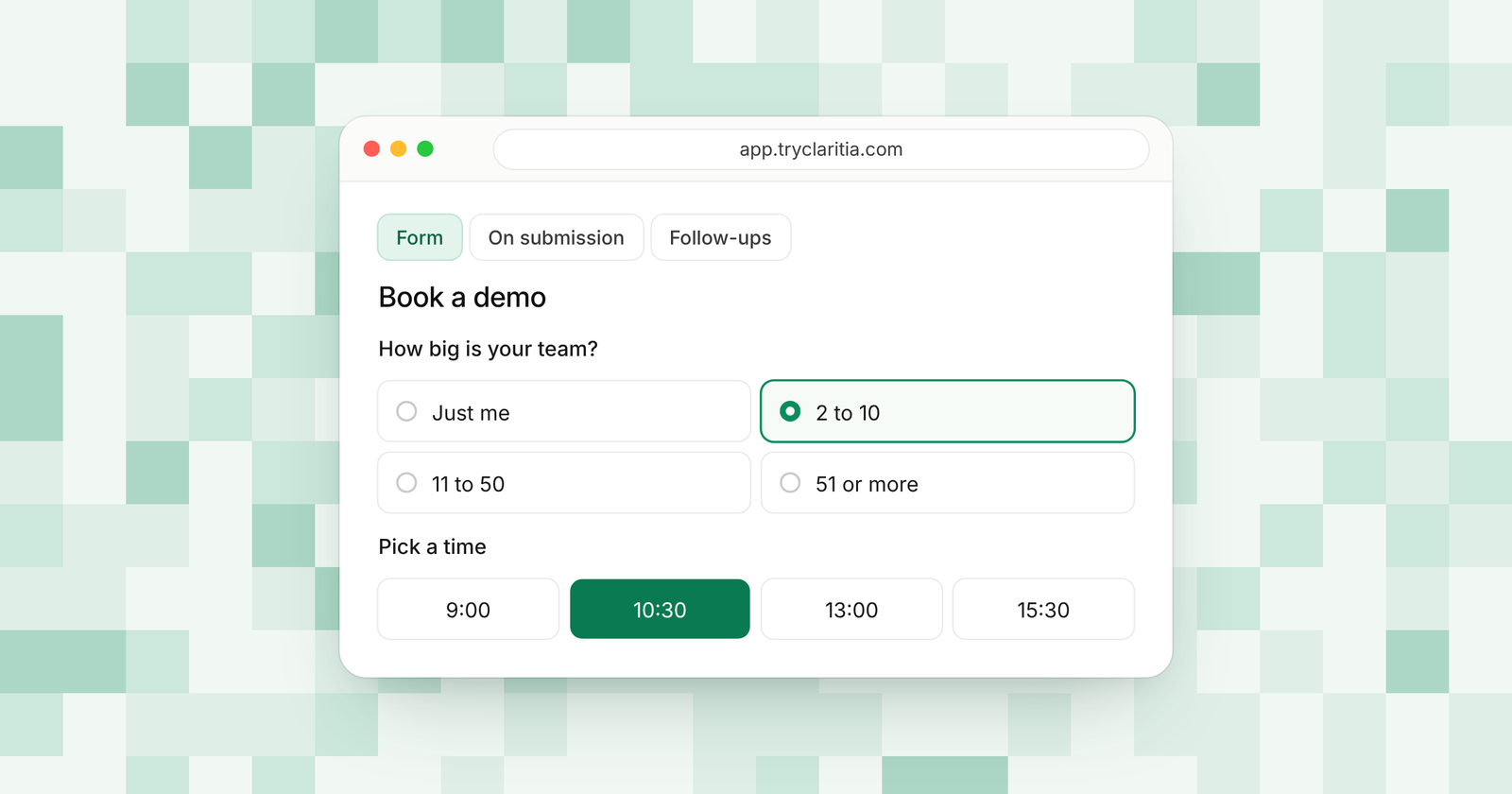
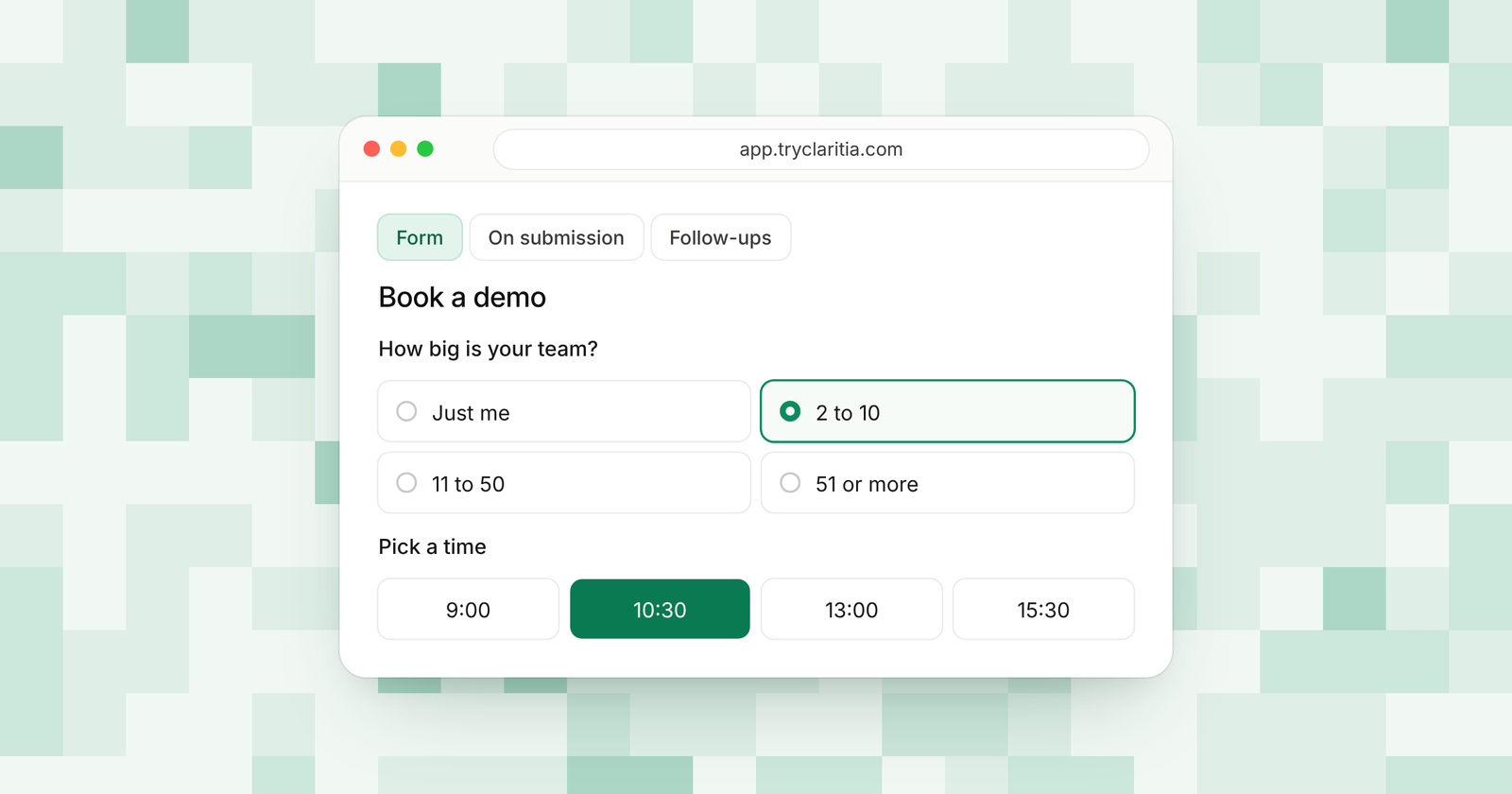
Claritia joins forms and meetings for small teams, with workflows that follow up after. Your client fills in a short form and picks an appointment inside it. You get their answers and the booking together, and reminders go out on their own.
Best for: small teams that get clients from their website and want intake and booking in one step.
What stands out:
- Booking inside the form, so intake questions come before the time slot.
- Confirmation email with a calendar invite, plus reminders a day and an hour before.
- Reschedule and cancel links on every booking, free plan included.
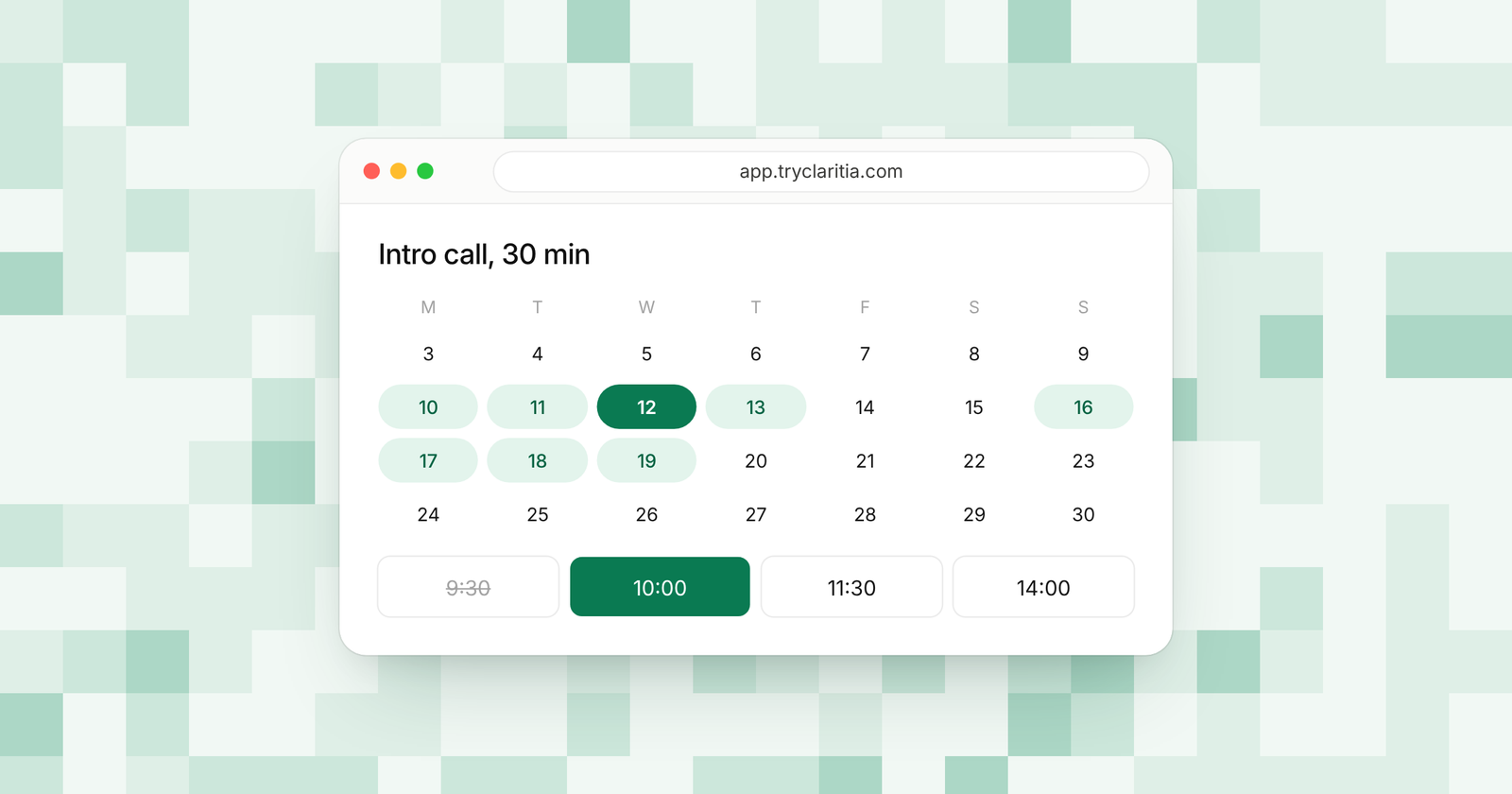
- Working hours, buffers, notice and daily caps keep each day under control.
Where it falls short:
- Text reminders on Pro and Business are coming soon, so today reminders go by email.
- There's no native mobile app, so your front desk works in the browser.
Pricing: Free at $0, Starter $15 a seat a month ($12 billed yearly), Pro $39 ($31) and Business $79 ($63).
Starter adds paid meetings with Stripe or PayPal, plus e-signatures on forms. Pro adds a no-show follow-up that sends the reschedule link, and a thank-you after a held meeting. See Claritia Meetings for the booking side.
2. Acuity Scheduling
Acuity has served appointment businesses for years, and it shows in the details. Every plan comes with intake forms and online payments. Higher plans add a waitlist and HIPAA support.
Best for: therapists and clinics that take payment at booking.
What stands out:
- Custom client intake forms on every plan.
- Payments through Stripe, Square, PayPal and Venmo.
- Standard adds SMS reminders, a waitlist, packages and memberships.
- Premium includes a signed HIPAA agreement and up to 36 calendars.
Where it falls short:
- There's no free plan. You get a 7-day trial with no card needed.
- Text reminders start on Standard at $27 a month billed yearly.
Pricing: Starter $16 a month billed yearly ($20 monthly). Standard is $27 ($34) and Premium $55 ($69).
3. Google Calendar appointment schedules
Google Calendar has a booking page built in. You can make an appointment schedule with a personal Google account or a Workspace account. Some features need an eligible Workspace or Google One plan.
Best for: solo pros who already run their day in Google Calendar.
What stands out:
- Nothing new to learn if you already use Google Calendar.
- It checks your other calendars so slots don't clash.
- Up to five reminders per booking.
- Email checks on bookings and Stripe payments.
Where it falls short:
- You can't create a schedule in the phone app. It needs a web browser.
- Some features sit behind a paid Workspace or Google One plan, and Workspace Business Starter doesn't include booking pages.
Pricing: Free with a Google account for the basics. Paid features: See their pricing page.
4. Microsoft Bookings
Microsoft Bookings comes with many Microsoft 365 business plans. It gives you personal booking pages and shared pages for a team. Online appointments get a Teams meeting link on their own.
Best for: offices that already pay for Microsoft 365.
What stands out:
- Included with Business Basic, Business Standard, Business Premium and Teams Essentials.
- Email and text notifications to cut down on no-shows.
- Shared booking pages with your services and staff.
- Works inside Outlook and Teams as well as on the web.
Where it falls short:
- You need a Microsoft 365 plan that includes it.
- It suits Outlook users best. Google Calendar shops will get less out of it.
Pricing: Included with some Microsoft 365 plans. See their pricing page.
5. YouCanBookMe
YouCanBookMe is known for its long list of settings. You can tune notice periods and protect pages with a password. The free plan is enough to try it.
Best for: solo pros and small teams who want fine control over their booking page.
What stands out:
- A free booking page with your logo and Stripe payments.
- Individual adds email and SMS reminders and group sessions.
- Minimum and maximum notice periods, plus password-protected pages.
- Professional adds automated workflows and a daily meeting cap.
Where it falls short:
- The free plan is capped at 30 bookings a month and shows a "Powered for free" button.
- SMS costs extra on top of the plan.
Pricing: See their pricing page.
6. SimplyBook.me
SimplyBook.me suits businesses with a menu of services and several providers. It gives you a booking website and a widget for your own site. You pay by the number of bookings and providers.
Best for: studios and service shops with many services and staff.
What stands out:
- A free plan with 50 bookings and basic email reminders.
- A booking website plus a WordPress widget.
- Standard covers 500 bookings and 15 providers.
- Premium raises that to 2,000 bookings and 30 providers.
Where it falls short:
- A busy month can push you past your booking cap.
- The free plan has one provider only.
Pricing: Basic $11.90 a month billed yearly ($13.90 monthly). Standard is $24.90 ($29.90) and Premium $49.90 ($59.90).
7. Zcal
Zcal gives a solo user email reminders and payments without a paid plan. It's a good fit for one person who books a mix of calls and sessions. Paid plans add text reminders and team scheduling.
Best for: one person who wants reminders and payments at no cost.
What stands out:
- Automated email reminders on the free plan.
- Custom questions and multiple durations on free.
- Stripe payments on free, with a 3% fee.
- Pro adds follow-up emails and 750 SMS credits a month per user.
Where it falls short:
- The free plan sends one reminder and keeps Zcal branding.
- File uploads on bookings start on Pro.
Pricing: Pro $7 a user a month and Business $12 a user a month, with a 14-day free trial.
8. TidyCal
TidyCal lets you pay once and keep booking. Its free plan already handles group and package bookings. Paid plans add SMS reminders and drop the fee on paid bookings.
Best for: solo pros who want to avoid a monthly bill.
What stands out:
- Unlimited booking types on every plan.
- Paid bookings through Stripe and PayPal on free, with a 1% fee.
- Package and recurring bookings for repeat clients.
- Agency Lifetime adds round robin and 10 SMS reminders a month in the US and Canada.
Where it falls short:
- The free plan connects one calendar.
- Unlimited SMS and no platform fee need Pro.
Pricing: Individual Lifetime $29 once and Agency Lifetime $79 once. Pro is $12 a month or $99 a year.
How to choose
- If clients find you on your website and you want their answers and the booking in one form, pick Claritia.
- If you run a health or wellness practice that needs intake forms and a HIPAA agreement, pick Acuity Scheduling on Premium.
- If you work alone and already live in Google Calendar, start with its appointment schedules.
- If you sell many services across several providers, compare SimplyBook.me's booking caps with your volume.
- If you want text reminders without a monthly plan, look at TidyCal's Agency Lifetime deal.
Questions
What is appointment scheduling software?
It's a tool that shows your open times on a booking page. Clients pick a slot, and the tool adds it to your calendar and sends reminders.
Can clients reschedule on their own?
In most of these tools, yes. Claritia puts reschedule and cancel links in every confirmation, free plan included.
Is Google Calendar enough for booking appointments?
For one person with simple needs, often yes. Once you need intake questions before the slot or several staff members, a dedicated tool like Claritia or Acuity fits better.
Which tools send text reminders?
Acuity sends them from Standard, and Microsoft Bookings sends text notifications. Zcal includes SMS credits on Pro. Claritia sends email reminders today, with text reminders on Pro and Business coming soon.
Can you take payment when a client books?
Yes. Claritia takes payment for meetings from Starter. Acuity takes payment on every plan. TidyCal and Zcal take payments on their free plans for a small fee.
Start booking clients
Set up a booking form with intake questions in a few minutes. Start free, or browse form templates to start from one built for your kind of business.