Best AI Form Builder: 8 Tools That Write Your Form for You (2026)
Compare the best AI form builders of 2026. See what each tool's AI really does, from a form built from one sentence to AI answer analysis, and what it costs.

An AI form builder turns a short description into a working form. You type "a quote request for a cleaning company" and get the questions and field types in seconds. The time you save goes into the part that matters: what happens to each answer.
This post is for small teams comparing AI form builders. Every tool on this list can draft a form from a prompt, so look one step further. Can the AI edit the form after the first draft? Can it read a PDF you already have? Does it help you make sense of the answers? And how many AI uses does your plan include?
How we picked
- What the AI really does. The AI features each vendor lists on its own pages.
- Edits after the first draft. A good AI builder lets you keep shaping the form.
- The form under the AI. Logic and integrations still matter once the draft is done.
- AI limits by plan. How many AI uses each plan includes.
- Price. What you pay for the form tool as a whole.
The quick comparison
| Tool | Best for | Free plan | Paid from | What the AI does |
|---|---|---|---|---|
| Claritia | AI forms that book meetings | Yes, with 100 AI credits | $12 a seat a month, billed yearly | Tia builds a form from a plain sentence |
| Typeform | AI across building and analysis | Yes, with a low response cap | $28 a month, billed yearly | Builds from a prompt and analyzes answers |
| Jotform | A free AI generator | Yes, 5 forms and 100 submissions | $34 a month, billed yearly | Builds from a prompt and edits through chat |
| Fillout | AI that reads your PDFs | Yes, 1,000 responses a month | $15 a month, billed yearly | Builds from a prompt or a PDF and edits in plain words |
| Tally | Targeted AI edits | Yes, unlimited within fair use | $24 a month, billed monthly | Builds from a prompt and rebuilds a screenshot or PDF |
| Paperform | AI form creation on every plan | Yes, 30 submissions a month | $49 a month, billed yearly | Builds forms and helps with calculations |
| Zoho Forms | Turning paper forms into online ones | Yes, 3 forms and 500 submissions | See their pricing page | PDF to form and image to form |
| Google Forms | Quick drafts inside Google Workspace | Yes, for personal use | See their pricing page | Drafts a form or quiz from a prompt |
1. Claritia
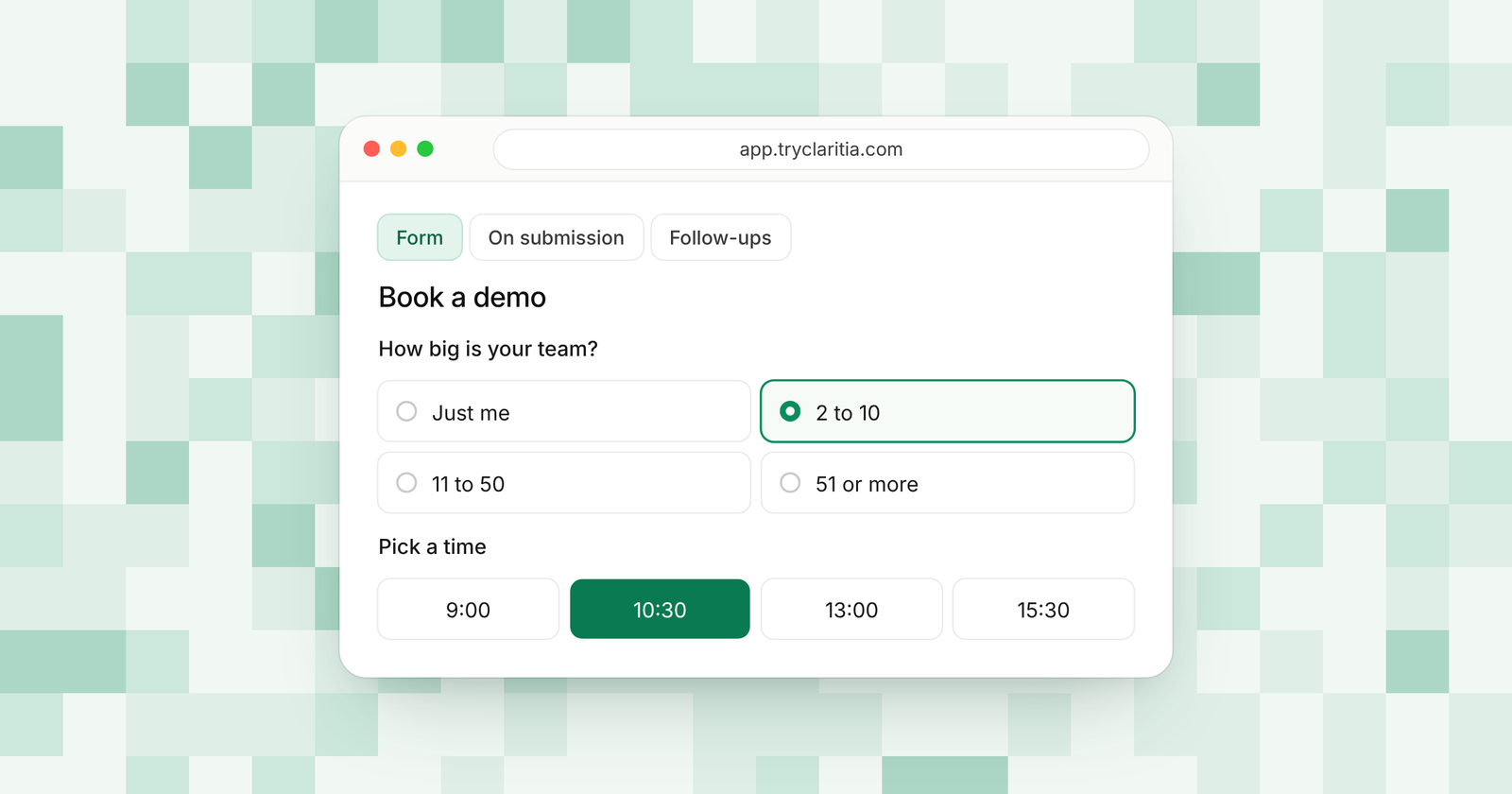
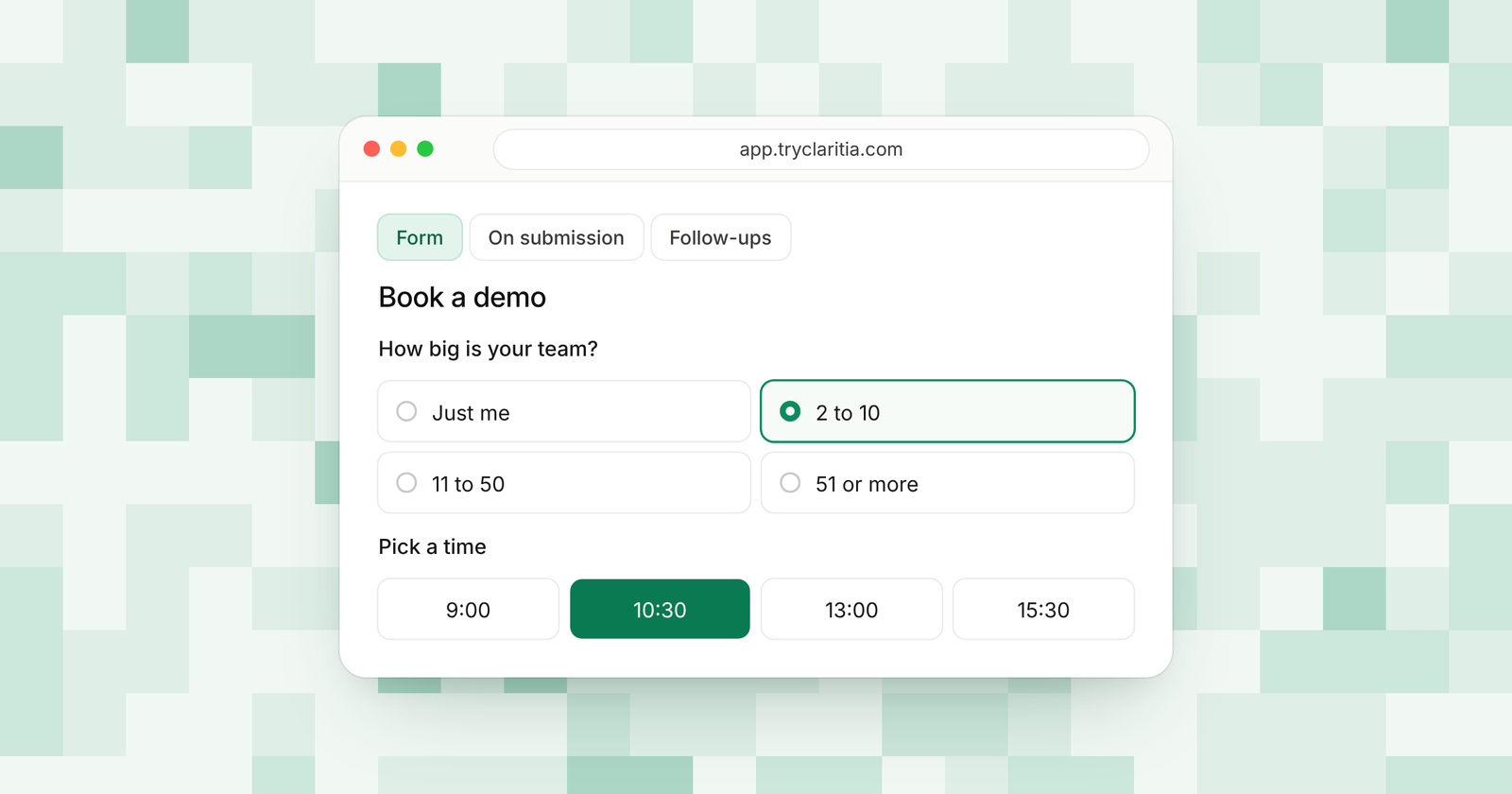
Claritia is a forms and meetings tool for small teams, with workflows that follow up. Tia, its AI form builder, builds a form from a plain sentence. The form it builds comes with the rest of Claritia behind it, from conditional logic to meeting booking inside the form.
Best for: Teams that want an AI-built form to turn into booked meetings.
What stands out:
- Tia builds a form from a plain sentence on every plan, the free one included.
- AI credits on every plan: 100 on Free, 500 on Starter, 2,000 on Pro and 5,000 on Business.
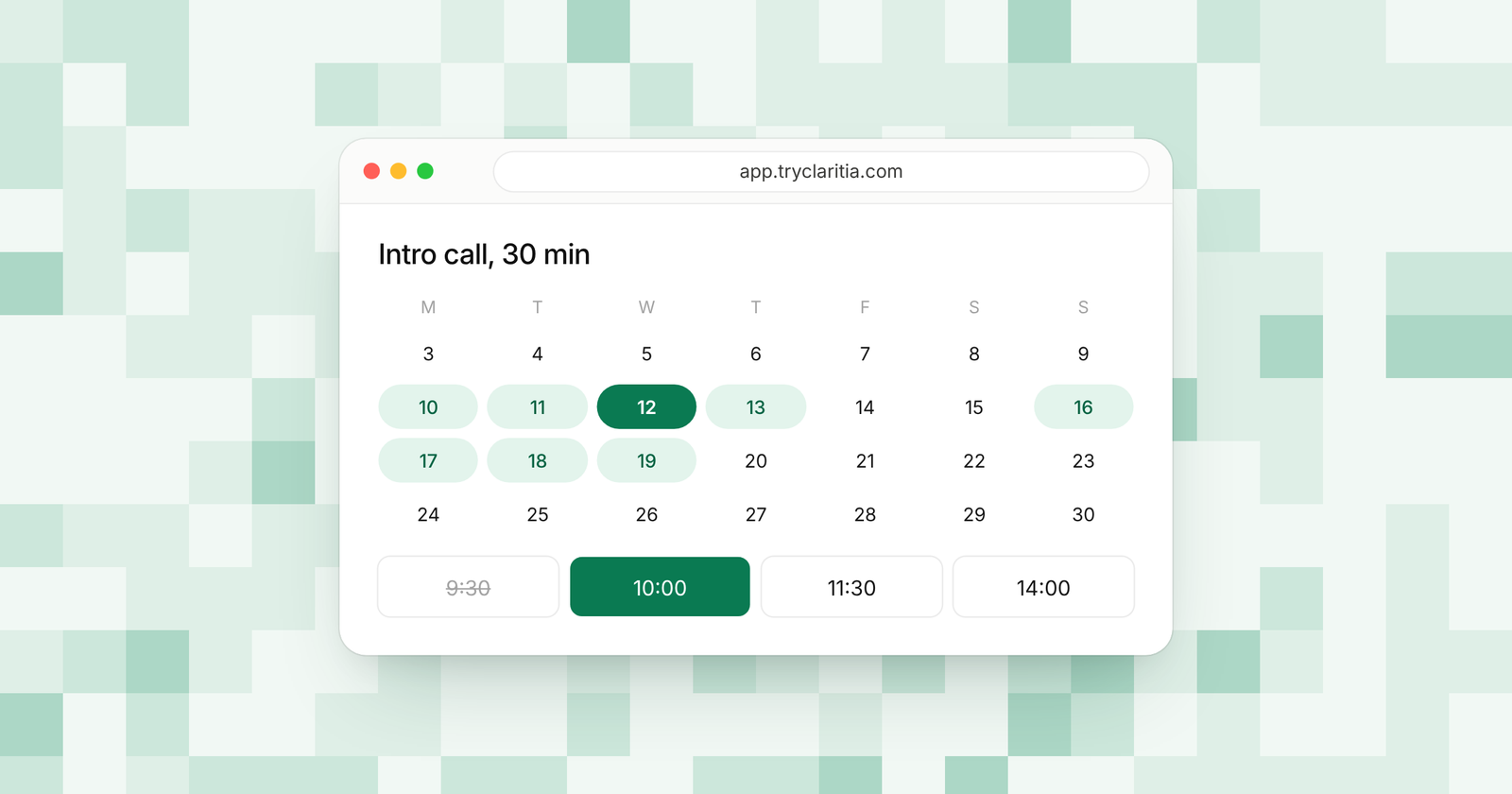
- The form Tia builds can book a meeting with the right person in the same flow.
- 435 form templates and 18 form styles if you would rather start from a design.
Where it falls short:
- Claritia is a newer tool, so its app marketplace and community are smaller than the big names.
- There is no native mobile app.
Pricing: Free is $0, Starter is $15 a seat a month ($12 billed yearly), Pro is $39 ($31) and Business is $79 ($63). Teammates who only build forms or read answers are free.
2. Typeform
Typeform has spread AI across the whole form. It builds a form from one prompt and can translate it into more than 25 languages. On the answer side, it can ask a follow-up when a reply is vague and find themes in open-ended answers.
Best for: Teams that want AI help both before and after the form goes live.
What stands out:
- AI-powered form creation from the Basic plan.
- Clarify with AI asks follow-up questions when an open answer is vague.
- Ask AI answers questions about your data and draws charts.
- Google Forms import and brand matching from a web address.
Where it falls short:
- Response caps are tight: 100 a month on Basic.
- Some AI features sit on specific plans, such as AI results analysis on Business.
Pricing: Basic is $28 a month and Plus is $56 a month, billed yearly. Business costs $91 a month on the same terms.
3. Jotform
Jotform's AI Form Generator creates a form from a text prompt. You then refine it by chatting with the AI inside the form builder, asking for new fields or colors. Jotform says the generator is free to use, with form limits set by your plan.
Best for: Teams that want a free AI generator inside a mature form builder.
What stands out:
- A free AI Form Generator.
- Chat to change fields and design after the first draft.
- Voice input for your prompt.
- AI Agents on every plan, with limits by tier.
Where it falls short:
- The free plan allows 5 forms and 100 submissions a month.
- Paid plans are for a single user until Enterprise.
Pricing: Free Starter plan, then Bronze $34, Silver $39 and Gold $99 a month, billed yearly.
4. Fillout
Fillout's AI form builder is powered by Zite. You describe the form in plain words or upload a PDF, and it writes the questions and picks the inputs. You can ask for changes in plain language, and nothing goes live until you publish.
Best for: Teams with old PDF forms they want online fast.
What stands out:
- Builds a form from a prompt or a PDF.
- Edits in plain language, plus a design mode for hands-on changes.
- Applies your brand to the draft.
- A free plan with 1,000 responses a month for the forms themselves.
Where it falls short:
- The AI builder page lists 50 AI credits a month free and leaves paid credit amounts unstated.
- The free plan shows a Fillout badge.
Pricing: Free at $0, then Starter $15, Pro $40 and Business $75 a month, billed yearly.
5. Tally
Tally AI generates a form from a plain-language prompt. Inside a form, you click "Ask AI" and describe a change, and Tally says it makes targeted edits without rewriting the whole form. You can also upload a screenshot or PDF, and it recreates the form.
Best for: People who want AI help on a free form builder with no submission cap.
What stands out:
- Targeted edits that leave the rest of the form alone.
- Rebuilds a form from a screenshot or PDF.
- Understands prompts in any language and writes back in that language.
- Tally says your forms and submissions are never used to train AI models.
Where it falls short:
- Partial submissions need Pro.
- Native integrations are fewer, so many teams use Zapier or Make.
Pricing: Pro is $24 a month and Business is $74 a month, billed monthly. Yearly billing gives two months off.
6. Paperform
Paperform includes AI form creation on every plan, the free one included. On Pro and up, an AI calculations assistant helps you build formulas, and AI report insights help you read results. Its AI workflow building is on every plan too.
Best for: Teams that want AI help with calculations and reports.
What stands out:
- AI form creation on every plan.
- A calculations assistant on Pro and up.
- AI report insights on Pro and up.
- Conditional logic and an appointment field on every plan.
Where it falls short:
- The free plan allows 30 submissions a month.
- The AI extras for reports and calculations need a paid plan.
Pricing: Pro $49 and Business $124 a month, billed yearly ($59 and $149 billed monthly).
7. Zoho Forms
Zoho Forms has a broad set of AI tools under its Zia assistant. Its pricing page lists AI forms, PDF to form, image to form and smart scan, plus content and choice suggestions. AI use runs on credits, and you can buy more as an add-on.
Best for: Teams turning paper or PDF forms into online forms.
What stands out:
- PDF to form and image to form.
- Zia suggests content and answer choices.
- Language translation for your forms.
- Extra AI credits sold as an add-on.
Where it falls short:
- The pricing page leaves it unclear how many AI credits each plan gets.
- The free plan allows 3 forms.
Pricing: See their pricing page.
8. Google Forms
Google Forms now has "Help me create a form," powered by Gemini. You describe the form and review the draft before you create it. It can also draft a quiz and pull context from your Docs, Sheets, Slides and PDFs.
Best for: Teams on Google Workspace that need a quick internal form.
What stands out:
- Drafts a form or a quiz from a prompt.
- Uses your Google files as context.
- Google Forms itself is free for personal use.
- Answers flow into Google Sheets.
Where it falls short:
- The AI feature needs an eligible Google Workspace or Google AI plan.
- Google says it can't edit an existing form or build forms with multiple sections.
Pricing: Free for personal use. See their pricing page for Workspace plans.
How to choose
- If you want an AI-built form that books meetings with the right person, pick Claritia.
- If you want AI to help read your answers as well as build the form, pick Typeform.
- If you have old PDF forms to bring online, pick Fillout or Zoho Forms.
- If you want AI edits on a free plan with no submission cap, pick Tally.
- If you need a quick internal form and already pay for Google Workspace, use Google Forms.
Questions
What is an AI form builder?
An AI form builder creates a form from a short description. You type what you need, and the AI writes the questions and picks the field types. You then edit the draft before you share it.
Are AI form builders free?
Many have a free option. Claritia includes 100 AI credits on its free plan. Jotform says its AI generator is free to use.
Can an AI form builder turn a PDF into a form?
Some can. Fillout and Tally both list PDF uploads on their own pages, and Zoho Forms lists PDF to form. Google Forms can use a PDF as context for a draft.
Will the AI build conditional logic for me?
It depends on the tool. Most AI builders draft the questions first. In Claritia, you can add conditional logic and step skips to the form Tia builds on any plan.
What should I check before picking an AI form builder?
Look past the first draft. Check how many AI uses your plan includes and what happens to each answer after the form.
Get started
Describe your form in one sentence and let Tia build it. Start free. You can also see Claritia forms or compare plans on the pricing page.